Quick answer
To troubleshoot a dead outlet, first unplug devices and check for burning smells, heat, sparks, or water. Then test a nearby outlet, reset a tripped breaker once, and press the reset button on nearby GFCI outlets. If the outlet is damaged, the breaker trips again, or wiring looks burned or loose, stop and call a licensed electrician.
Key takeaways
- Rule out a device or power-strip problem before touching the electrical system.
- Reset the breaker fully to OFF, then ON, but do not repeatedly reset it.
- Check nearby GFCI outlets because one device can interrupt power elsewhere.
- Never remove an outlet cover or open a panel unless you are qualified to do so.
- Heat, buzzing, scorch marks, water, or repeated trips require professional attention.
Start with safety, not diagnosis
A dead outlet is often caused by a tripped breaker or GFCI, but the symptom can also point to a loose connection, damaged receptacle, or overloaded circuit. The safest approach is to identify what you can check without exposing wiring. You do not need to remove the outlet plate, pull the receptacle from the wall, or touch anything inside the electrical panel beyond operating the breaker handle.
Before troubleshooting, unplug lamps, chargers, tools, and appliances from the affected outlet. If you notice smoke, a burning odor, crackling, visible sparks, water near the outlet, a hot wall plate, or discoloration, do not continue. Keep away from the area and contact a qualified electrician. If there is active smoke or fire, leave the home and call emergency services.
Work through these checks in order
1. Confirm that the outlet—not the device—is the problem
Plug a small device you know works, such as a lamp, into the outlet. If it does not turn on, try that same device in a different outlet. Also check whether a power strip, extension cord, or appliance switch is turned off. This simple comparison prevents you from troubleshooting household wiring when the actual problem is a failed bulb, charger, or cord.
Test a second outlet nearby. If only one receptacle is affected, the problem may be limited to that outlet or its connections. If several outlets or lights are out, the cause is more likely a breaker, GFCI, or broader circuit issue.
2. Look for a tripped breaker
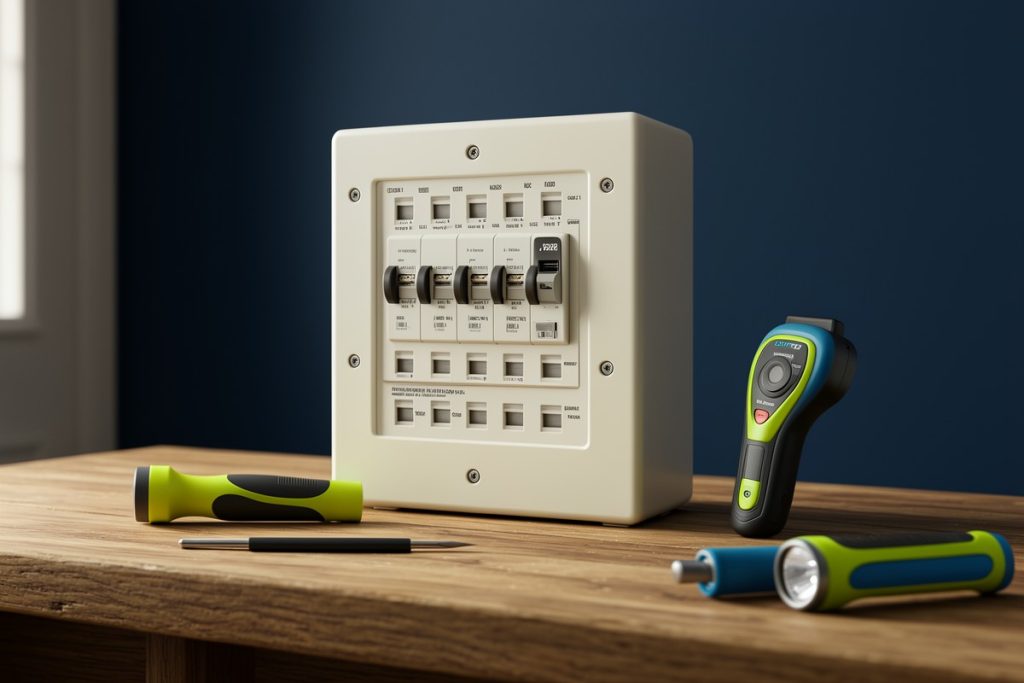
At the electrical panel, find a breaker that is not aligned with the others or appears slightly between the ON and OFF positions. Some breakers provide a visual indicator, but do not rely on labels alone. Stand to the side of the panel, keep your hands dry, and operate only the breaker handle.
Move the suspected breaker firmly to OFF, then back to ON once. A breaker that has tripped may not reset unless it is moved fully to the OFF position first. If it trips again immediately, leave it off. Repeated trips are a warning that the circuit may have an overload, short circuit, ground fault, or damaged appliance.
3. Reset nearby GFCI outlets
Ground-fault circuit interrupter, or GFCI, outlets are commonly installed in bathrooms, kitchens, garages, laundry areas, basements, outdoor locations, and other damp areas. A GFCI can cut power to itself and other outlets farther along the circuit. The responsible reset button may therefore be in a different room from the dead outlet.
Look for an outlet with TEST and RESET buttons. With dry hands and no obvious damage, press RESET firmly. If it clicks and power returns, reconnect devices one at a time. If the GFCI will not reset, trips immediately, or shows heat or damage, stop using that circuit and arrange an inspection.
4. Inspect the outlet without opening it
With power still off if you are unsure of the circuit’s condition, look at the outlet face and cover plate. Warning signs include cracks, black or brown marks, melted plastic, a loose plate, a plug that falls out easily, or a warm surface. Do not test a damaged receptacle by plugging in another appliance. Do not remove the cover to inspect the wiring; a circuit can remain energized if the wrong breaker was switched off, and nearby conductors may still carry power.
Quick troubleshooting checklist
| What you notice | Safe next step |
|---|---|
| One device fails in one outlet | Test the device elsewhere, then check the breaker and nearby GFCI. |
| Several outlets are out | Check the breaker and GFCI outlets serving nearby rooms. |
| Breaker trips once | Unplug high-load devices and reset the breaker once. |
| Breaker or GFCI trips again | Leave it off or reset, stop troubleshooting, and call an electrician. |
| Heat, odor, buzzing, scorch marks, or water | Do not use the outlet; seek professional help promptly. |
Know when a professional is needed
Call a licensed electrician when the basic reset checks do not restore power, especially if the issue keeps returning. Professional help is also appropriate when a breaker trips under ordinary use, a GFCI will not reset, an outlet feels hot, or you hear buzzing or crackling. These symptoms can indicate conditions that are not safely solved by replacing a device or using a higher-rated breaker.
Do not install a larger breaker to stop nuisance trips. The breaker protects the wiring, so increasing its rating without evaluating the circuit can create a fire hazard. Avoid using extension cords as a permanent solution, and never bypass a GFCI or use an outlet that is loose, cracked, wet, or visibly burned.
If you want background before speaking with an electrician, Wiring: A Homeowner’s Guide can serve as a general reference for household wiring concepts and questions to ask. It should supplement—not replace—an on-site evaluation, electrical code requirements, or professional repairs.
Prevent the problem from returning
Spread high-wattage appliances across appropriate circuits instead of running several heat-producing devices from one outlet or power strip. Keep cords and receptacles dry, replace damaged cords, and avoid forcing plugs into loose outlets. Test GFCI protection according to the device instructions, and keep the electrical panel accessible rather than covering it with storage.
When a particular appliance repeatedly trips a breaker or GFCI, unplug it and have the appliance checked. If problems began after renovation, water damage, flickering lights, or a new high-load appliance, mention that history to the electrician. Those details can make diagnosis faster and more accurate.
Last reviewed: 2026-09-04