Quick answer
EU USB-C rules are making a common charging port more widespread, but they do not make every USB-C accessory automatically compatible. In 2026, shoppers still need to check power delivery, video output, data support, device compatibility, and cable requirements. A converter can simplify a specific setup, but its product description is only a starting point—not proof that it will support every phone, laptop, console, or pair of smart glasses.
Key takeaways
- The EU’s common-charger rules apply to many portable electronics sold in the European Union, with laptops included from April 28, 2026.
- USB-C describes a connector shape, not guaranteed charging speed, data performance, or display support.
- Power Delivery can negotiate different power levels, but a device, charger, cable, and adapter must all support the needed specification.
- Converters are most useful when their host device, accessory, power path, and display requirements are clearly matched.
Why USB-C compatibility is a current issue in 2026
USB-C has moved from a specialist connector to a standard feature across phones, tablets, laptops, handheld gaming devices, cameras, and other portable electronics. That shift is partly driven by consumer convenience and partly by regulation. The European Union’s Common Charger Directive requires USB-C charging support for a broad group of portable devices placed on the EU market. The requirement for laptops takes effect on April 28, 2026.
The policy is intended to reduce charger waste and make it easier for people to reuse charging equipment. It does not mean that one cable or one adapter will deliver the same result across every device. A USB-C port may support charging only, charging plus data, or charging plus video output. Those differences are easy to miss because the physical connector looks nearly identical.
That distinction matters for readers buying new technology accessories. The real question is not simply, “Does this have USB-C?” It is, “Which USB-C functions does this setup support?”
USB-C is a connector, not a complete feature promise
USB-C identifies the reversible connector and port format. It does not, by itself, guarantee a particular charging wattage, data-transfer rate, display mode, or compatibility with an external accessory.
USB Power Delivery is a separate capability that allows compatible devices and chargers to negotiate power requirements. The USB Implementers Forum explains that USB PD can support power delivery and data over one connection, with newer specifications extending possible power levels substantially. That does not mean every USB-C port, cable, hub, or converter supports the maximum available level.
Video support introduces another layer. Some laptops and mobile devices can send display signals through USB-C, while others use the port only for charging and ordinary data. A converter intended for AR glasses or an external display may therefore work with one host device and fail to produce an image on another, even when both use USB-C.
Consumers should also distinguish between an adapter that passes an existing signal and one that actively converts between standards. Product descriptions may use terms such as “converter,” “hub,” or “adapter” differently. The technical details—not the name alone—determine what it can do.
What the EU rules change—and what they do not
The EU directive creates a more consistent charging interface for covered categories. It also supports the option of selling certain devices without a bundled charger, allowing buyers to reuse equipment they already own. That may reduce duplicate chargers, but it places more responsibility on shoppers to understand the capabilities of their existing accessories.
The rules apply to manufacturers and products placed on the EU market; they are not a universal certification that every USB-C accessory will work with every USB-C device. A product can comply with charging-port requirements while still having limited data or display functionality.
This is especially relevant for portable gaming and wearable-display setups. A console or phone may provide enough power for basic operation but not enough for a demanding accessory. Another device may support video output but require a particular cable or charging arrangement. Regulatory standardization makes the connector more common; it does not eliminate the engineering differences between devices.
A practical compatibility checklist before buying an adapter
Use this checklist for a USB-C hub, converter, or charging adapter:
- Identify the host device: Check the exact phone, laptop, handheld console, or tablet model rather than relying on the device family name.
- Confirm the accessory input: Verify whether the connected glasses, display, dock, or peripheral requires USB-C video, a specific alternate mode, or another signal type.
- Check power requirements: Look for the required charger wattage and whether power must enter through the adapter, the host device, or a separate port.
- Review cable specifications: Some USB-C cables support charging but not the data or video functions needed for the setup.
- Look for explicit compatibility information: Treat a broad device list as a useful lead, not a substitute for model-specific confirmation.
- Plan for returns: Buy from a seller with a clear return policy if the manufacturer does not publish a detailed compatibility list.
Where the listed adapter may fit
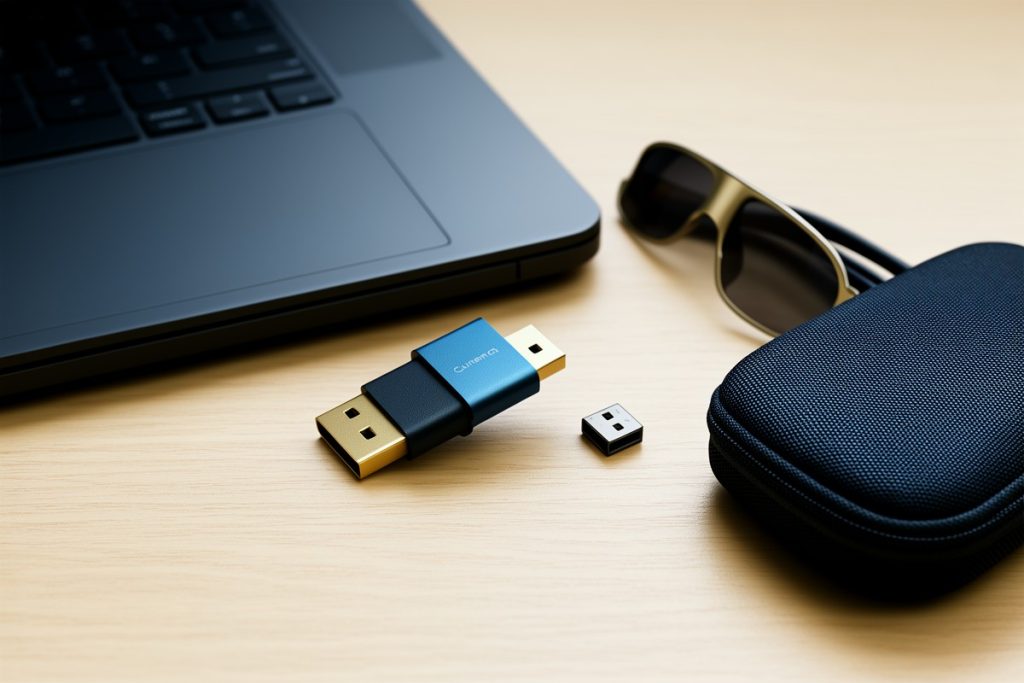
The Ubrokeifixit USB-C Hub Host to AR Glasses Converter Charging Adapter is listed for use with mobile phones, the Steam Deck, the first-generation Nintendo Switch, the ROG Ally, and laptops. That makes it relevant to a practical problem created by increasingly compact devices: connecting a host device to an AR-glasses setup while also accommodating charging.
However, the listing description alone does not establish universal compatibility, supported power levels, video standards, cable requirements, or performance with every model named. A buyer should compare the exact host-device specifications with the adapter’s technical details before ordering. For a phone or gaming device, the key questions are whether its USB-C port supports the required display output and whether the adapter can maintain charging while the accessory is connected.
It is also worth checking whether the setup needs a wall charger with USB Power Delivery, a particular cable, or a separate power source. An adapter cannot add a display signal that the host device does not provide, and it cannot make an underpowered charger meet a device’s requirements. Those limitations are normal compatibility considerations, not evidence that the EU rules have failed.
What shoppers should expect next
As more products adopt USB-C, accessory descriptions will likely become more important, not less. A common port makes basic charging simpler, but advanced uses—external displays, AR glasses, docks, fast charging, and high-speed storage—still depend on the underlying standards.
The most reliable buying habit is to treat USB-C as the beginning of the research process. Confirm the host device’s supported functions, match the charger and cable, and look for documentation that addresses the exact connection you want to make. If those details are unavailable, choose an accessory with a clear return route rather than assuming that a familiar connector guarantees a successful setup.
Last reviewed: 2026-09-18