Quick answer
To watch a congressional hearing live on an iPhone, begin with the official House or Senate committee schedule, open the committee’s authorized video stream, and keep the hearing details nearby for context. For longer sessions, a compatible external display or XR setup can reduce phone fatigue. Afterward, use the official record and committee materials to review what happened.
Key takeaways
- Use the official committee schedule instead of relying on social-media clips or reposted streams.
- Record the committee, hearing title, date, witnesses, and scheduled start time before viewing.
- A second display can make long hearings easier to follow, but compatibility depends on the iPhone, adapter, cable, and display.
- Separate what was said during the hearing from what was formally adopted or recorded afterward.
Author: Milo Zhang, Event-Impact Interpreter
Congressional hearings can be difficult to follow on a phone. A hearing may run for hours, speakers may change quickly, and the most important context is often found in the agenda or witness list rather than in the video itself. A simple setup helps you watch the live event while keeping enough information nearby to understand who is speaking and why the hearing matters.
Start with the official hearing schedule
The first step is identifying the event, not searching for a random video link. Congressional committees publish schedules that can change as hearings are added, postponed, or moved. Start with the official House committee meeting information for House proceedings or the Senate committee schedule for Senate proceedings.
Before opening the stream, note five details:
- Which chamber and committee are holding the hearing
- The exact hearing title
- The scheduled date and start time, including the time zone
- The witnesses or participating officials
- Whether the event is listed as a hearing, markup, briefing, or business meeting
This distinction matters. A hearing generally gathers testimony and questioning. A markup is where committee members may debate or amend legislation. A briefing may be informational without following the same format. Knowing the event type gives you a more realistic expectation of what you are watching.
Match each question to the right official source
No single page always contains the full story. Use the schedule for timing, the committee page for event materials, and the formal congressional record for floor proceedings. This keeps the viewing experience organized without expecting a live video to answer every question.
| What you need | Best place to look | What to expect |
|---|---|---|
| When and where the event occurs | House or Senate committee schedule | Meeting title, date, time, and committee information |
| Who is testifying | Committee event page | Witness names, testimony, notices, or supporting materials when posted |
| What happened on the floor | Congressional Record | Official records of House and Senate floor proceedings |
Some committee pages provide live video, while others direct viewers to a separate congressional video service or publish a recording later. If a stream is unavailable at the scheduled time, avoid assuming the event was canceled. Check the committee’s own page for an update or a later recording.
Choose a comfortable iPhone viewing setup
For a short hearing, an iPhone on a stand may be enough. Place it at eye level, connect to reliable Wi-Fi or cellular service, and keep the device plugged in if the session is expected to last more than an hour. Headphones can make testimony easier to hear, especially when several people are speaking in a large room.
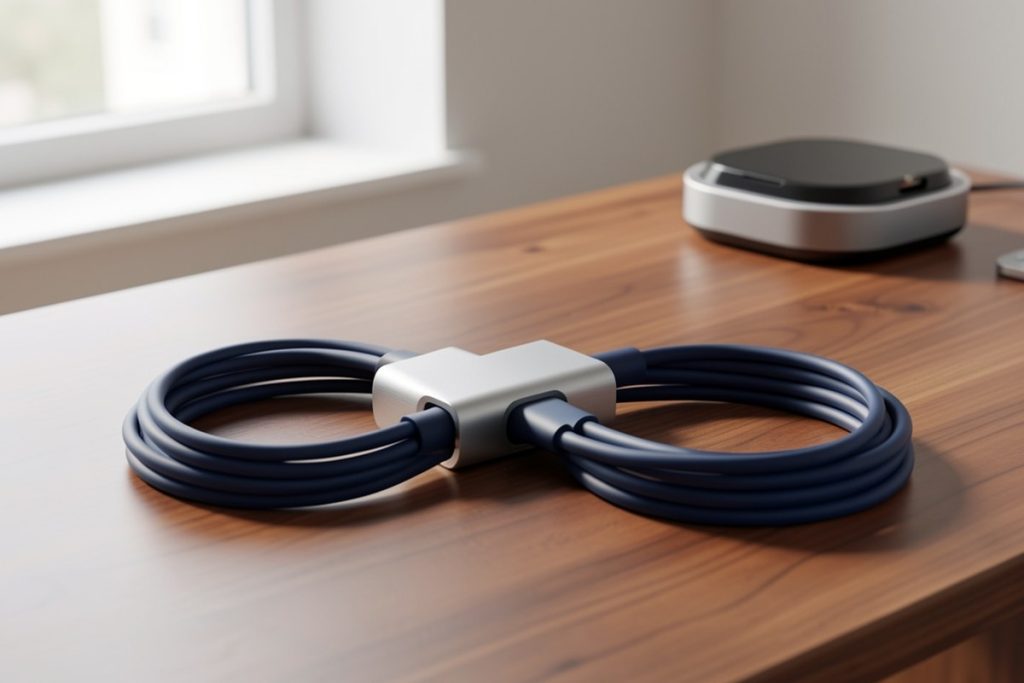
For a longer session, consider whether you need a conventional external monitor, a television, or an XR display. Apple explains that a compatible iPhone can connect to a secondary display with the appropriate adapter and cable, and that some adapters allow the phone to charge while connected. Compatibility varies by iPhone model and connection type, so check the device and display requirements before buying anything.
For readers specifically exploring an XR-oriented, multi-screen arrangement, the catalog-listed VITURE USB-C Pro XR Charging Adapter may be worth researching. As an Amazon Associate, GetWitty may earn from qualifying purchases. It is an accessory, not a news source, and it does not remove the need for compatible hardware, cables, power, or display equipment. Confirm current specifications and compatibility for your exact setup before purchasing.
A second display is useful when you want the hearing video on one surface and the agenda, witness biography, or your own notes on another. It is not necessary for watching the hearing, and an XR setup may add complexity that is not worthwhile for occasional viewing.
Follow the hearing without losing its structure
Live congressional events are easier to understand when you treat them as a sequence rather than a continuous stream of sound. At the beginning, identify the chair, the committee’s stated purpose, and the order of witnesses. During questioning, note which member is asking the question and whether the witness is answering directly, deferring, or requesting more information.
Use a short note format:
- Speaker: who is talking
- Topic: the policy or event being discussed
- Claim: the main assertion or concern
- Follow-up: what document, agency action, vote, or future hearing could clarify it
This method prevents a dramatic exchange from becoming the entire takeaway. It also helps distinguish testimony from committee action. A witness may describe a problem, propose a solution, or dispute another account, but that does not necessarily mean the committee has adopted a policy or reached a final finding.
Use a three-minute prehearing checklist
- Open the official House or Senate schedule.
- Confirm the committee, hearing title, date, and start time.
- Save the official event page or recording page.
- Check whether testimony or witness information is available.
- Plug in the iPhone and test audio before the hearing begins.
- Decide whether one device is sufficient or a second display would improve comfort.
After the hearing, write a two-sentence summary: first, what the committee examined; second, what concrete next step was mentioned. Then revisit the official committee materials or Congressional Record when the distinction between testimony and formal congressional action matters.
What to do when the live stream ends
A hearing’s conclusion is often the start of the useful part. Review the published materials when you need exact names, dates, figures, or quotations. If the hearing concerns legislation, track the bill separately through Congress.gov because a hearing does not by itself mean that a bill passed or became law.
For a quick public-facing summary, keep three layers separate: what officials said, what the committee did, and what happens next. That structure produces a clearer account than repeating the most memorable moment from the broadcast. It also makes your notes useful later, when the issue returns in another hearing, vote, agency decision, or public statement.
Last reviewed: 2026-08-17