Quick answer
AI voice tools can turn a meeting recording into a searchable transcript and draft summary, but the reliable workflow is capture, verify, then act. Get consent, record only necessary audio, and give the tool a focused prompt. Afterward, check names, numbers, decisions, owners, and deadlines against the recording before sharing notes or updating a task system.
Key takeaways
- Prepare a clear agenda and glossary before recording.
- Use AI output as a draft, not an authoritative meeting record.
- Verify decisions, names, dates, and assigned tasks against the audio.
- Check consent, retention, access, and deletion settings before capturing sensitive conversations.
By Mia Chen, Warm Tech Translator
Why AI meeting notes need more than a recording
Transcription is useful because it reduces the pressure to remember every detail while participating in a conversation. It can also make a long discussion easier to search later. But a transcript is not automatically a good set of meeting notes. It may preserve every tangent while failing to highlight the one decision that matters.
Summarization adds another layer of uncertainty. An AI system may produce a polished paragraph that sounds confident even when the source audio is unclear. Background noise, overlapping speakers, unfamiliar names, technical terms, and vague commitments can all create errors. The goal is not to remove human judgment. It is to move human judgment to the parts of the process where it matters most.
A five-step workflow for reliable AI notes
1. Prepare the conversation
Before the meeting begins, write down the purpose, expected decisions, and participants. This gives you a simple standard for judging the eventual summary. If the conversation includes product names, acronyms, customer names, or specialist vocabulary, prepare a short glossary. Even a few correct spellings can make the output easier to clean up.
Decide what should not be recorded. A confidential side conversation, personal information, or sensitive customer detail may not belong in an AI note-taking workflow at all. Recording less is often safer than trying to redact everything afterward.
2. Get permission and capture clearly
Tell participants that audio is being recorded, explain why, and follow the rules that apply to your location, workplace, and industry. Consent requirements vary, so do not assume that a meeting invite alone answers the question. If someone objects, offer a non-recorded alternative such as shared notes or a brief written recap.
During the meeting, place the recording device where voices can be captured without obstructing the conversation. Reduce avoidable noise, pause side discussions, and ask people to identify themselves when a decision or important correction is made. These small habits help both the transcript and the people reviewing it later.
3. Ask for a useful first draft
A vague request such as “summarize this meeting” usually produces a generic result. Give the tool a structure. Ask it to separate decisions, open questions, action items, risks, and unresolved disagreements. You can also request that uncertain words be flagged rather than silently guessed.
A practical prompt might be: “Create a concise summary with four sections: decisions, action items with owners and due dates, unanswered questions, and statements that need verification. Do not infer an owner or deadline when the recording does not make one clear.”
For lectures or interviews, the categories will differ. You might ask for key concepts, examples, definitions, and follow-up questions. The same principle applies: describe the output you need instead of accepting the tool’s default format.
4. Verify the high-impact details
Do not proofread every sentence with equal intensity. Focus first on details that could cause operational, financial, legal, or reputational problems. Check names, numbers, dates, commitments, quoted statements, product specifications, and anything that changes the meaning of a decision.
Compare each action item with the recording. Was a person actually assigned, or did someone merely volunteer to investigate? Was Friday a firm deadline or an example? Did the group approve a proposal, or agree only to discuss it again? AI-generated notes often flatten these distinctions, so the original audio remains important when the stakes are high.
5. Turn the draft into action
A meeting summary becomes valuable when it changes what happens next. Send a short, readable version to participants, invite corrections, and move confirmed tasks into the system your team already uses. Keep unresolved issues visible rather than burying them in a long transcript.
For recurring meetings, use the same headings each time. Consistency makes it easier to compare progress, spot repeated blockers, and identify decisions that were discussed but never completed. You can archive the full transcript separately if your retention policy allows it.
When an AI mouse or recorder makes sense
Some people lose useful information because starting a recording is awkward, especially when they are already taking part in a discussion. A hardware shortcut may fit a desk-based workflow if it makes capture easier without requiring a phone or a separate recorder.
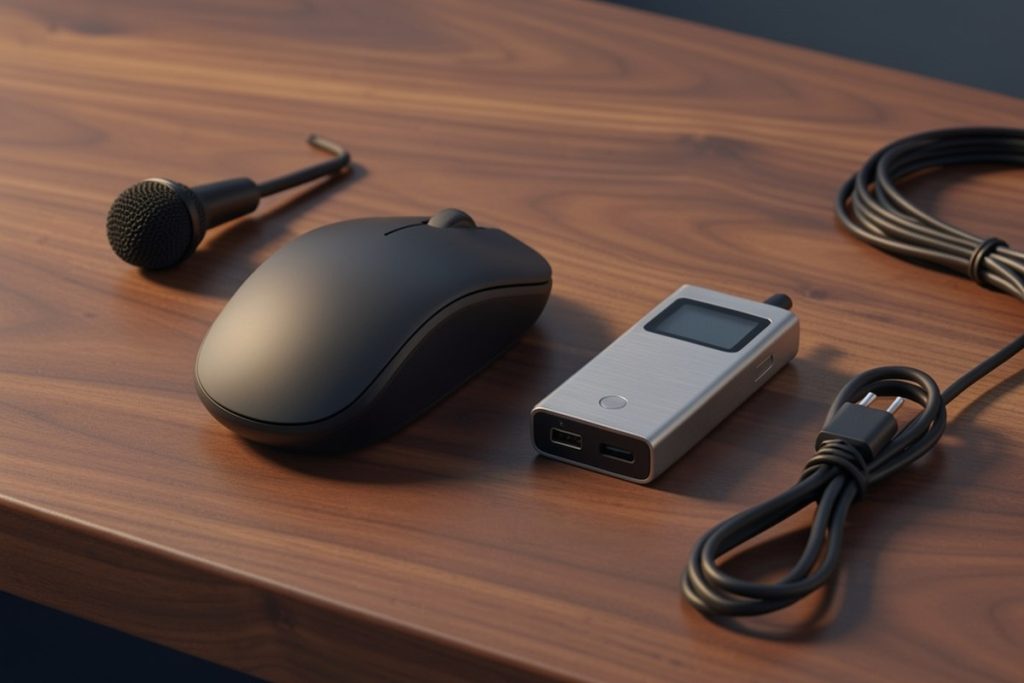
The Virtusx Jethro AI Mouse – Voice & Audio Recorder for Lecture & Meeting, Centralized Software with Voice Typing, Writing Tools, Transcribe, Translate & Summarize, Wireless Mouse for Computer, Laptop listing describes a wireless mouse paired with centralized software for voice typing, writing tools, transcription, translation, and summarization. Those features make it relevant for people who work mainly at a computer and want capture, transcription, and editing in one workflow.
That description is not a guarantee of accuracy or compatibility. Before choosing a device, confirm its operating-system requirements, application setup, supported languages, storage method, battery behavior, and privacy controls. Also consider whether the recorder can be activated accidentally and how easily audio can be deleted. If you rarely record meetings, a basic recorder or existing computer software may be simpler and less expensive.
Protect the conversation after transcription
Audio can contain more sensitive information than the final summary. It may reveal personal details, private opinions, customer information, or incidental comments that nobody intended to circulate. Decide who can access recordings and transcripts, how long they should be retained, and when they should be deleted.
Review the provider’s data practices rather than assuming that a feature called “AI” explains everything. Look for information about storage, encryption, account access, human review, model training, exports, and deletion. For workplace use, involve the person responsible for security or data protection before introducing a new tool into customer or employee conversations.
NIST’s AI risk guidance is useful here because it encourages organizations to identify context, assess potential harms, and manage risk throughout an AI system’s use. The practical takeaway is simple: the right tool depends not only on its features, but also on what you are recording and who may be affected.
Five-minute pre-share checklist
- Did everyone who needed to know about the recording receive a clear notice?
- Are the names, dates, numbers, decisions, and deadlines correct?
- Does every action item have a confirmed owner?
- Are guesses and uncertain transcript passages marked for review?
- Does the summary exclude unnecessary personal or confidential information?
- Have you shared the notes only with the people who need them?
The best use of AI notes
AI voice tools work best as an attention aid, not as a replacement for participation. They can handle the first pass of transcription, organization, and summarization while you focus on listening and contributing. The human-owned steps are permission, context, verification, and follow-through.
If you build those steps into the workflow, even a modest voice tool can reduce the time spent reconstructing conversations. If you skip them, a fast and polished summary can simply make incorrect information easier to trust.
Last reviewed: 2026-08-24