Quick answer
To choose a reliable café workspace abroad, test it before committing: confirm the Wi-Fi name, check mobile signal, locate an outlet, listen for call-level noise, and make sure you can work without blocking staff or other customers. Use a hotspot for sensitive tasks, enable multi-factor authentication, keep your session time-boxed, and leave when the environment stops supporting the work.
Key takeaways
- Choose a café based on the work you need to finish, not just its view or atmosphere.
- Spend ten minutes testing connectivity, noise, seating, and power before settling in.
- Treat public Wi-Fi as a convenience, not a private office network.
- Plan one clear deliverable and keep a backup workspace nearby.
By River Nakamura, Global Nomad Storyteller
Choose the café for the work, not the view
A beautiful café is not automatically a useful office. The right choice depends on the task you are carrying that day.
For focused writing, editing, or planning, look for a café with steady background noise, comfortable seating, and enough table space to work without constantly moving your belongings. For short administrative tasks, almost anywhere can work if the connection is stable. For video calls, however, a café may be the wrong setting altogether. Background music, espresso machines, and nearby conversations can make even a strong call difficult.
Before you sit down, observe the room for a few minutes. Notice whether customers are staying for an hour or leaving quickly, whether staff are actively clearing tables, and whether outlets are intended for customer use. If you are unsure, ask politely. A short question is better than assuming a socket or occupying a table during a busy period.
Run a ten-minute reliability test
Do not order a second drink before you know the space can support your work. A brief test prevents the common digital-nomad failure of discovering a dead outlet or unusable connection halfway through an important task.
| Check | What to look for | Fallback |
|---|---|---|
| Wi-Fi | Confirm the exact network name with staff and open a low-risk webpage. | Use your phone hotspot or move to a known backup location. |
| Power | Find an accessible outlet without stretching a cable across a walkway. | Work from a charged device and shorten the session. |
| Noise | Listen for music, grinders, announcements, and conversation near your seat. | Reserve calls for a quieter space. |
| Seating | Check whether the chair and table support the task comfortably. | Switch to a brief admin session rather than forcing deep work. |
Also perform the exact kind of work you plan to do. If you need to upload photos, join a meeting, or access a cloud application, test that workflow before settling in. A connection that loads simple webpages may still be frustrating for a large upload or live call.
Use a simple public-Wi-Fi privacy routine
A café network is shared infrastructure. The Federal Trade Commission recommends checking that websites use encryption and taking care with sensitive information on public networks. In practice, that means confirming the network name, avoiding lookalike connections, and using cellular data for banking or other high-consequence tasks when it is practical.
Secure your accounts before you leave home. Use a different password for each important service, turn on multi-factor authentication, and keep your operating system and browser updated. NIST’s digital identity guidance supports stronger authentication practices, particularly for accounts that protect valuable personal or business information.
Physical privacy matters too. Angle your device away from the busiest walkway, reduce sensitive notifications, and lock the screen whenever you step away. Do not leave a laptop, phone, or bag unattended while ordering. A VPN may be part of your security setup, but it cannot prevent someone from reading your screen or taking an unattended device.
Keep a local copy of the material needed for your next work block. That might be downloaded reference files, a draft, or a list of tasks. Offline preparation turns a sudden connection failure into an inconvenience rather than a lost afternoon.
Bring a small fallback, not a second office
The most useful café kit is the one you can carry easily and understand at a glance. Charge your devices before leaving, carry only the adapters and cables required for the day, and know how to activate your phone’s hotspot. If your work depends on calls, include earphones that reduce background noise, but do not assume they will make a busy café suitable for every meeting.
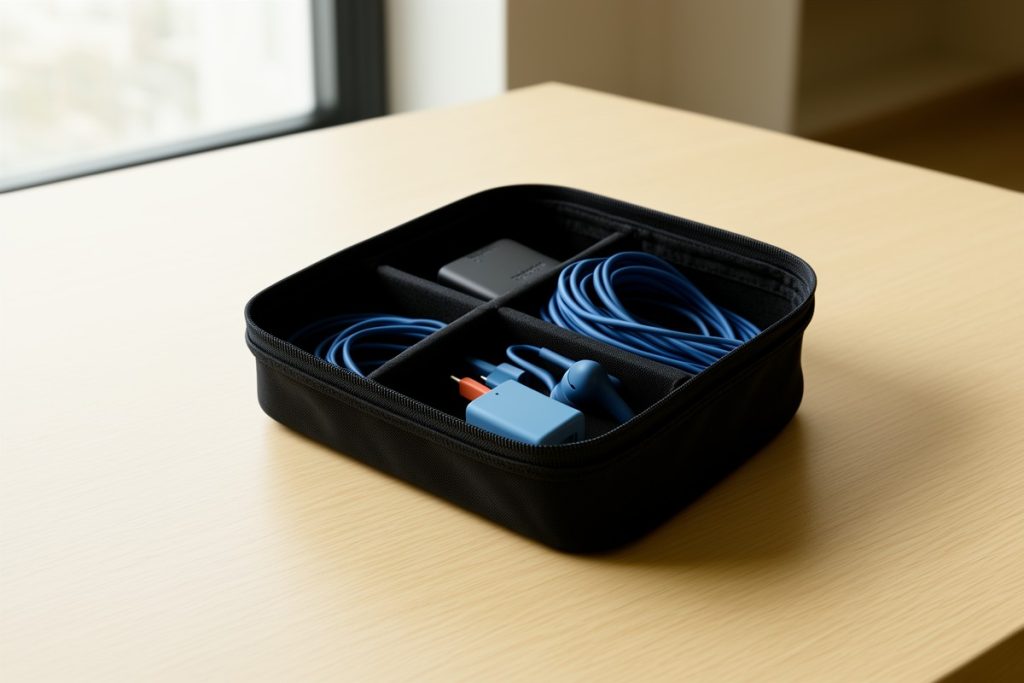
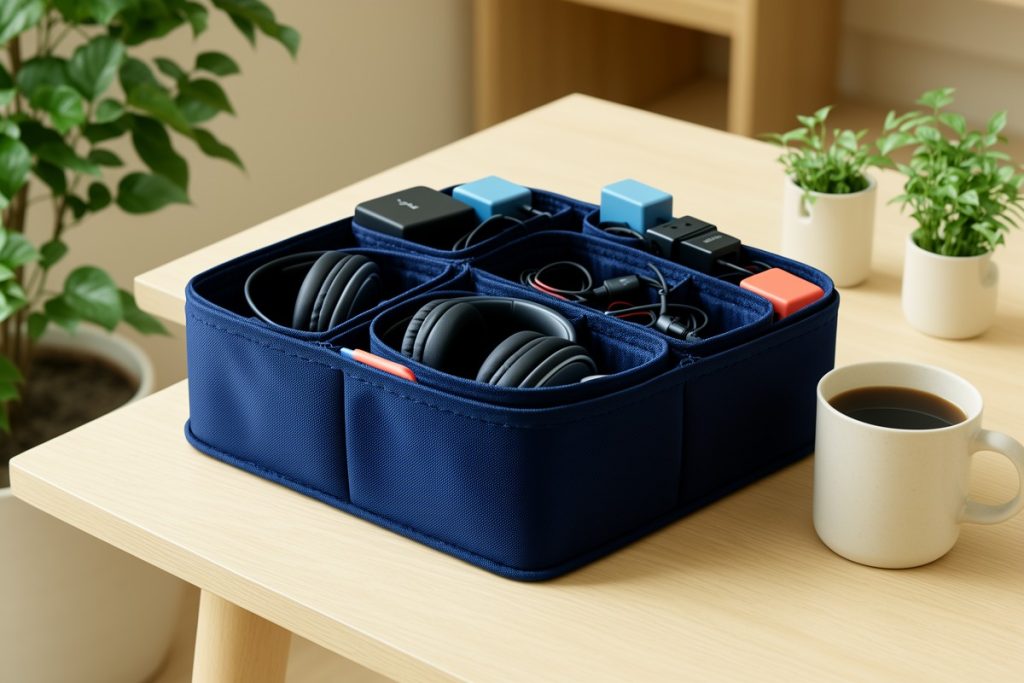
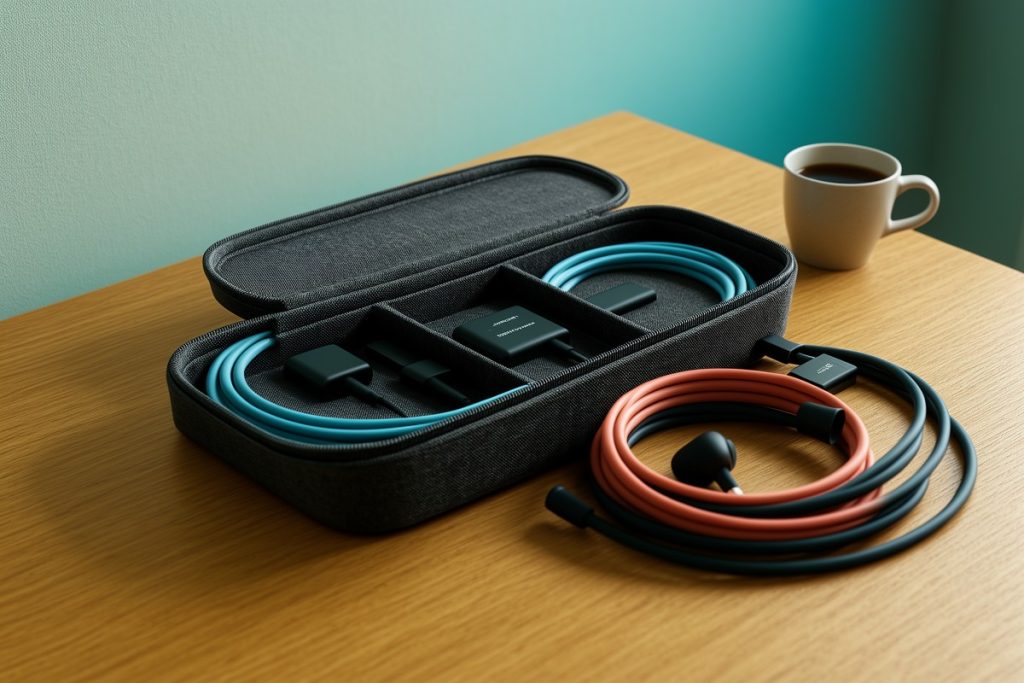
If loose charging accessories keep slowing down your moves between cafés, the Travel Cable Organizer Bag may be worth considering. Its listing describes a large electronic organizer for cables, wall chargers, and accessories, with space intended for devices up to 11 inches. Check the case dimensions, weight, closure, and compartment layout against your own kit before buying; an organizer is useful only if it fits your routine without adding unnecessary bulk.
Keep a backup location in mind before you need it. A public library, hotel common area, coworking day pass, or quiet accommodation lounge may be better for a deadline. The goal is not to create a perfect mobile office in every café. It is to avoid making one fragile location responsible for your entire workday.
Use a time-boxed café workflow
Cafés work best when you arrive with a defined finish line. Instead of opening your laptop and reacting to whatever appears, choose one meaningful output for the session: complete a proposal outline, edit a fixed number of pages, process receipts, or prepare tomorrow’s itinerary.
For a 90-minute visit, spend the first ten minutes checking the environment and opening only what you need. Use the next 45 minutes for the highest-value task while your attention is fresh. Take a short break, then use 25 minutes for lighter work such as messages, scheduling, or file cleanup. Reserve the final ten minutes for saving, syncing, clearing the table, and noting the next action.
This structure also helps with café etiquette. You can decide in advance how long the visit should last, order reasonably, and leave before the space becomes crowded. If you need another focused block, changing locations can restore concentration more effectively than staying put and fighting distractions.
Know when the café is no longer your office
Leave when the conditions change, not only when your battery reaches zero. Warning signs include repeated connection drops, a queue forming around your table, staff needing the seat, noise that prevents concentration, or a task that has expanded beyond the space’s limits.
Before moving, save your work, lock your accounts, and check that nothing is left behind. Then choose the next location based on the task: a quieter room for calls, a library for deep work, or accommodation for sensitive administration.
A dependable café strategy is less about finding one magical place and more about making good decisions quickly. Test the environment, protect your information, define the session, and keep a realistic alternative nearby. That approach gives you the freedom of working abroad without pretending every attractive table is a fully equipped office.
Last reviewed: 2026-09-04
Sources
- Digital Identity Guidelines: Authentication and Authenticator Management — National Institute of Standards and Technology