The fastest way to kill a productive workday in a new city is spending twenty minutes untangling cables behind a hostel desk or realizing your laptop charger is still buried at the bottom of your backpack. For digital nomads, electronics are your livelihood, but they are also the easiest part of your luggage to turn into a disorganized mess. The solution is not necessarily owning fewer devices; it is giving every cable, adapter, and dongle a dedicated home before you leave. With a lightweight system, you can set up a functional mobile office on any table in under two minutes and pack it back up without leaving anything behind. Last reviewed: 2026-08-05.
The short answer: use a dedicated hard-case organizer, sort items by function rather than by size, and stop tossing loose cords into your main backpack pocket.
Why Cable Chaos Is a Bigger Problem Than It Looks
When you change accommodations every few days, “I’ll find it later” stops being a viable strategy. A tangled nest of cables creates three concrete problems that build over time. First, physical wear. Bending USB-C tips at sharp angles and wrapping cords tightly around adapters frays wiring faster than normal use. Replacing a proprietary laptop charger in a foreign country can cost twice the usual price and burn half a day you had planned for work. Second, cognitive load. Digging through a side pocket for an SD card or dongle breaks your creative focus and makes every work session feel chaotic before it starts. Third, security exposure. Rummaging through a bag full of expensive electronics on a busy café patio draws attention you do not want.
Most nomads already travel with a laptop, noise-canceling headphones, a smartphone, and at least one backup battery. That is four cables minimum, plus wall adapters, possibly a portable monitor cable, and a memory card reader. Without structure, that collection becomes a black hole that slows down every setup.
The Core Kit Most Nomads Actually Need
Before you buy any organizer, audit what you truly use in a typical week. The minimalist core usually includes your laptop charger, one multi-port wall adapter, two charging cables, a pair of wireless earbuds, and one backup storage or hub device. Anything beyond that should earn its place by daily use, not by hypothetical need.
Group your items by function rather than by type. Keep power delivery items together: the wall adapter, laptop charger, and main USB-C cable. Keep data and accessories together: SD cards, dongles, and a card reader. When you open your case, you should know which side holds power and which side holds peripherals without thinking. This mental map speeds up setup and prevents the frustrating hunt for a specific adapter while a client waits on a video call.
Cable Management Methods Compared
Not every traveler needs the same setup. Your packing style should match how often you move locations and how fragile your gear is.
| Method | Best For | Main Drawback |
|---|---|---|
| Loose in backpack pocket | Absolute emergencies only | Tangles, physical damage, lost items |
| Reusable zip pouches | Ultra-light one-bag travel | No padding; cords still jumble together |
| Soft roll-up pouch | Minimal cable collections | Lacks hard protection for adapters and drives |
| Hard-shell organizer | Frequent setup and teardown | Takes up fixed space in your bag |
If you change accommodations more than once a week, the hard-shell route usually wins. The rigid structure protects fragile adapters during transit and gives you a visual inventory the moment you unzip. Soft pouches work for stationary remote workers who check into one apartment for a month, but frequent movers need the extra protection and clarity.
Choosing an Organizer That Fits Real Workflows
A good nomad-focused case does more than hold cords. It should act as a portable drawer that you can open on any desk and immediately see everything you own without dumping it across the table.
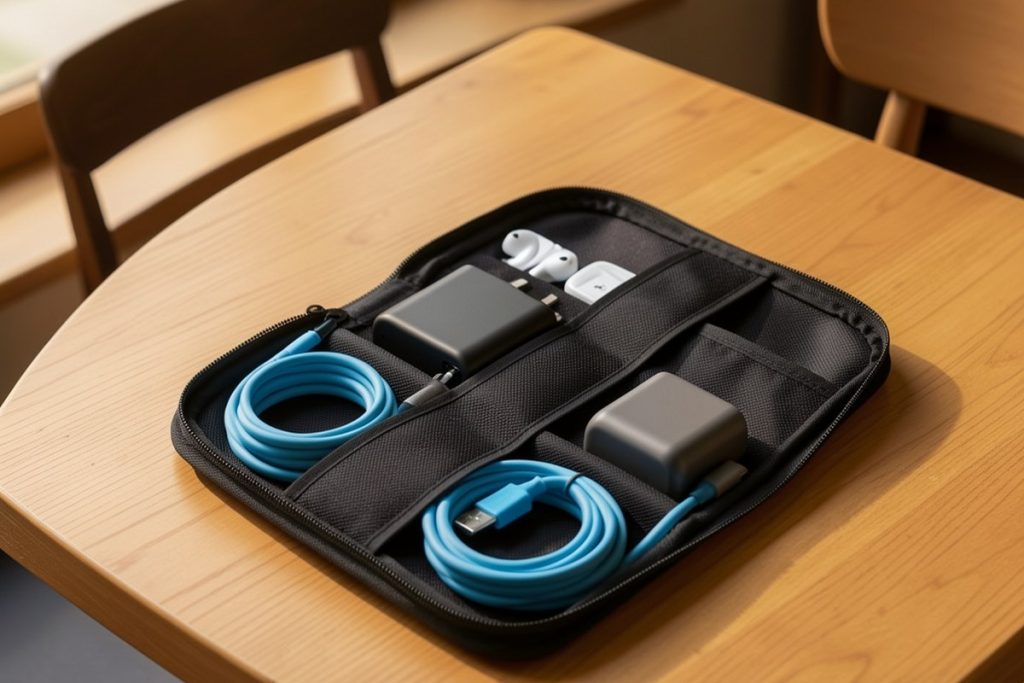
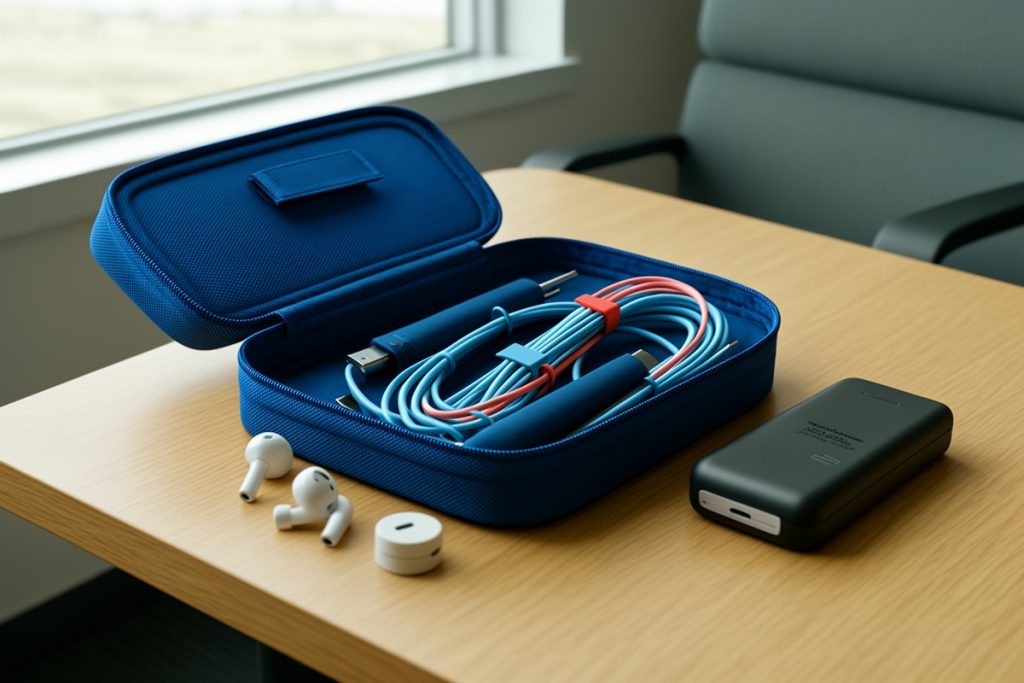
Look for double-layer construction. A top layer with elastic loops and mesh pockets works well for cables and small adapters, while a bottom compartment handles bulkier items like power bricks or portable drives. A hard shell exterior adds protection when the case gets squeezed under an airplane seat or pressed against a laptop in a messenger bag. Size matters more than most people realize. Something around eight to nine inches long fits easily inside a standard backpack without wasting space, yet still holds a full laptop charger plus accessories.
The Charger Organizer Travel Case, Double Layer Electronics Organizers | Hard Shell Zipper Case for Electronics, Travel Essentials, Black offers the dual-layer layout and rigid exterior that fit this workflow, with external dimensions of 8.5 x 5.9 x 3.1 inches. That size sits in the sweet spot for nomads who need structure without sacrificing too much bag real estate.
A Two-Minute Setup and Teardown Routine
Organization fails when it is complicated. Use a three-step routine every time you pack or unpack.
Unpack: Pull the case out first. Lay it flat on the desk and open both layers. Connect your laptop charger, then run your phone cable. Keep the case open next to you as a charging station while you work. Seeing everything at a glance prevents cords from drifting behind furniture.
During: When you grab a cable, return it to the same loop immediately after use. This prevents the dreaded afternoon tangle that happens when you toss a used cord onto a bed or chair. If you need to charge multiple devices at once, run the cables directly from the case so they never leave their slots.
Repack: Unplug everything, coil cords using the over-under method to prevent kinks, and slide each item back into its designated spot. Zip the case, place it in your bag’s laptop compartment or top pocket, and you are done. The whole process takes less time than brushing your teeth.
If you follow this ritual, you will never leave a charger plugged into a hostel wall or airplane seat again. The visual check takes five seconds because every item has a home.
Mistakes That Undo Your System
Even with a great case, bad habits creep in. Avoid these specific traps.
- Packing redundant cables. Carry one multi-port wall adapter and one universal cable with interchangeable tips if possible. Extra single-use cords add weight and confusion.
- Ignoring the hard drive. If you carry a portable SSD for backups, it needs padding. Tossing it in a soft pouch with keys will eventually damage the port or casing.
- Using the organizer as a junk drawer. If you have not touched an adapter in two weeks, remove it. An overstuffed case is almost as frustrating as no case at all because items fall out when you unzip.
- Forgetting about airport security. Keep your organizer in an easy-to-reach pocket. Some security checkpoints ask you to remove dense tangles of electronics; sliding out one case is faster than emptying your entire bag onto a tray.
- Skipping the routine. The case only works if you use it every single time. Packing in a hurry and tossing one loose cord into your bag is how chaos returns.
Bottom Line
Cable chaos is a choice, not an inevitability of nomad life. A hard-shell organizer with double-layer storage turns your electronics from a disorganized liability into a portable office you can deploy anywhere. Combine the right case with a consistent two-minute routine, and you will spend less time managing cords and more time doing the work that actually funds your next destination.