Quick answer
To work remotely outdoors without screen glare, choose deep shade, position your laptop away from the brightest reflection, keep the device ventilated, and use a stable surface with reliable power and internet. A portable sun hood can make a patio or beach-adjacent setup more usable, but it cannot replace hydration, weather awareness, ergonomic breaks, or a genuinely cool workspace.
Key takeaways
- Shade and screen position usually matter more than simply increasing display brightness.
- Keep your laptop elevated and ventilated; soft surfaces can trap heat and obstruct airflow.
- Plan for power, Wi-Fi reliability, wind, rain, and a quick indoor fallback before starting work.
- A portable laptop hood can reduce direct glare and add visual privacy, but it is only one part of an outdoor setup.
Why outdoor remote work becomes uncomfortable so quickly
Working outside sounds simple until the first video call or spreadsheet arrives. Bright sky reflects across the display, wind moves papers and cables, nearby conversations compete with your microphone, and a sunny table can become surprisingly hot. The result is often a setup that looks appealing for ten minutes but becomes distracting or physically uncomfortable by lunchtime.
The fix is not to recreate a complete office outdoors. It is to remove the few problems most likely to interrupt your work. Start with shade, then solve visibility, device temperature, connectivity, and weather risk in that order. If one of those factors cannot be controlled, shorten the outdoor session rather than forcing a full workday in poor conditions.
Choose the right outdoor location before opening your laptop
Look for shade that will remain available for the length of your planned session. A covered balcony, café awning, campground shelter, or shaded courtyard is more dependable than a tree that only blocks the sun from one angle. Check where the sun will move, especially if you are working for several hours.
Air movement is useful, but strong wind creates its own problems. Avoid exposed ledges, loose tables, and locations where a sudden gust could move your laptop or spill a drink. A level, stable surface is better than a picturesque but uneven wall or beach blanket.
Also test the basics before settling in:
- Can you get a dependable internet connection from the exact seat?
- Is there a nearby outlet, or do you have enough battery for the entire session?
- Can you take a private call without exposing confidential information?
- Is there an indoor or covered backup space within a few minutes?
Reduce glare with shade and screen positioning
Glare is caused by bright light reflecting from the display toward your eyes. Raising brightness may make the image easier to see temporarily, but it does not remove the reflection and can use more battery. Physical shade and better positioning are usually the more sustainable fixes.
Place the laptop so the brightest part of the sky is not directly reflected in front of you. Turn the setup in small increments, tilt the display slightly, and check whether reflections move away from your main viewing area. Avoid placing a bright window, pale wall, or sunlit water directly behind the laptop.
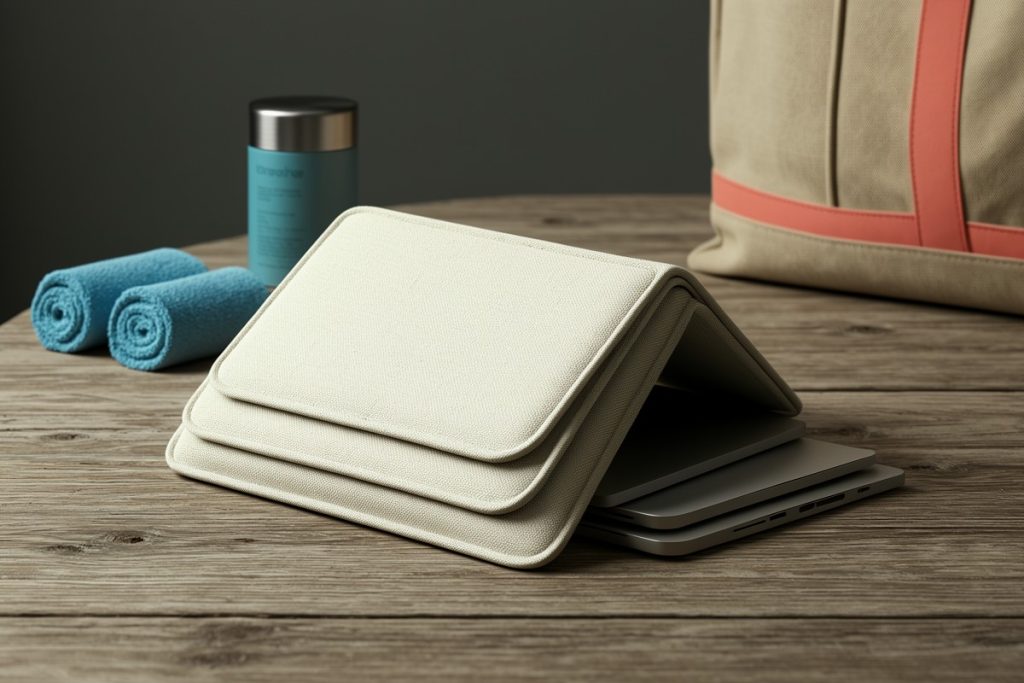
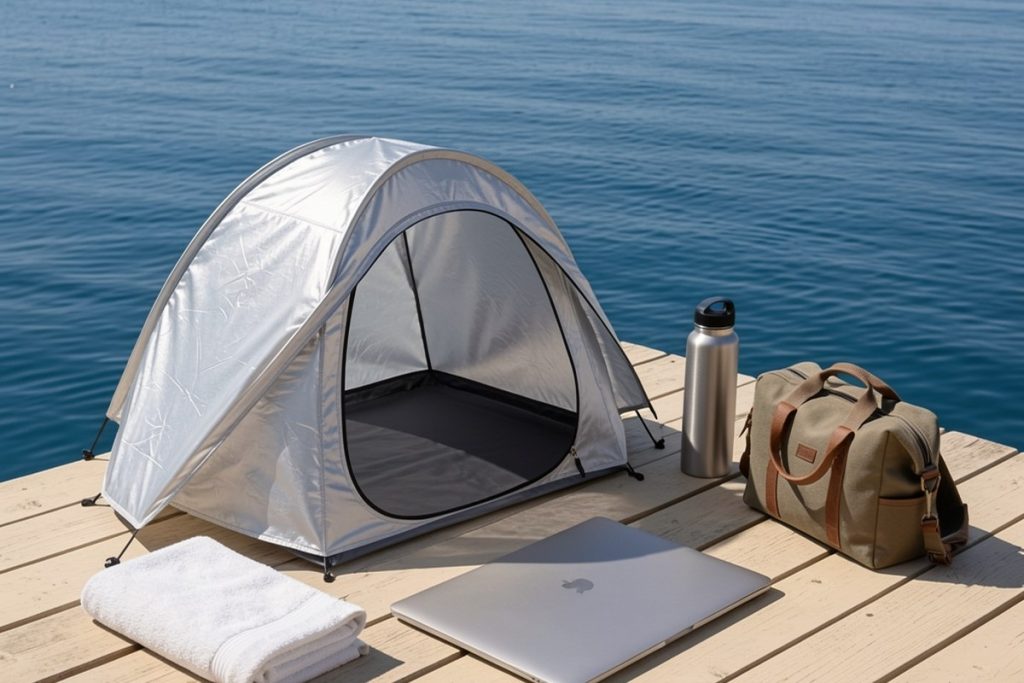
A hood or shade can help when the location is otherwise workable but the light remains too intense. The Laptop Tent – Portable Sun Shade & Water-Resistant Beach Bag is designed to combine a reflective laptop hood with a convertible tote for carrying items such as towels and drinks. That makes it a potentially useful option for nomads who move between outdoor work spots. However, the listing alone does not establish how well it performs with every laptop, angle, wind condition, or climate, so treat it as a glare-management accessory rather than a complete outdoor office.
Protect the laptop from heat, dust, and weather
Never place a laptop directly on a soft towel, cushion, or bed-like surface if that blocks its ventilation. Use a firm table or board, keep the air vents clear, and leave space around the device. If the underside becomes noticeably hot, save your work and move indoors instead of waiting for performance problems or an unexpected shutdown.
Sun protection for you matters too. The Occupational Safety and Health Administration recommends planning for heat, drinking water, taking rest breaks, and watching for signs of heat-related illness. Those principles apply even when you are technically “just working,” particularly in humid conditions or during the hottest part of the day.
Weather can change faster than a forecast suggests. Water-resistant fabric may help with brief exposure, but it should not be treated as waterproof protection for electronics. Keep the laptop in a separate protective sleeve when rain is possible, and do not begin an important call in a place where you cannot pack up quickly.
Build a practical outdoor work kit
A useful kit is small enough to carry without turning every café visit into a relocation project. Pack the items that solve predictable failures rather than every possible accessory.
| Problem | Practical solution |
|---|---|
| Screen glare | Portable hood or shade, plus a position away from direct reflections |
| Low battery | Charged laptop, compact power bank if compatible, and a known outlet option |
| Unstable surface | Firm table or lightweight lap board; avoid soft fabric beneath the laptop |
| Noise | Headset with a microphone and a calendar block for calls in a quieter location |
| Sudden weather | Protective sleeve, packable cover, and a nearby indoor fallback |
Keep drinks away from the laptop and route cables where people will not catch them. If you are using public Wi-Fi, avoid assuming that a familiar network is private. Use your normal security practices, limit sensitive work in crowded locations, and postpone confidential tasks when the environment is too exposed.
Use a short outdoor-work checklist
Before starting, run through this quick checklist:
- Shade will last through the planned work block.
- The display is readable without uncomfortable squinting.
- The laptop has clear airflow underneath and around its vents.
- Battery, internet, and call audio have been tested.
- Rain, wind, heat, and personal sun protection have been considered.
- Important files are saved and an indoor backup location is available.
Know when indoors is the better choice
Outdoor work is a flexible change of scenery, not a test of endurance. Move inside if you are repeatedly adjusting the display, feeling overheated, struggling to hear, or watching clouds build around your equipment. A shaded café or coworking space may be less photogenic but far more productive.
For digital nomads, the best outdoor setup is the one that supports a defined task: answering email, planning a route, writing, or completing a short administrative block. Save long meetings, demanding creative work, and anything involving sensitive information for a controlled environment. That approach preserves the enjoyment of working somewhere new without confusing novelty with reliability.
Last reviewed: 2026-08-24
Sources
- Heat Exposure and Indoor and Outdoor Workers — Occupational Safety and Health Administration
- Sun Safety — U.S. Environmental Protection Agency
- Heat Index and Heat Safety — National Weather Service