Quick answer
The best carry-on backpack for digital nomad work protects your computer, stays comfortable when fully loaded, handles light weather, and keeps travel essentials easy to reach. Choose compartments based on your actual gear rather than pocket count. Confirm the laptop sleeve dimensions, understand that a USB charging port needs your own power bank, and keep spare lithium batteries in your carry-on.
Key takeaways
- Measure your laptop and compare those measurements with the backpack’s internal sleeve dimensions.
- Prioritize padded support, a comfortable harness, and manageable weight over excessive pockets.
- Use a weather-resistant bag with a separate pouch for cables, chargers, and small essentials.
- A built-in USB port is a cable-routing feature, not a power source.
Start with the way you actually travel
A digital nomad backpack has to serve two different jobs. It must move efficiently through airports, train stations, and unfamiliar streets, then become a workable storage system when you arrive at a café, coworking space, or short-term rental.
That makes the right choice more personal than a simple “best backpack” list. Someone who changes cities every few days may value a compact shape and quick-access pockets. Someone who works from one location for several weeks may prefer more room for a keyboard, headphones, chargers, a notebook, and a water bottle.
Before comparing features, write down what you carry on a normal workday. Include the largest item, the heaviest item, and anything you need during transit. This prevents a common mistake: buying a bag with impressive storage that becomes uncomfortable once filled.
Five features that matter most in a nomad work backpack
1. A genuinely compatible laptop compartment
“Fits a 15.6-inch laptop” is a useful starting point, not a guarantee. Laptop bezels, case thickness, and manufacturer dimensions vary. Measure the device itself, including any protective case, then compare that measurement with the bag’s stated compartment size.
The sleeve should hold the computer securely without forcing it into place. Padding at the bottom is especially valuable because backpacks are often set down more heavily than expected. A raised sleeve can provide additional protection, but it does not make a backpack indestructible. Avoid placing hard, heavy objects directly against the computer.
2. Comfortable support when loaded
Look for padded shoulder straps, a back panel that does not collapse under weight, and a handle that feels secure. A sternum strap can help stabilize a heavier load, although it is not essential for everyone.
Pay attention to how the bag sits on your back. A backpack that pulls away from your body will usually feel heavier than one with the same contents positioned close to your center of gravity. If possible, test it with your real equipment rather than an empty bag.
3. Weather resistance with realistic expectations
Rain resistance can protect your workday from a sudden shower, but “waterproof” should not automatically be interpreted as fully sealed or safe for prolonged exposure. Zippers, seams, and openings are often the vulnerable points. A lightweight pack cover or internal dry pouch can add inexpensive backup protection during wet travel.
4. Useful organization, not pocket overload
The best layout makes frequently used items visible and keeps cables from becoming a tangled mass. A separate compartment for the computer, a quick-access pocket for travel essentials, and a small organizer for charging gear are usually more valuable than many narrow pockets.
Leave some empty space. A bag packed to its limit is harder to close, harder to inspect at security, and less adaptable when you pick up a snack, printed receipt, or small purchase along the way.
5. A charging port that matches your routine
A backpack USB port normally routes a cable from an internal power bank to an exterior connection. It does not generate power by itself. You still need a compatible power bank, an appropriate charging cable, and enough battery capacity for your devices.
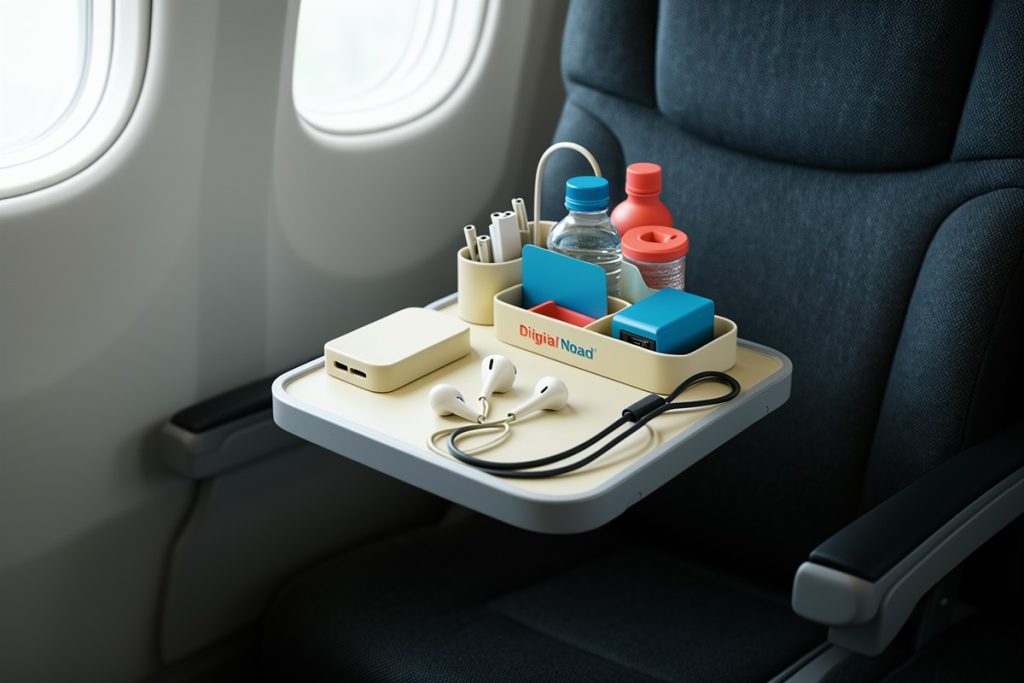
Keep the power bank accessible during air travel and follow current airline and airport rules. The TSA guidance on power banks explains that these battery packs belong in carry-on baggage, not checked luggage.
Compare your options before buying
| Priority | What to check | Why it matters |
|---|---|---|
| Computer safety | Measured sleeve dimensions and bottom padding | Reduces movement and impact risk |
| Daily comfort | Straps, back panel, handle, and loaded weight | Matters during long transfers and walking days |
| Weather protection | Fabric, zippers, seams, and optional cover | Helps protect equipment from ordinary rain |
| Workday access | Separate cable and quick-access storage | Reduces unpacking in public spaces |
| Air travel | Overall size and battery storage rules | Supports smoother security and boarding |
A practical option for a laptop-carrying setup
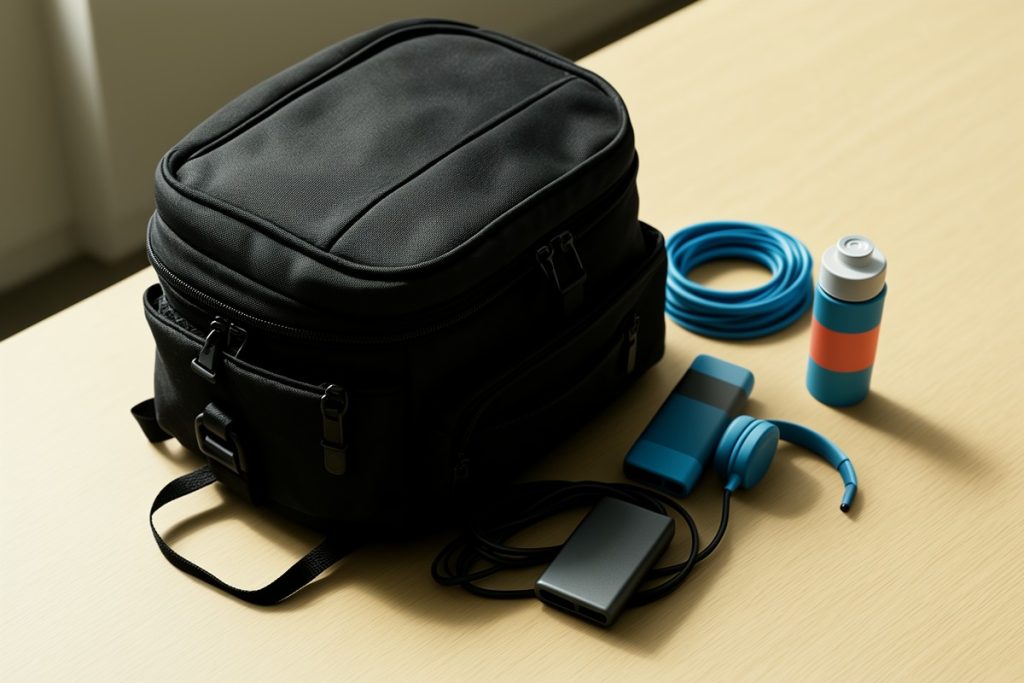
For shoppers comparing business-style bags, the BANGE Business Smart Backpack Waterproof fit 15.6 Inch Laptop Backpack with USB Charging Port,Travel Durable Backpack is a reasonable option to investigate because its listed features align with several common nomad needs: a stated 15.6-inch laptop fit, weather-focused construction, and an external USB charging connection.
That does not make it the right choice for every traveler. Check the actual dimensions against your laptop and case, confirm the carrying weight feels manageable, and inspect how the internal compartments match your equipment. Treat the charging port as a convenience for cable access, and plan to supply your own power bank. No backpack can replace careful packing or protect electronics from every travel hazard.
Pack the bag for both transit and work
Put the computer in its dedicated sleeve, with soft items positioned around it rather than hard accessories. Keep your power bank, charging cable, and identification essentials where they can be reached without emptying the entire bag. Store liquids separately and avoid overfilling exterior pockets, which can catch on seats, luggage racks, or crowded walkways.
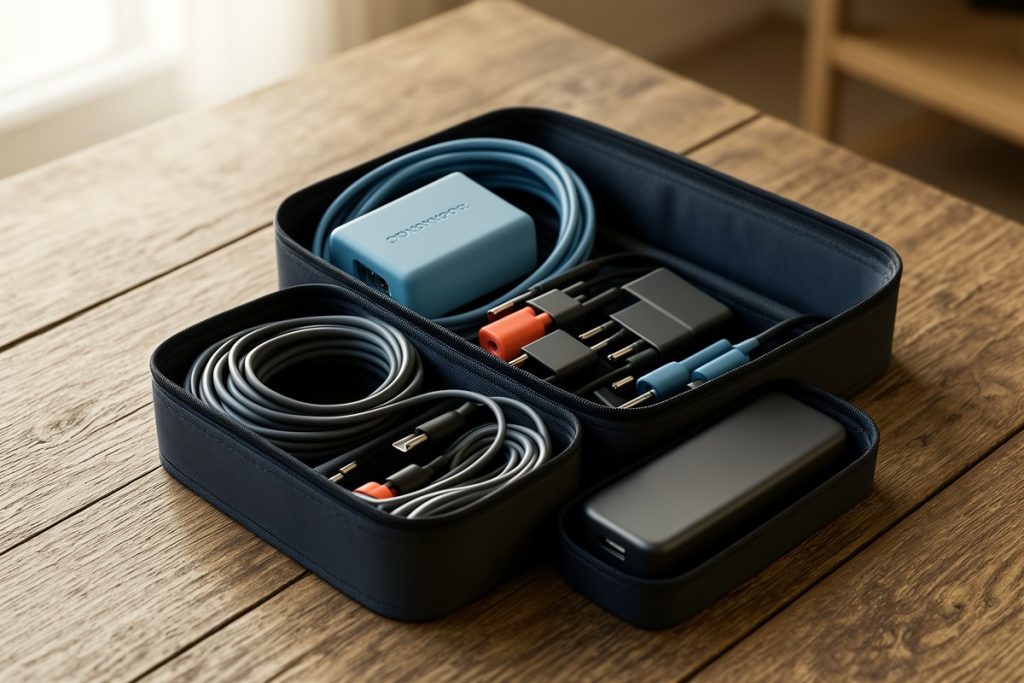
For work, group equipment by task. One pouch can hold charging gear, another can hold audio accessories, and a small open area can remain available for items collected during the day. This simple system is easier to maintain than trying to remember which of ten pockets contains one adapter.
When moving between countries, review airline battery restrictions before departure. The FAA’s lithium battery guidance explains the safety requirements that apply to portable electronic devices and spare batteries. Rules can vary by battery size, airline, and itinerary.
Five-minute backpack checklist
- Measure your laptop with its case.
- Load the bag with your actual daily kit.
- Walk for ten minutes and adjust the straps.
- Test whether the laptop can be removed quickly.
- Confirm the power bank and cable work together.
- Check airline rules before packing spare batteries.
If the backpack passes these tests, it is more likely to support your routine rather than become another problem to manage. The goal is not to carry every possible convenience. It is to protect the tools you depend on while keeping movement simple.
Last reviewed: 2026-08-31