Quick answer
During a power outage, keep emergency alerts reachable by charging your phone before severe weather, enabling Wireless Emergency Alerts, adding a second official information source, and storing a battery bank or other backup power. A tidy multi-device charger can help with routine readiness, but it cannot replace backup electricity, a charged flashlight, or a plan for prolonged network and power disruptions.
Key takeaways
- A home power failure does not automatically stop wireless emergency alerts, but it removes your easiest way to recharge.
- Use at least two alert channels: a compatible phone and a local emergency or weather source.
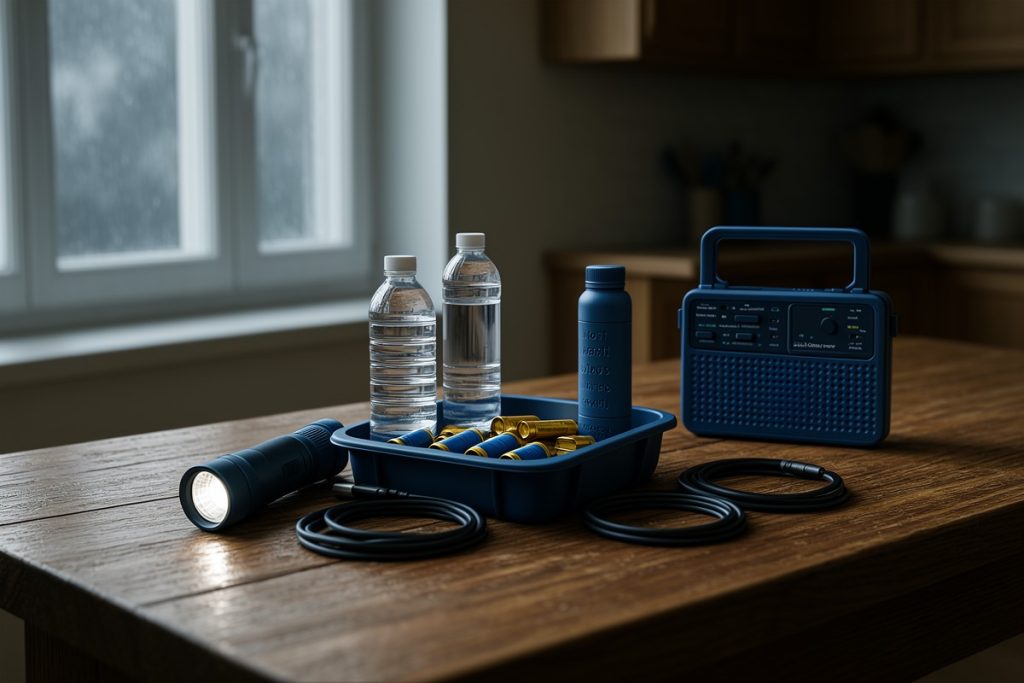
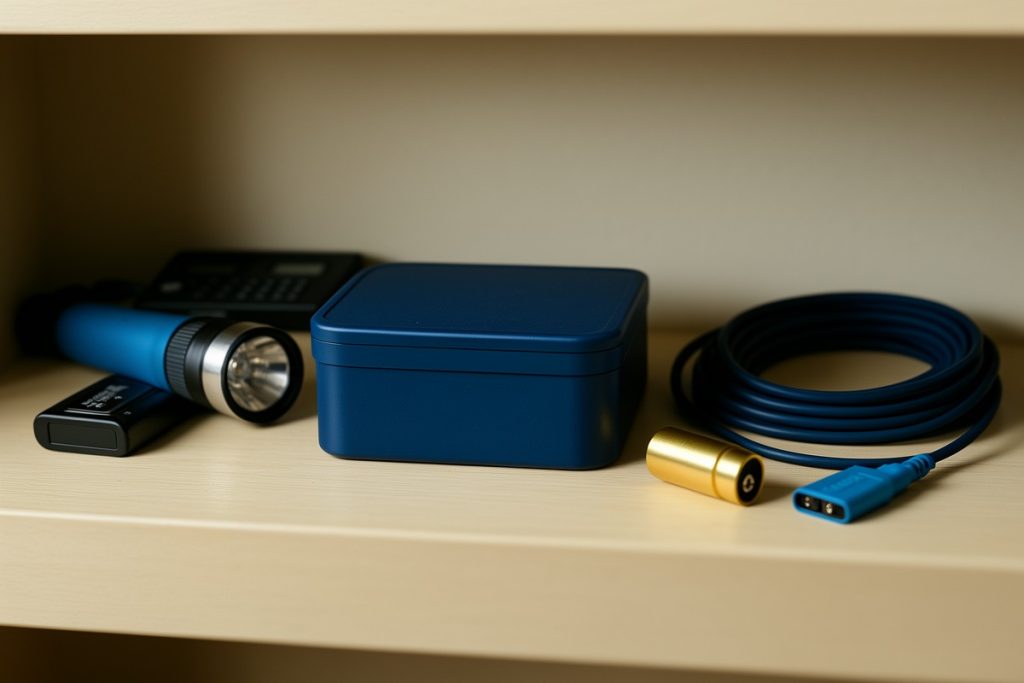
- Keep backup power, a flashlight, and a battery-powered radio together rather than scattered around the home.
- A charging station improves daily organization; it is not a substitute for a power bank or other outage backup.
By Claire Winters, Context-Rich News Analyst
Why power outages complicate emergency information
When electricity fails, the first problem is often not receiving an alert. It is keeping the device that receives it powered long enough to remain useful. A phone may begin the outage with a full battery, but repeated calls, weak-signal searching, flashlight use, and mobile data can drain it quickly.
Wireless Emergency Alerts, or WEAs, are designed to deliver short, geographically targeted messages to compatible phones through participating wireless networks. They do not depend on your home Wi-Fi connection. However, a regional emergency can create separate problems: cellular equipment may lose backup power, networks may become congested, or charging locations may be inaccessible.
That is why a sensible plan has two layers. The first protects access to your phone. The second gives you another official way to receive information if the phone, network, or local power supply becomes unreliable.
Build a two-layer alert setup
Your phone should be the most convenient layer, not your only layer. Review its emergency-alert settings before severe weather or another foreseeable disruption. Menu names vary by operating system and carrier, so look for Wireless Emergency Alerts, government alerts, or public safety notifications. Confirm that notifications are enabled and that the phone can produce an audible alert when you need one.
Your second layer should match the risks where you live. A battery-powered or hand-crank weather radio can be useful in areas affected by severe storms, flooding, tornadoes, or hurricanes, particularly when internet access is unavailable. Local emergency-management agencies may also provide official alerts through text, phone calls, sirens, or dedicated notification systems.
Do not treat every channel as interchangeable. A weather radio may provide continuous broadcast information but not a neighborhood-specific evacuation instruction. A phone alert may be highly targeted but depend on cellular coverage and battery power. Knowing what each source does helps you avoid assuming that one device covers every situation.
Keep charging simple enough to use under stress
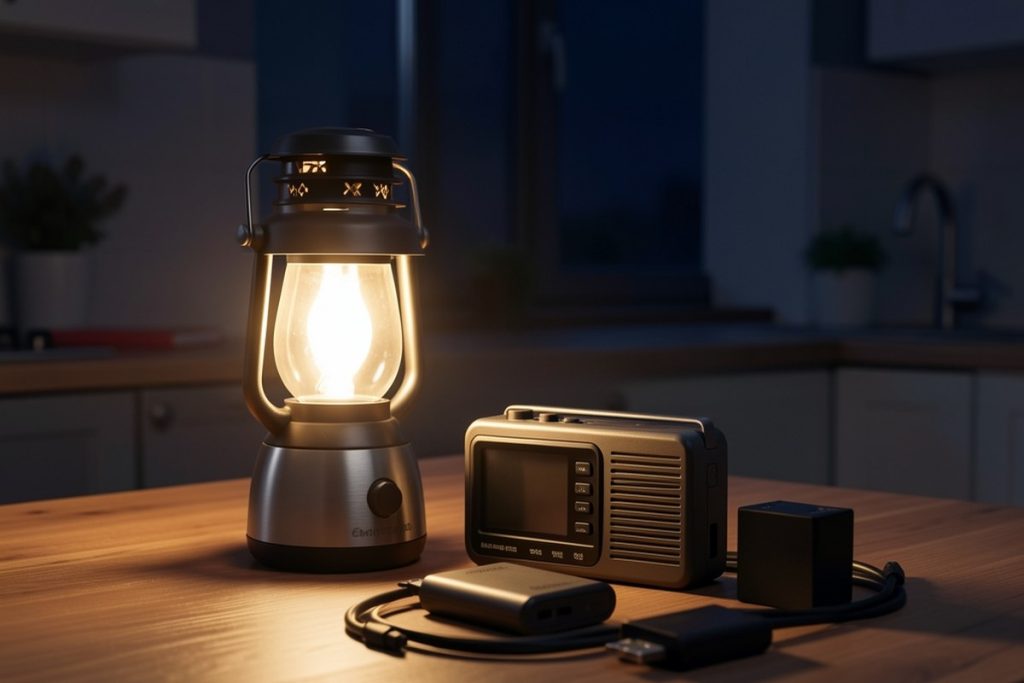
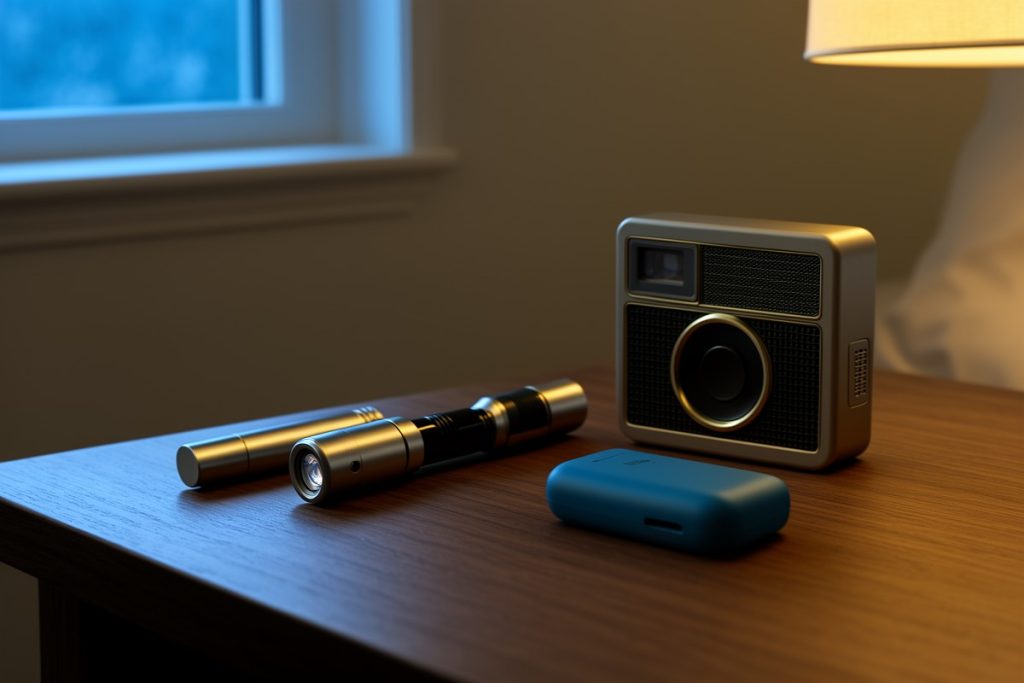
Emergency preparation works best when it fits an ordinary routine. If charging requires searching for a cable, adapter, or open outlet, it is more likely to fail on a busy evening or just before a storm. Choose one consistent charging location near the place where you sleep or leave the house, and keep your phone, backup battery, flashlight, and radio nearby.
For readers whose routine setup includes an iPhone, Apple Watch, and AirPods, the CyberDock 3-in-1 Wireless Charging Station may be a convenient organizer if their specific devices are compatible. Its relevant benefit here is keeping everyday charging in one place, not providing emergency power. It still needs wall electricity, so it will not recharge devices during an outage unless it is connected to a working backup system.
That distinction matters. A charging dock can reduce cable clutter and make it easier to maintain a full battery before an emergency. It cannot replace a power bank, battery backup, vehicle charger, or generator. Check device compatibility and charging requirements before making it part of your setup, and keep at least one backup charging method stored separately from the wall-powered station.
Use this outage-readiness checklist
| Task | Why it matters | When to do it |
|---|---|---|
| Charge your phone and backup battery | Creates a reserve for alerts, calls, and essential information | Before forecast severe weather or leaving home |
| Review emergency-alert settings | Confirms that compatible government notifications are enabled | Every few months and after changing phones |
| Place flashlight and radio with charging gear | Prevents a dark-room search for basic equipment | As part of your normal home setup |
| Identify local official information channels | Provides a second source if cellular service or internet fails | Before an outage, not during one |
| Reduce unnecessary battery use | Extends the phone’s useful time when charging is limited | As soon as the outage begins |
What to do when the electricity goes out
Start by checking whether the outage is limited to your home or affecting the wider area. If your phone still has service, look for official local updates rather than repeatedly refreshing social feeds. Keep the device on low-power mode if available, lower unnecessary screen activity, and reserve calls for essential communication.
Do not repeatedly test every appliance or leave chargers connected if utility guidance says to unplug equipment. When electricity returns, wait for the home supply to stabilize before reconnecting sensitive electronics, following instructions from your utility or local authorities. If the outage is prolonged, preserve your remaining phone battery for emergency communication and critical updates.
If you evacuate, take the phone, backup battery, charging cable, flashlight, and identification documents together. A charging station left at home may be useful for ordinary organization, but portable power is what travels with you. This is also why emergency preparation should be divided into a home kit and a grab-and-go kit.
A practical 10-minute setup routine
- Check the phone: Confirm emergency alerts are enabled, update the operating system when convenient, and remove unnecessary battery-draining apps from active use.
- Charge the reserve: Fully charge a power bank and confirm that its cable matches your phone. Store the cable with the battery rather than in another room.
- Stage the essentials: Put the flashlight, radio, phone cable, and backup battery in one accessible location. Keep the flashlight where it can be found without turning on the phone.
- Choose official sources: Save your local emergency-management website or notification service and identify the relevant broadcast source for your area.
- Practice once: Make sure everyone in the household knows where the kit is and how to use the radio or backup battery.
The goal is not to build an elaborate command center. It is to remove small points of failure before an outage turns them into urgent problems. A charged phone, a second information channel, and portable backup power provide a stronger foundation than any single accessory.
Last reviewed: 2026-09-11