Quick answer
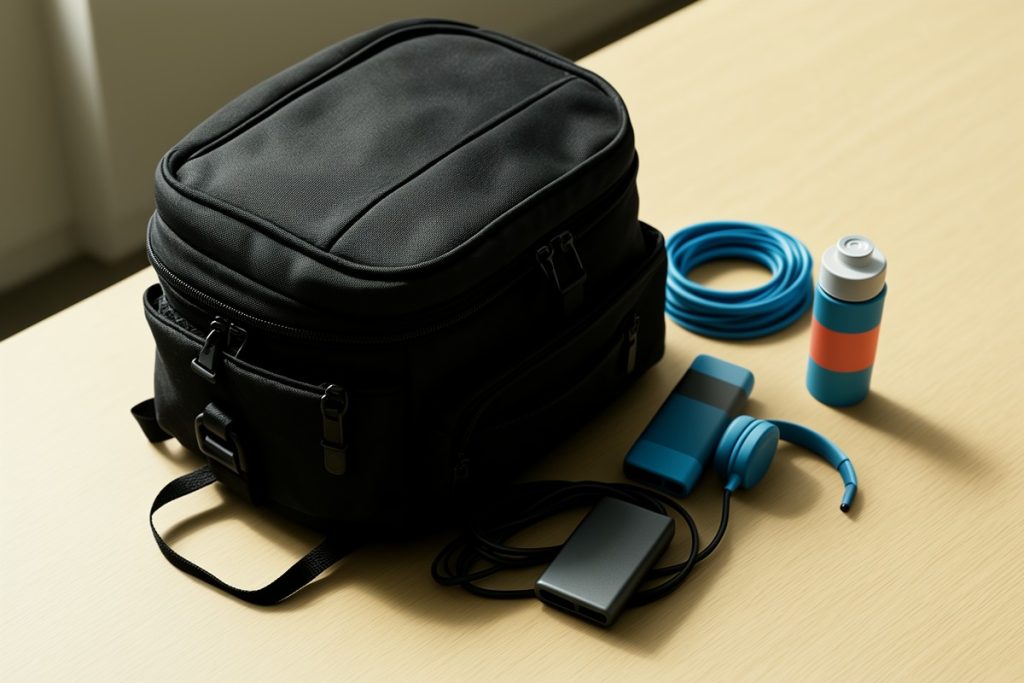
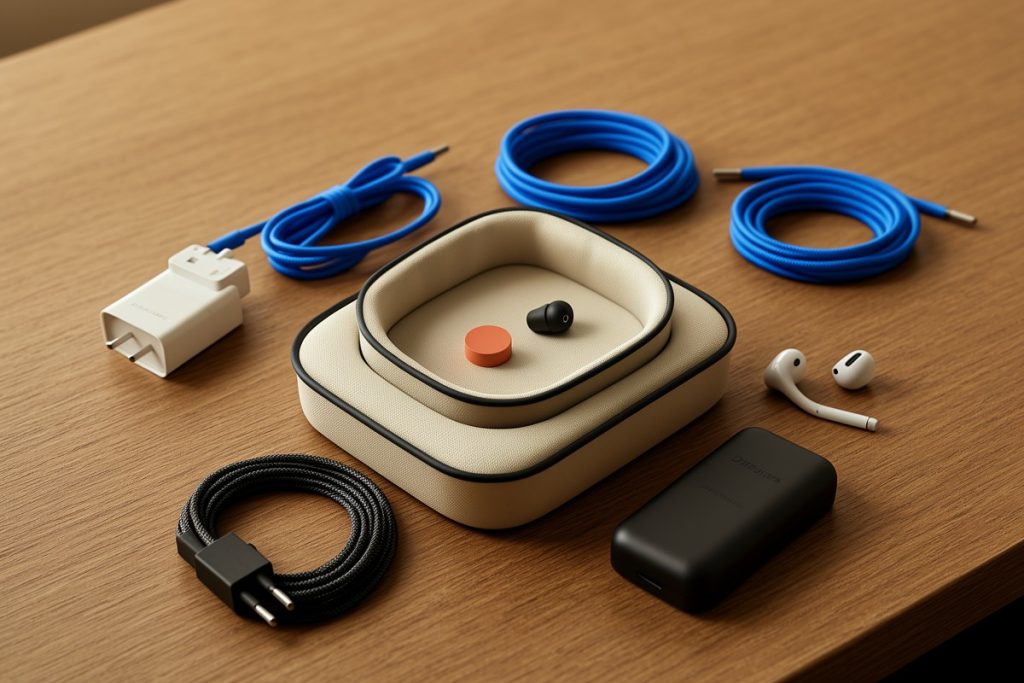
A digital nomad emergency kit should restore your ability to work when one ordinary item fails: a cable, charger, outlet, internet connection, or battery. Pack one tested backup for each likely disruption, keep essential accessories together, and store them in your carry-on. The goal is not carrying every gadget; it is reducing the time between a problem and a workable solution.
Key takeaways
- Build the kit around work-stopping failures, not a generic list of gadgets.
- Carry backups for charging, connectivity, and file access before adding convenience items.
- Keep the emergency kit separate from your everyday gear so it remains complete.
- Test every backup at home and replace damaged cables immediately.
A delayed flight, unreliable outlet, missing adapter, or dead charging cable can turn a normal workday into a scramble. Digital nomads often prepare for the destination but overlook the small failures that happen between airports, cafés, apartments, and coworking spaces.
An emergency kit gives you a simple recovery path. It is different from organizing all your technology for travel: instead of deciding where every device belongs, you are preparing for the specific problems most likely to stop you from working. That makes the kit smaller, easier to check, and more useful under pressure.
Build the kit around four work-stopping problems
Start by listing what would prevent you from completing a normal work session. For most remote workers, the answer falls into four categories.
| Problem | Useful backup | Why it matters |
|---|---|---|
| No usable power | Spare charging cable, compact wall charger, and a charged power bank | Lets you keep working long enough to find a reliable outlet. |
| Wrong outlet format | Travel plug adapter suitable for your destination | Prevents a compatible charger from becoming unusable. |
| Unreliable internet | Phone hotspot plan or local connectivity backup | Creates an alternative when café or accommodation Wi-Fi fails. |
| Missing or damaged accessory | Small backup items such as an HDMI adapter, mouse receiver, or audio adapter | Protects a specific workflow if that accessory is essential. |
The table is a starting point, not a command to pack everything. If your work is writing, you may need little beyond charging and connectivity. If you present to clients, a display adapter may deserve space. If you edit media, storage and power deserve more attention than a spare mouse.
Choose backups based on your actual workday
Write down the three tools you use every working day and ask what happens if each one disappears. A laptop without power is an obvious example, but the less obvious failure can be just as disruptive. A consultant may need a video-call headset. A photographer may need a card reader. A teacher may need a reliable way to connect to a projector.
Prioritize items using three questions:
- Would its failure stop paid work? If not, it probably belongs in your regular luggage rather than the emergency kit.
- Can a small backup solve the problem? A spare cable is practical; carrying a second full-size device may not be.
- Can I verify it before leaving? Untested adapters create false confidence.
Keep one known-good version of each critical item. Avoid buying several inexpensive replacements simply because they are small. A compact kit is valuable only when its contents work with your devices.
Keep the emergency kit separate and easy to inspect
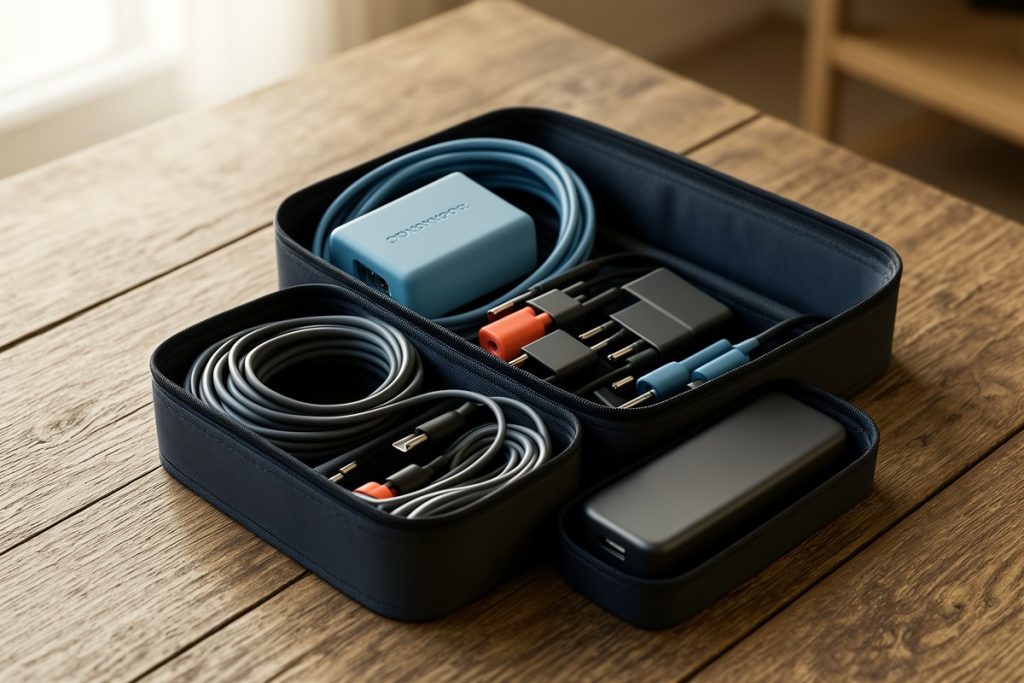
The kit should be distinct from your daily-use pouch. When you remove a cable for a normal work session, you should not accidentally leave the emergency backup behind. A dedicated case also makes a quick departure easier: you can move it from a backpack to a carry-on without rebuilding your setup.
Look for a pouch that protects delicate connectors, keeps small pieces from disappearing, and opens far enough for a quick visual check. A water-resistant exterior can help with minor spills, but it should not be treated as waterproof protection. Avoid filling every pocket. Empty space makes it easier to see whether a critical item is missing.
The tomtoc Electronics Organizer Travel Case is a reasonable option to consider if you want one dedicated pouch for chargers, cables, a phone accessory, and similar small items. Its product listing describes a soft, puffy, water-resistant design, but that is not the same as waterproofing, and fit will depend on the size of your equipment. Check the dimensions and compare them with your largest accessory before buying. It is a storage option, not a complete emergency plan.
Use this five-minute packing checklist
- Charge the power bank and confirm its indicator works.
- Connect the spare cable to the device it is meant to support.
- Test the wall charger with that cable, not just by looking at it.
- Confirm the travel adapter matches your next destination.
- Check that your phone hotspot plan can support an urgent work session.
- Remove duplicates, damaged cables, and accessories you cannot identify.
- Return every item to the same pouch after testing.
Do this check before a major travel leg rather than every morning. A quick monthly inspection is enough for many travelers, while people moving frequently may want to check the kit whenever they change countries or replace a device.
Plan for connectivity without depending on public Wi-Fi
A backup internet plan should be decided before you need it. Confirm that your phone can create a hotspot, your mobile plan permits tethering, and you know where to find the setting. If you use a local SIM or eSIM, keep the activation details accessible offline, since a failed connection can make account recovery difficult.
Public networks can be convenient, but they should not be your only plan for sensitive work. The Federal Trade Commission recommends taking precautions when using public Wi-Fi, including using secure websites and avoiding unnecessary exposure of personal information. For important client work, a trusted mobile connection or a private network is usually easier to manage than an unknown café network.
Also keep a local copy of the files you need for the next work session. This does not mean downloading your entire cloud library. Save the current brief, presentation, itinerary, or other essential materials so a temporary connection failure does not immediately become a missed deadline.
Pack power banks with airline rules in mind
Power banks contain lithium batteries, so they deserve special attention when you fly. The U.S. Federal Aviation Administration says spare lithium batteries and power banks must be carried in carry-on baggage, not checked baggage. Airline and destination rules can add restrictions, so check the carrier’s current guidance before departure.
Protect the terminals from contact with loose metal objects, and do not pack a swollen, damaged, or recalled battery. Keep the power bank accessible rather than burying it in checked luggage. These habits protect both your equipment and your travel plans.
Test the recovery plan before you leave
The best emergency kit is not the one with the most accessories. It is the one you can use without thinking when you are tired, late, or working from an unfamiliar room.
Run one realistic test at home: unplug your normal charger, connect the backup cable and power bank, enable your phone hotspot, and open the files needed for a short task. If the setup works, pack it exactly as tested. If it does not, change one item at a time until you have a dependable fallback.
Finally, decide what “good enough” means. An emergency kit may keep you online for two hours, finish a presentation, or send an urgent message. It does not need to recreate your full office. That limit keeps the kit light while giving you a practical bridge to the next reliable outlet, network, or replacement.
Last reviewed: 2026-09-11