Last reviewed: 2026-08-05
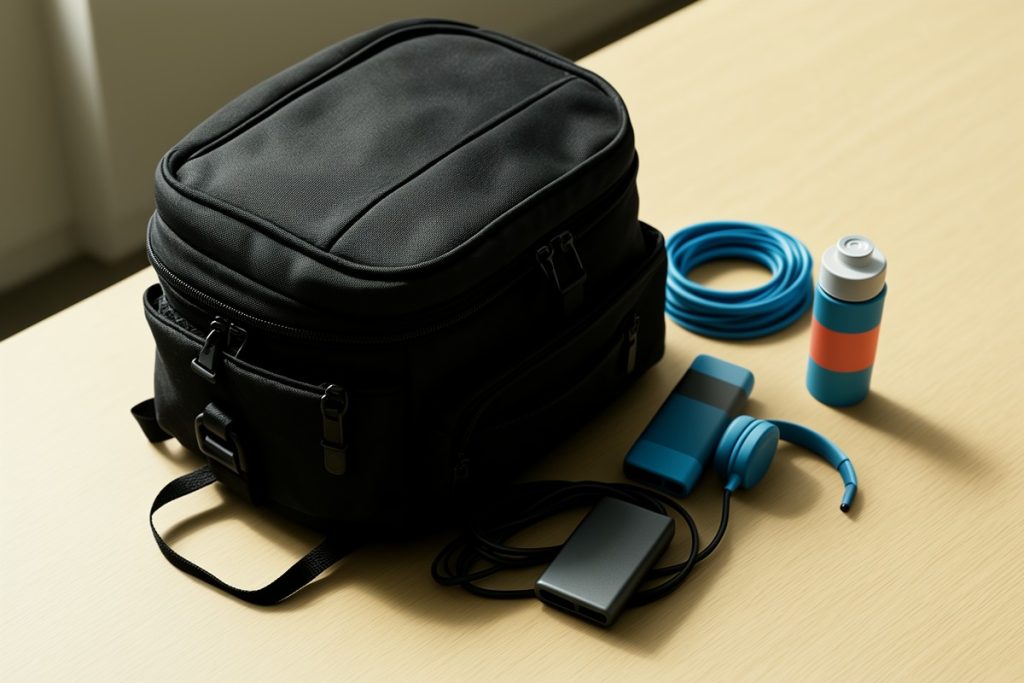
The best TSA-friendly laptop backpack for remote work is one with a lay-flat or 180-degree opening, a dedicated padded laptop sleeve that fits up to a 15.6-inch device, exterior dimensions that stay within major airline personal item limits, and quick-access pockets so you can remove electronics and liquids without unpacking everything you own. Get those four elements right and you will move through airport security in half the time while keeping your gear protected. Remote workers already deal with enough variables—unreliable Wi-Fi, time zone math, and finding decent coffee—so your carry-on should not be another source of friction.
What “TSA-Friendly” Actually Means for Digital Nomads
TSA-friendly does not mean a backpack gets special treatment from security agents. It means the bag is designed so you do not have to fully unpack it at the checkpoint. Traditional top-loading bags force you to dig past clothes, cables, and toiletries to pull out your laptop and place it in a separate bin. That adds stress, increases the chance of leaving something behind, slows down the line, and usually ends with you awkwardly balancing your belongings on a tiny plastic tray while the person behind you sighs.
A TSA-friendly design typically uses a clamshell or lay-flat zipper system that opens like a book. The laptop compartment folds down completely, letting the bag pass through the scanner while your device stays securely inside. Not every airport allows this globally, but in practice the design still saves time because you can remove the laptop in one smooth motion without disturbing the rest of your packing cube setup. The best versions keep the laptop sleeve against the back panel, which also helps with weight distribution when you are sprinting to a gate.
For digital nomads who fly every few weeks, those saved minutes add up. More importantly, a streamlined security routine reduces decision fatigue on travel days when you are already managing boarding passes, visa checks, and time zone changes.
The Four Non-Negotiable Features
Not every backpack marketed as “travel ready” is actually built for airport efficiency. Before you buy, confirm these four details:
- Lay-flat laptop compartment: Look for a sleeve that opens 90 to 180 degrees and sits against the back panel for weight distribution. This is the defining trait of a TSA-friendly bag, and without it you are just carrying a standard daypack.
- Dimensions under 18 x 14 x 8 inches: This range fits most North American airline personal item sizers, including budget carriers. Always check your most-used airlines, but this is the safest general target for avoiding forced gate checks.
- Clamshell or book-style main opening: You want the main compartment to unzip fully so you can see everything at once. Digging through a narrow tube opening defeats the purpose and costs you time in the security line.
- Quick-grab front pocket: A separate exterior slot for your boarding pass, phone, and TSA liquids bag keeps you from reopening the main compartment at the gate and the checkpoint.
If a bag misses even one of these, you will likely end up repacking on the dirty floor of a security lane at 6 a.m. while your flight boards without you.
Laptop Fit and Real-World Carry-On Rules
Remote workers rarely travel without a laptop, and most carry 14- to 16-inch machines. A bag that claims to be TSA-friendly but only fits a 13-inch ultrabook is not practical for designers, developers, or video editors who need larger screens. Look for a dedicated compartment that explicitly accommodates up to a 15.6-inch laptop with padding on all sides, especially at the base where the bag hits the floor.
Carry-on rules are equally important. A bag can have the perfect laptop sleeve, but if it is too bulky to fit under the seat in front of you, budget airlines will force you to check it. That exposes your electronics to rough handling and temperature extremes in the cargo hold. Stick to bags that list exterior dimensions clearly and favor slim, vertical profiles over wide, boxy shapes.
Remember that TSA-friendly and personal-item compliant are two different categories. A bag can open flat but still be too large. The ideal digital nomad backpack satisfies both requirements without making you choose between security convenience and airline compliance.
TSA-Optimized vs. Standard Backpacks
Still deciding whether you need a security-focused design? Here is how the two styles compare for frequent flyers.
| Feature | TSA-Optimized Backpack | Standard Daypack |
|---|---|---|
| Laptop access | Lay-flat or 180-degree opening | Top-loading or narrow side zip |
| Security screening | Laptop stays in bag or removes in seconds | Must unpack main compartment fully |
| Airline compliance | Built to personal item dimensions | Often oversized for budget carry-on |
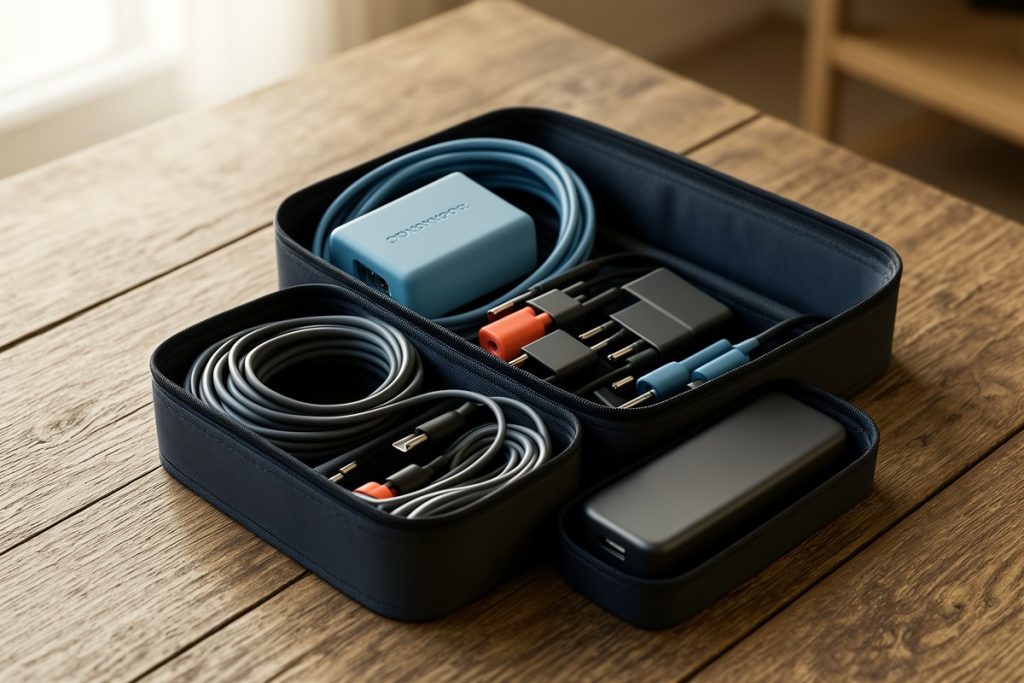
| Internal organization | Padded tech sleeves and cable pockets | Minimal or generic pockets |
| Best suited for | Weekly or monthly air travel | Commuting and short road trips |
If you fly more than twice a quarter, the TSA-optimized design pays for itself in convenience alone.
Smart Extras That Actually Help on Travel Days
Once the core features are covered, a few secondary details can make travel smoother. An external USB charging port lets you top off your phone at the gate without opening your bag. Just remember you still need to pack your own battery bank inside; the port is only a passthrough, not a power source by itself.
RFID-blocking pockets are useful for passports and backup credit cards, especially in crowded international terminals where contactless skimming is a known risk. Water-resistant fabric is another practical addition because you will eventually get caught in rain between terminals, and a soaked bag can destroy a laptop faster than a rough baggage handler.
Padded shoulder straps and a sternum strap matter more than people think. When your bag holds a 15.6-inch laptop, chargers, noise-canceling headphones, and a change of clothes, the weight adds up quickly. A bag that distributes load evenly prevents neck strain during those long walks between budget airline gates at the far end of the terminal.
A TSA-Friendly Backpack That Checks the Major Boxes
If you want a specific model to research, the Swissdigital Design Travel Backpack is built around the features discussed above. It offers a TSA-friendly lay-flat design, a compartment that fits up to a 15.6-inch laptop, a USB charging port, RFID protection, and dimensions intended for business carry-on use.
It is not the only option on the market, but it matches the exact checklist frequent flyers should use: lay-flat access, proper laptop fit, and travel-focused security details. Compare it against your specific airline routes and packing style before deciding.
Final Thoughts
Choosing a TSA-friendly laptop backpack is not about finding the most expensive technical pack on the market. It is about finding a bag that removes friction from your travel day. Prioritize the lay-flat laptop compartment, verify the dimensions against your preferred airlines, and make sure the bag opens wide enough to access your tech without unpacking your entire life.
Get those fundamentals right, and you will spend less time in security lines and more time finding your next productive workspace.