Quick answer
To move through airport security with less friction, keep your work-critical electronics in your carry-on, place power banks and spare lithium batteries there too, and pack cables in one small removable pouch. Before leaving, charge devices, check your airline and airport rules, and be ready to remove larger electronics if staff requests it. Organization helps; it does not override local instructions.
Key takeaways
- Keep power banks and spare lithium batteries in your cabin bag, never in checked luggage.
- Pack your essential work kit so it can be removed quickly without unpacking everything.
- Charge devices before departure and save important travel information for offline access.
- Airport and airline procedures vary, so check official guidance before every international trip.
By River Nakamura, Global Nomad Storyteller
Why airport security deserves its own packing plan
Digital nomads often carry more electronics than ordinary holiday travelers: a laptop, phone, tablet, camera, headphones, adapters, chargers, storage drives, and sometimes a portable monitor. The problem is not simply fitting everything into a bag. It is being able to identify, access, and protect the items that security staff may ask you to remove.
A bag that works perfectly on a train can become frustrating at an airport. A power bank may be buried beneath clothing. A charging cable may be tangled around a passport. A laptop may be wedged between notebooks and a water bottle. Each delay increases the chance of leaving something behind or holding up the person behind you.
The goal is a checkpoint-ready setup: essential electronics together, batteries protected, and anything potentially removable placed where you can reach it without a full bag inspection.
Build a compact checkpoint-ready electronics kit
Start by separating “must work today” equipment from items you could leave at your accommodation. Your airport kit should usually contain the devices and accessories needed to communicate, navigate, and begin work after landing. Extra cables, backup drives, and specialized equipment can stay packed more deeply if you will not need them during transit.
Keep power banks and spare lithium batteries in your carry-on. In the United States, the TSA guidance for spare lithium batteries says these items should not go in checked baggage. The FAA’s PackSafe guidance also explains why power banks must remain accessible in the cabin and notes that airline-specific restrictions may apply.
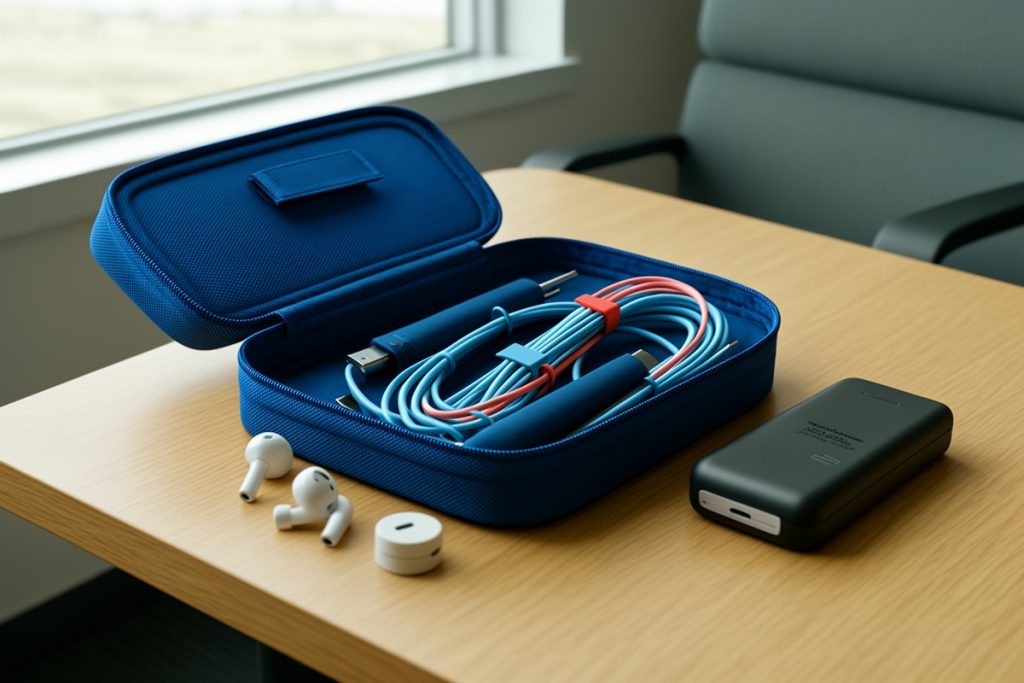
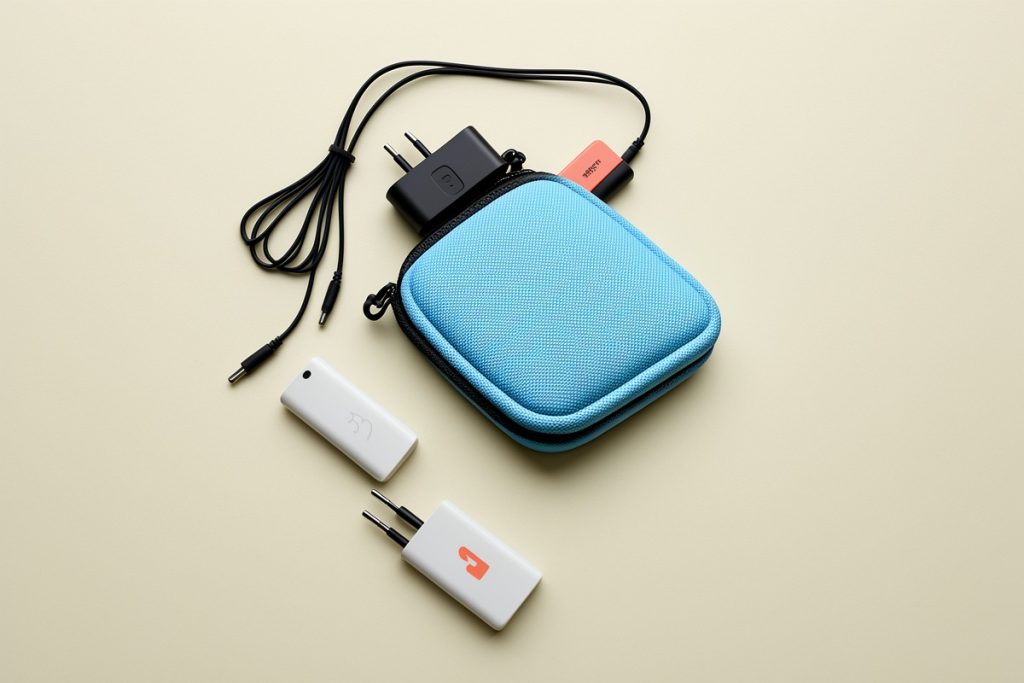
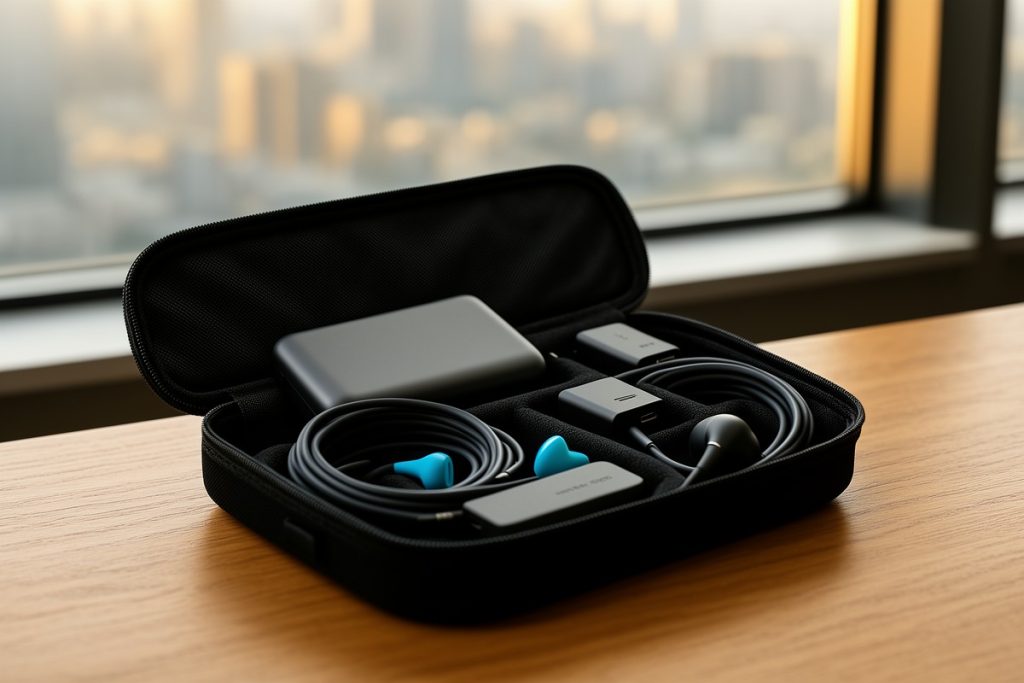
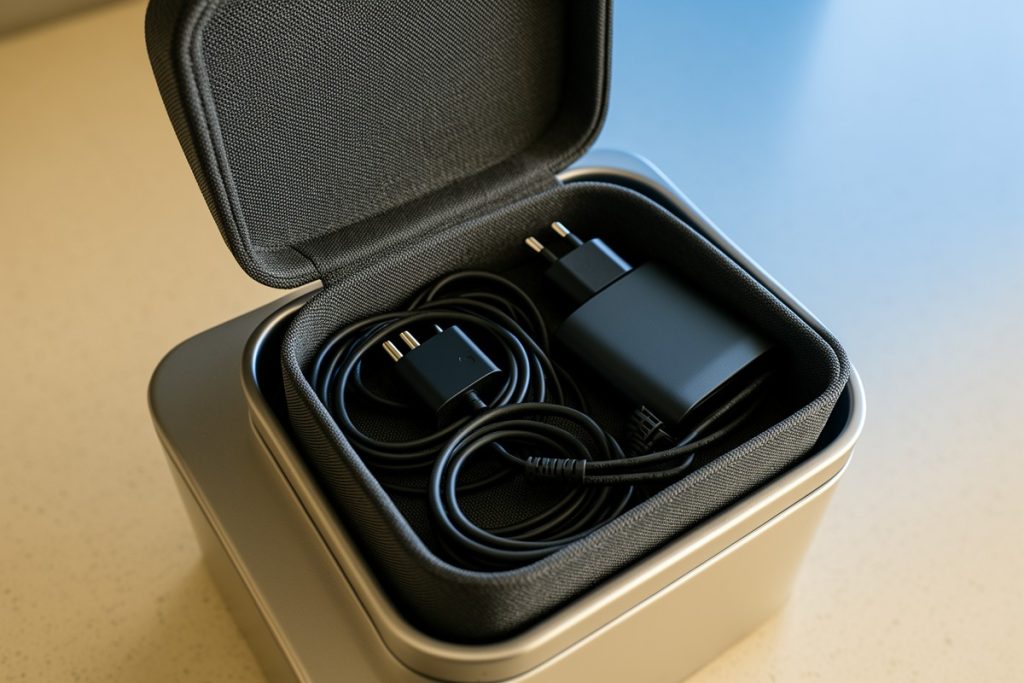
For cables and small accessories, use one removable pouch rather than several loose pockets. A travel organizer such as the Travelkin Cord Organizer Travel can give chargers, USB cables, and adapters one consistent home. Its usefulness depends on your gear and bag layout, so check the dimensions and avoid filling it so tightly that accessories become difficult to remove.
Do not treat the pouch as a substitute for battery safety. Cover exposed battery terminals, protect delicate connectors, and avoid carrying damaged or swollen batteries. If a device is essential to your livelihood, consider carrying a short charging cable and the correct wall adapter where they are easy to reach, rather than relying on a single buried bundle.
A 10-minute preflight checklist
- Charge the essentials: Give your phone, laptop, and power bank enough charge to handle delays, transfers, or a missing outlet.
- Separate cabin-only batteries: Confirm that power banks and spare batteries are in your carry-on, not checked luggage.
- Remove unnecessary weight: Leave duplicate adapters, old cables, and rarely used accessories at home.
- Make one removable pouch: Put loose cords, adapters, and small accessories together so they do not scatter through your bag.
- Protect fragile items: Place cameras, drives, and delicate chargers away from hard edges and heavy objects.
- Check the route: Review the departure airport, airline, and any connecting airport’s current baggage and battery rules.
- Prepare offline access: Keep your booking details, accommodation address, and essential work contacts available without depending entirely on airport Wi-Fi.
What to do at the security checkpoint
Before joining the line, move your electronics pouch toward the top of your carry-on. This small adjustment is more useful than repeatedly searching through the bag when you reach the conveyor belt.
Follow the instructions displayed at that checkpoint and listen to the security officer. Some airports ask travelers to remove larger electronics from their bags; others use screening equipment that allows more items to remain packed. Procedures can also differ between your departure airport and a connection, even on the same itinerary.
When asked to remove an item, place it directly in the tray rather than on an exposed bench. Keep your pouch, laptop, and phone together so you can gather them in one pass. If you are traveling with several devices, count them mentally before leaving the screening area. A quick pause at the end of the conveyor is better than discovering at the gate that a charger or tablet is missing.
Power banks should stay with you in the cabin. Do not place them in a tray and walk away from the screening area while distracted by another bag. If an officer asks about a battery’s capacity or condition, answer plainly and be prepared to follow the airport’s instructions.
Common mistakes digital nomads make
Packing for the destination instead of the journey: A full workstation may be useful in an apartment but unnecessarily slow at security. Carry only what supports the travel day and your first work session.
Putting a power bank in checked luggage: This can create a safety and compliance problem. Keep spare batteries and power banks in your cabin bag, then verify the rules for unusually large-capacity units before flying.
Using several small accessory bags: Multiple pouches can make every inspection slower. Consolidate low-risk accessories while keeping fragile or regulated items easy to identify.
Assuming the same procedure everywhere: Security technology, battery limits, and removal instructions can vary. A routine that worked at your home airport may not apply during a transfer abroad.
Leaving the checkpoint too quickly: Crowded airports encourage rushed packing. Take a few seconds to check your laptop, phone, pouch, and passport before moving away from the screening area.
Make the system work for your travel style
A frequent flyer may prefer a dedicated carry-on pouch that stays packed between trips. A slower traveler working from one city for a month may carry more equipment but can still keep the airport-day essentials separate. The right system is the one you can explain quickly: these are my devices, this is my battery kit, and this pouch contains the small accessories.
Review the setup whenever your equipment changes. A new camera, larger power bank, or second laptop can alter both the weight and the security requirements of your bag. Recheck official guidance before international departures, especially when an itinerary includes multiple airlines or connections.
Airport security packing is not about predicting every rule. It is about reducing avoidable friction while respecting the rules that apply on the day. Keep batteries safe, make important electronics accessible, and leave enough time to respond calmly when procedures differ.
Last reviewed: 2026-09-18