Quick answer
A programmable robot can turn debugging into a visible, low-pressure experiment: give it one clear goal, predict what should happen, run the command, and change one variable when the result is wrong. The important lesson is not whether the gadget is marketed as “AI,” but whether a child can observe inputs, outputs, mistakes, and improvements in a repeatable process.
Key takeaways
- Use one small robot challenge at a time, such as moving to a target or repeating a sequence.
- Teach children to change one command or condition per test instead of guessing repeatedly.
- Separate ordinary programming from AI: a robot following stored commands is not automatically an AI system.
- Keep a simple record of the prediction, result, change, and next test.
- Review app permissions and account requirements before connecting a child’s device.
Why a robot makes debugging easier to understand
Debugging can sound abstract when it is taught only through code on a screen. A physical robot gives the child immediate evidence. It turns left instead of right, stops too soon, repeats a movement, or fails to reach a target. That visible result creates a natural question: what did we expect, and what actually happened?
This is the foundation of computational thinking. The child is practicing decomposition by breaking a task into smaller actions, sequencing by putting those actions in order, and testing by checking whether the outcome matches the prediction. These skills are useful whether the eventual project involves a toy, a spreadsheet formula, a website, or an AI tool.
A physical device also makes mistakes feel less personal. The problem is not “I am bad at coding”; it is “the robot produced a different result, so we need another test.” That shift encourages persistence without turning the activity into a lecture.
Start with one measurable robot challenge
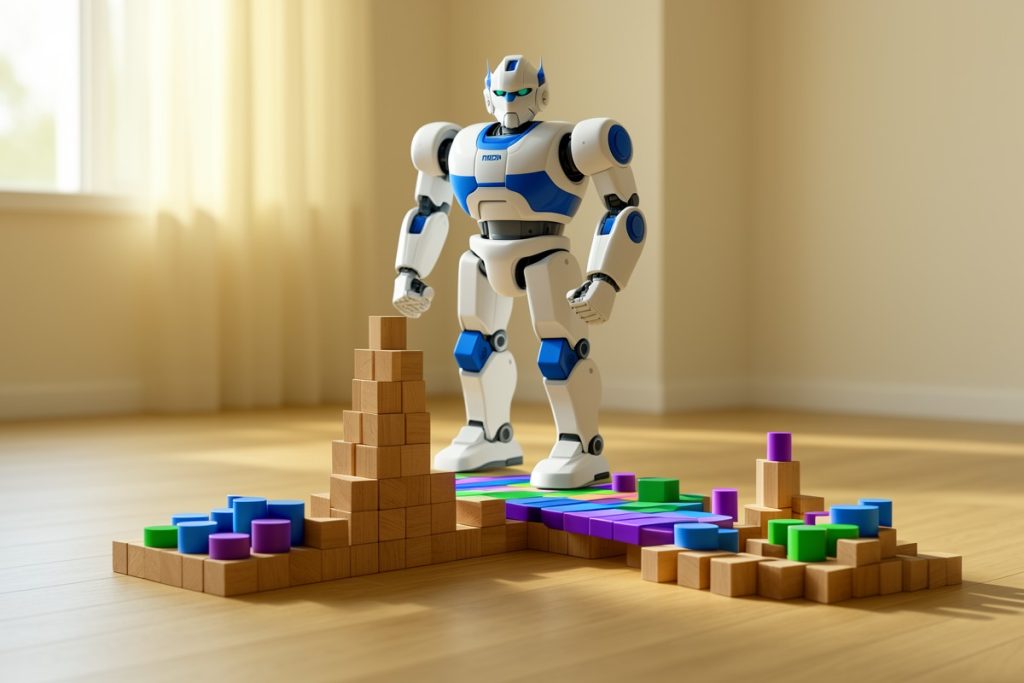
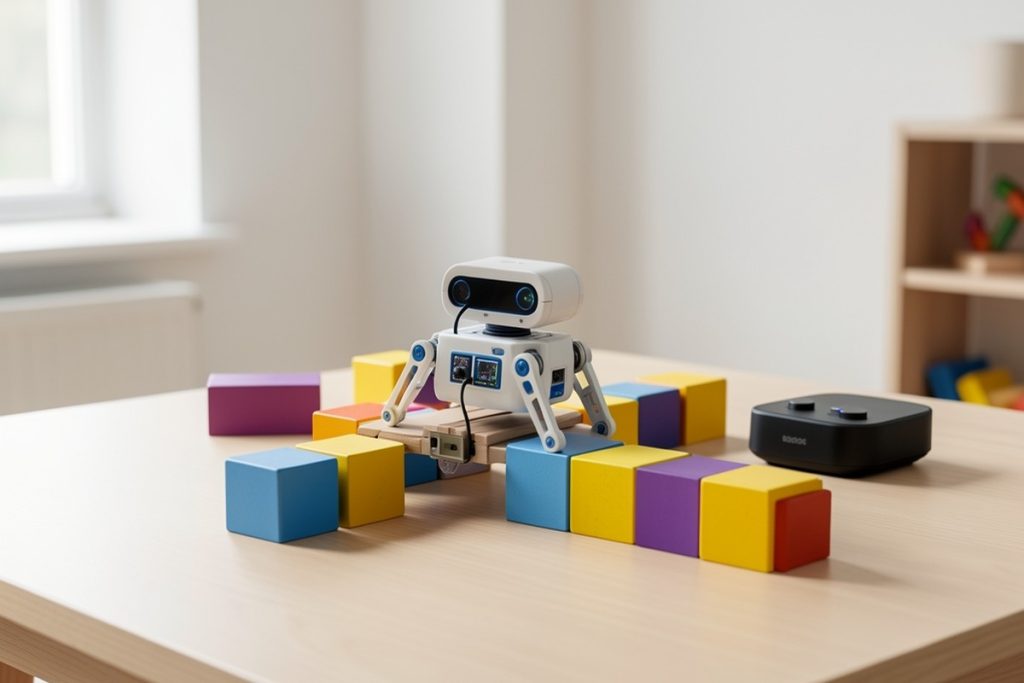
Choose a task with a clear finish line. “Make the robot do something cool” is entertaining but difficult to evaluate. A better first challenge is, “Make the robot move forward, turn once, and stop near the blue block.” The target does not need to be exact. It simply needs to be observable.
Ask the child to predict the result before running the sequence. Their prediction can be spoken aloud rather than written down. Then run the same sequence a second time without changing anything. If the robot behaves differently, look for an environmental factor such as its starting position, wheel traction, battery level, or an accidental extra command.
Keep the first challenge short. Three to five actions are enough to demonstrate the complete cycle of planning, running, observing, and revising. Longer sequences can hide the point of failure and make the activity feel random.
Use the one-change debugging method
When the result is wrong, change only one thing. If the robot overshoots the target, do not simultaneously shorten the movement, alter the turn, and move the starting point. Pick one adjustment, run the test again, and compare the result with the previous attempt.
This method teaches a basic experimental discipline: when several variables change at once, it becomes difficult to know what caused the improvement or failure. Children do not need formal statistics to understand this. They can see that a controlled test produces more useful information than changing everything at once.
Use neutral questions during the process:
- What did we expect the robot to do?
- What did it actually do?
- Which instruction could explain the difference?
- What is the smallest change we can test?
- What evidence would show that the change worked?
Resist the temptation to take the controls immediately. If the child can propose the next test, the debugging lesson is doing its job.
Turn the activity into a repeatable experiment
A simple record makes improvement visible. A paper grid, a whiteboard, or a parent’s notes can capture four items: the goal, the prediction, the observed result, and the next change. Avoid turning this into a formal worksheet. A few words or quick drawings are enough.
| Test | Prediction | Result | One change |
|---|---|---|---|
| 1 | Robot stops by the block | Stops past it | Shorten forward movement |
| 2 | Robot stops closer | Stops before it | Use a middle movement length |
| 3 | Robot reaches the target | Target reached | Repeat to check consistency |
The final step matters. A single successful run may be luck. Repeating the same test checks whether the solution is reliable. If the outcome changes, the child has discovered that repeatability is part of a good solution.
Know whether you are teaching programming or AI
Many children’s gadgets are described as smart, but “smart” is not a precise technical category. If a child selects commands and the robot follows those commands, the activity is primarily programming and robotics. That is valuable, but it is not automatically machine learning or artificial intelligence.
A useful distinction is to ask where the behavior comes from. A fixed sequence produces a planned response. A sensor-based rule can respond to conditions, such as stopping when an obstacle is detected. An AI system may use a model to identify patterns, make predictions, or generate outputs based on data. The product description and the actual app behavior should determine which claims are reasonable.
One possible example for this kind of lesson is the Holyton 5088 Smart Robot for Kids, whose listing describes programmable operation alongside app, voice, and remote-control features. It may offer several ways to explore inputs and outputs, but its marketing language should not be treated as proof that it teaches machine learning. Check the current instructions, compatibility, and available controls before building a lesson around it.
Apply a practical privacy and safety check
If an activity uses only physical controls, the setup is relatively straightforward. If it requires a companion app, pause before creating an account or granting permissions. Check whether the app requests microphone, location, contacts, camera, Bluetooth, or other access that is not clearly needed for the intended activity. Use a parent-managed device when possible, and avoid entering a child’s full name, school, address, or other unnecessary information.
The Federal Trade Commission’s COPPA guidance addresses online services that collect personal information from children under 13. Whether a particular app falls under the rule depends on its service and data practices, so parents should read the developer’s privacy policy rather than assume that a child-focused product has no data concerns.
Also set a physical boundary for testing. Keep the robot away from stairs, pets, fragile objects, and walkways. If the product includes sound, moving attachments, or projectiles, follow the manufacturer’s instructions and use only the parts and conditions appropriate for the child. The goal is a controlled experiment, not maximum spectacle.
A short debugging checklist
- Choose one observable goal.
- Place the robot and target in the same starting positions.
- Ask for a prediction before running the sequence.
- Run the test without changing the setup.
- Describe the difference between the prediction and result.
- Change one command, condition, or starting variable.
- Repeat the successful test to check consistency.
- Ask the child to explain what evidence supports the final solution.
This checklist is deliberately small. A child should leave with a method they can reuse, not a long list of rules they must memorize.
What success looks like
The best outcome is not a perfect performance on the first attempt. It is a child who can explain the problem, identify a likely cause, make a limited change, and test the result calmly. That is a stronger foundation for technology learning than simply watching a robot dance or repeating a prebuilt demonstration.
Over time, increase the challenge gradually: add a second target, introduce an obstacle, require a repeated pattern, or ask the child to make the robot respond differently under two conditions. Keep the same debugging loop in place. The hardware may change, but the reasoning process remains useful across robotics, coding, automation, and responsible AI use.
Last reviewed: 2026-09-28
Sources
- Children’s Online Privacy Protection Rule (COPPA) — Federal Trade Commission guidance on children’s online privacy.
- NIST AI Risk Management Framework — official guidance for identifying and managing risks in AI systems.