
Quick answer
AI smart glasses are most useful as a hands-free visual capture tool, not an infallible memory system. Use them to record a short reference, such as a repair setup or unfamiliar object, then review the file, add context, and delete what you do not need. Before buying, check camera controls, storage, companion-app features, privacy settings, and whether the workflow fits your routine.
Key takeaways
- Use AI glasses for short visual references, not safety-critical decisions.
- Verify object recognition and AI responses before acting on them.
- Keep recordings brief, organized, and easy to delete.
- Respect bystanders and local rules when capturing audio or video.
By Derek Holt, Data-Driven Analyst
What problem can AI smart glasses actually solve?
The practical benefit of AI smart glasses is not that they make every task automatic. It is that they can reduce the friction between noticing something and capturing it. Reaching for a phone may interrupt a repair, lesson, walk-through, inspection, or creative project. Glasses with a camera and audio controls can preserve a visual reference while you stay focused on the task.
That makes them potentially useful for remembering how cables were connected, documenting the condition of an appliance before moving it, capturing a short demonstration for later review, or asking an assistant about an unfamiliar object. The goal is a better memory aid—not a replacement for careful observation.
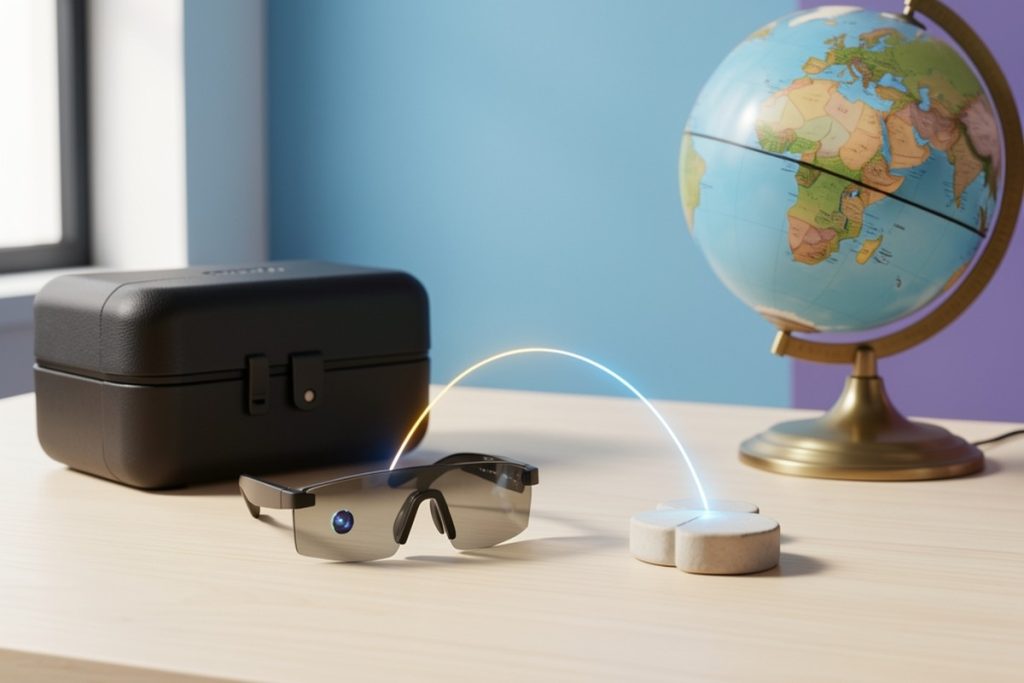
One approved example is this AI smart-glasses model, whose listing describes camera-based photo and video capture, an AI assistant, open-ear audio, object recognition, and Bluetooth. Those are listed features, not proof that every function will work equally well in every environment. App compatibility, battery life, recognition accuracy, storage, and privacy controls should be checked before purchase.
A four-step workflow for useful visual notes
1. Define the note before you record
Decide what you need to remember. “Capture this whole project” is too vague. A better instruction is “show the position of these three connectors” or “record the condition of this filter before replacement.” A specific purpose keeps clips shorter and makes them easier to find later.
If the glasses support voice commands, use a brief spoken description only when it is appropriate. For example, identify the room, object, or task without including unnecessary personal information. If voice capture is not reliable in a noisy setting, plan to add context later in the companion app or on another device.
2. Capture the minimum useful view
Hold the subject steady for a few seconds and include enough surrounding context to make the image understandable. A close-up may show a connector clearly but hide where it belongs. A wide view may preserve the setting but lose the detail you need. When possible, take one contextual clip followed by one detail clip rather than recording continuously.
Short clips are easier to review, transfer, store, and delete. They also reduce the chance of unintentionally capturing conversations or people who did not agree to be recorded.
3. Verify what the AI says
Object recognition can be helpful for generating a starting point, but it should not be treated as an authority. An AI assistant may confuse similar tools, parts, plants, materials, or model variants. Lighting, camera angle, unusual wear, and blocked views can all reduce the quality of an identification.
Use the result to form a better question, then confirm important details with the manufacturer’s manual, a qualified professional, or a reliable reference. Do not rely on an AI identification to make electrical, medical, legal, financial, or other safety-critical decisions.
4. Review and clean up
Within a day, review the recording while the context is fresh. Rename or group it if the app allows, add a useful description, and delete duplicates. If the service stores files in the cloud, check whether deletion removes only the local copy or also the online copy. A visual memory system becomes less useful when it turns into an unsearchable archive of random clips.
Where AI smart glasses fit—and where they do not
| Use case | Fit | Practical approach |
|---|---|---|
| Remembering a repair layout | Good fit | Capture a short wide view and a detail view, then verify before reassembly. |
| Identifying an unfamiliar object | Reasonable starting point | Use recognition to generate possibilities, then confirm with a trusted source. |
| Creating a record of a private meeting | Poor fit | Ask permission first and use a clearly understood recording process. |
| Making a safety-critical decision | Not a suitable sole tool | Use qualified guidance, official instructions, or appropriate measuring equipment. |
| Searching a long-term personal archive | Depends on the app | Confirm export, search, retention, and deletion features before buying. |
Privacy should be part of the setup
Camera glasses create a privacy question every time they are worn around other people. A small camera may be easy to overlook, and open-ear audio may make an interaction seem casual even when data is being collected. Make consent your default in homes, workplaces, classrooms, and private appointments. Recording rules also vary by location and setting, so check the requirements that apply to you.
Use the privacy principles in NIST’s Privacy Framework as a practical checklist: understand what information is collected, who can access it, how long it is retained, and how it can be removed. The same questions apply to the companion app and any connected AI service, not just the glasses themselves.
- Learn how to start and stop recording before wearing the glasses.
- Check whether a visible indicator shows when the camera is active.
- Review microphone, cloud-storage, Bluetooth, and app permissions.
- Do not upload sensitive recordings unless the service and account settings are appropriate.
- Delete recordings that have no continuing purpose.
What to check before buying
Start with the workflow, not the feature list. You need to know where recordings go, whether they can be exported, how they are organized, and how easily they can be deleted. A high-resolution camera is less useful if the files are difficult to retrieve or the app does not support your phone.
Next, check the controls. Can you capture without repeatedly touching the frame? Is there a clear recording indicator? Can you mute or disable the microphone? Does the device remain usable when the phone is offline or out of range? Product listings may describe broad capabilities, but they do not always explain limitations in noisy rooms, low light, weak connectivity, or long recording sessions.
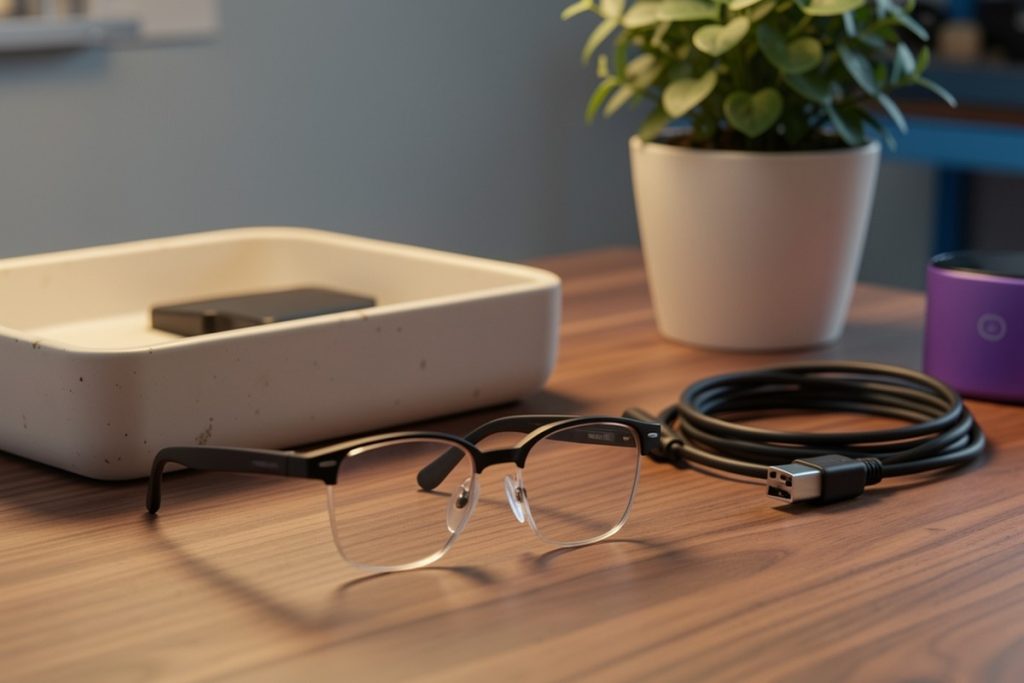
Finally, consider comfort and social fit. Weight, lens style, charging method, audio leakage, and the visibility of the camera can determine whether the glasses become part of your routine or stay in a drawer. Look for current technical documentation and privacy policies rather than assuming that an AI feature works like a human expert.
Bottom line
AI smart glasses can solve a narrow but useful problem: capturing visual context when taking out a phone would interrupt the task. They work best when paired with a disciplined process—define the purpose, record briefly, verify AI output, organize the result, and delete unnecessary data. If you need dependable visual notes, evaluate the entire capture-and-review workflow rather than buying based on an impressive feature list alone.
Last reviewed: 2026-10-19