Quick answer
AI smart glasses can make travel translation more convenient by letting you listen, capture, or ask questions without constantly reaching for your phone. They are worth considering only if the supported languages, companion app, privacy controls, comfort, and connectivity match your trip. Treat their translations and object recognition as helpful aids, not reliable substitutes for human or professional advice.
Key takeaways
- Start with a specific problem, such as translating short conversations or identifying unfamiliar objects.
- Check language support, phone compatibility, internet requirements, battery expectations, and data settings before buying.
- Camera resolution does not guarantee accurate translation or useful AI responses.
- Ask permission before recording people and avoid relying on AI for safety-critical decisions.
By Mia Chen, Warm Tech Translator
What AI smart glasses can realistically do for travelers
AI smart glasses combine a small camera, microphones, speakers, wireless connectivity, and software into a wearable frame. In theory, that combination lets you ask an assistant a question, capture a photo, hear information, or translate a short phrase while keeping your phone in your pocket.
The practical benefit is reduced friction. You may not need to stop walking to look down at a screen, or interrupt a conversation to open a translation app. That convenience can matter at an airport, market, museum, or train station. However, the glasses are not automatically better than a phone. They introduce their own requirements: charging, pairing, app permissions, internet access, comfortable fit, and careful handling of privacy.
Before comparing models, decide which task matters most. Translation, hands-free photography, object recognition, and voice assistance are separate capabilities. A model that is strong for quick snapshots may not provide the language coverage or audio clarity you need for travel.
How to evaluate glasses for travel translation
Check the exact languages
“Real-time translation” is not a complete specification. Find the exact languages supported, whether translation works in both directions, and whether the feature is spoken aloud, displayed in an app, or delivered through both methods. Also check whether dialects, accents, numbers, names, and short addresses are handled well.
Ask whether translation works offline. Some AI features may depend on a phone, a cloud service, or an active data connection. That matters when you are on a plane, crossing a border, using an expensive roaming plan, or visiting an area with unreliable coverage.
Look beyond camera resolution
A high-resolution camera can help capture clearer images, but it does not prove that the AI will interpret them correctly. Translation and object recognition also depend on lighting, framing, software, language models, and the clarity of your question. Test ordinary travel situations rather than relying on a specification number.
Try a restaurant request, a street name, a train destination, and a handwritten note only if you have permission to capture it. Include proper names and numbers, because small errors in those details can create large practical problems.
Confirm phone and app compatibility
AI glasses generally rely on a companion app for setup, updates, file management, or advanced features. Confirm that the app supports your phone’s operating system and that the product works in the country where you plan to use it. Review account requirements, cloud storage settings, and whether important functions stop working when the phone is disconnected.
AI glasses versus a phone or earbuds
| Option | Best suited to | Important limitation |
|---|---|---|
| Phone | Detailed translation, visual context, and occasional use | Requires reaching for a screen and can interrupt conversation |
| Earbuds | Audio prompts and private listening | Usually do not provide a camera or visual assistant |
| AI glasses | Hands-free camera, audio, and assistant access | Raises additional questions about privacy, battery, comfort, and connectivity |
For occasional travel, a phone may remain the simplest option. Earbuds can be preferable if you only need spoken directions or audio translation. Glasses become more interesting when several hands-free functions are useful throughout the day and you are comfortable managing the extra setup.
Where the candidate AI glasses may fit
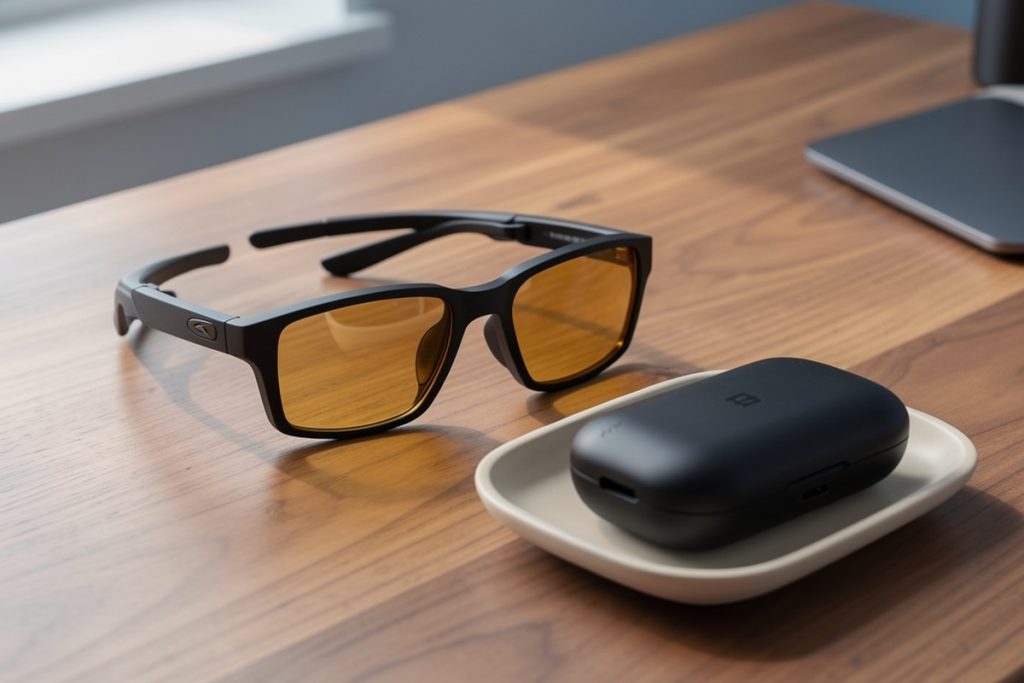
For travelers who want one wearable for camera capture, audio assistance, and translation, the AI Smart Glasses with Camera may be worth comparing. The supplied product information lists 13MP HD capture, advertised 4K EIS video, photochromic lenses, object recognition, real-time translation, an AI assistant, dual open-ear speakers, Bluetooth, and IP66 water resistance.
Those are listed features, not independent test results. Before purchasing, verify the current app, supported languages, phone compatibility, battery expectations, recording controls, and how cloud processing works. Open-ear speakers may help you remain aware of your surroundings, but they can also make audio audible to people nearby. The product is most relevant to someone who wants several hands-free functions; it is less compelling if translation is the only occasional need.
A five-minute pre-trip checklist
- Confirm the languages and translation direction you need.
- Ask whether key features require an internet connection, phone, account, or subscription.
- Review microphone, camera, cloud-storage, deletion, and recording-indicator settings.
- Check frame comfort, lens behavior, speaker leakage, charging, and water-resistance limits.
- Test names, numbers, directions, and common objects before relying on the glasses abroad.
Use the same phrases and conditions you expect on your trip. Test in bright outdoor light and a quieter indoor setting. If a result is uncertain, repeat it with simpler wording or confirm it using your phone, a local speaker, or another trusted source.
Privacy matters more when the camera is wearable
A phone camera is visible because the person usually raises it. Glasses can make recording less obvious, which creates a responsibility to be especially clear and considerate. Do not record private conversations, restricted locations, or identifiable people without appropriate permission. Rules for recording audio and video vary by country and sometimes by region.
Before traveling, learn how the recording indicator works and check which permissions the companion app requests. Disable unnecessary cloud backup, protect the account with a strong password and multifactor authentication, and understand how to delete files from both the app and connected device. Avoid using the glasses in medical, legal, security-sensitive, or intimate settings unless recording is clearly permitted.
Privacy is not merely a legal concern. People may reasonably feel uncomfortable being recorded by a wearable camera, even if you never publish the footage. Good travel technology should reduce inconvenience without transferring the cost to everyone around you.
When AI translation is not enough
AI translation can be useful for simple, low-stakes exchanges, but mistakes can be consequential. Do not rely on it alone for allergies, medication instructions, immigration documents, legal obligations, emergency directions, or financial agreements. In those situations, use a qualified interpreter, an official translation, or a trusted local authority.
Object recognition deserves the same caution. An assistant may identify a familiar item correctly and still misunderstand a product label, road hazard, plant, animal, or safety instruction. Ask for clarification, compare the answer with reliable information, and treat uncertainty as a signal to stop rather than guess.
Bottom line
AI smart glasses are worth considering for travel when hands-free access solves a repeated problem and the supporting app, languages, privacy controls, and connectivity are suitable. They are not a shortcut around testing or judgment. Compare them with a phone and earbuds, verify the features you actually need, and keep a conventional translation method available. The best wearable is the one that makes travel easier without creating a new reliability or privacy problem.
Last reviewed: 2026-09-18
Sources
- NIST AI Risk Management Framework — guidance for identifying and managing risks in AI systems.
- NIST Privacy Framework — a structured approach to managing privacy risk.
- European Data Protection Board Guidelines 3/2019 on processing personal data through video devices — privacy considerations for cameras and recording.