
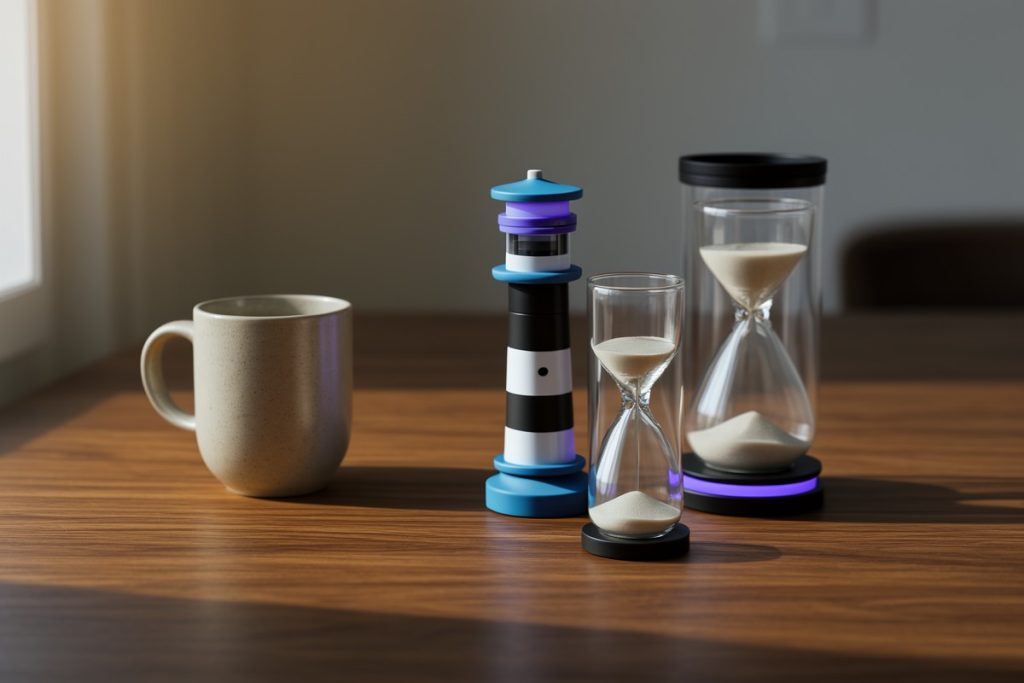
Quick answer
For desk workers who forget to pause, a desktop companion robot can turn a vague intention into a visible, screen-free break cue. Use a brief interaction to trigger one physical reset—standing, stretching, or walking for water—then return to a defined task. It should complement, not replace, a timer, ergonomic setup, or workload planning.
Key takeaways
- A desktop robot works best as a visible cue and ritual object, not as a complete productivity system.
- Pair the interaction with one simple physical action away from the screen.
- Use a timer or calendar reminder when break timing needs to be reliable.
- Check the product’s actual features, connectivity, app requirements, and privacy details before buying.
Why screen-free breaks are easy to skip
Most people do not consciously decide to avoid breaks. They simply reach the end of one task, notice another notification, and continue working. Over time, a short pause becomes something they intend to take later—but “later” keeps moving.
Computer work can combine visual concentration, static posture, and repetitive movements. The result is not necessarily a problem with technology itself; it is often a problem with invisible transitions. A laptop notification appears inside the same environment that demands your attention, so dismissing it is easy. A physical object on the edge of your workspace can create a clearer moment of choice.
That is where a desktop companion robot can help. It does not need to measure your productivity or manage your entire schedule. Its useful role is narrower: make the end of a work block noticeable enough that you remember to do something different.
What a desktop companion robot can realistically do
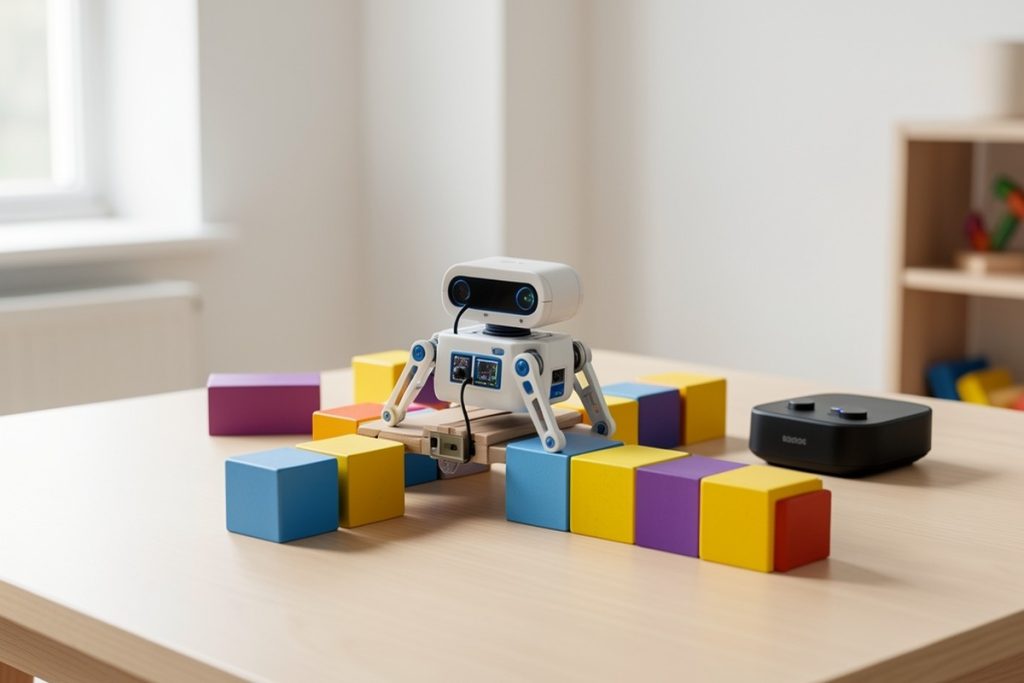
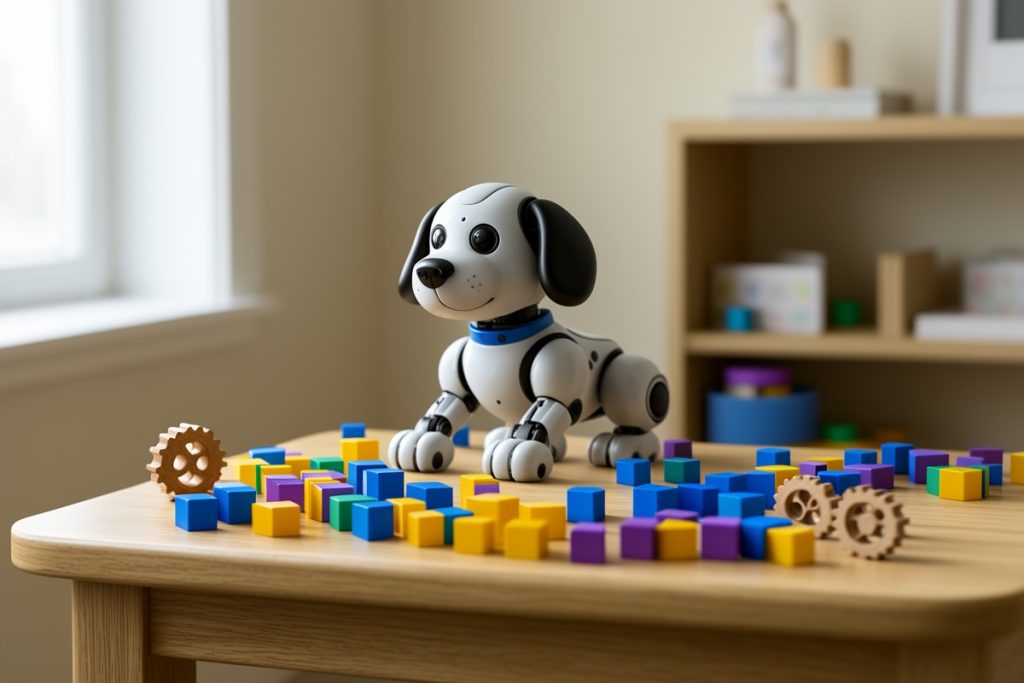
The ENERGIZE LAB Eilik is described as a desktop companion with expressive animations and reactions, touch-responsive play, and mini games. Those features make it a plausible screen-free cue between work blocks. A short interaction can become the first step in a repeatable break ritual.
That does not mean the device automatically provides calendar integration, reliable time tracking, posture coaching, or advanced conversational AI. A product appearing in an AI-gadget category should not be treated as proof that it has every capability associated with AI assistants. Check the current product information and instructions for the functions you actually need.
NIST’s AI Risk Management Framework offers a useful general principle: evaluate technology according to its intended use, capabilities, limitations, and potential risks. For a desk companion, that means asking practical questions. Does it need an app? Does it connect to other devices? What information, if any, does the system collect? Can it be used without distracting you from the work it is supposed to support?
Used honestly, a companion robot can provide a visible cue, a tactile interruption, and a small amount of enjoyment. It should not be treated as a health device, an ergonomic solution, or evidence that your work will become faster.
Build a five-step break ritual around the cue
The gadget matters less than the behavior attached to it. Keep the ritual short enough to use on a busy day and specific enough that you do not need to make another decision.
- Choose a clear trigger. Tie the pause to something recognizable, such as finishing a meeting, sending a deliverable, or reaching a natural stopping point. If you need breaks at fixed intervals, use a timer as well.
- Place the robot where you can see it. Keep it beside the monitor or at the edge of the desk, but do not block your keyboard, camera, ventilation, or essential equipment.
- Interact briefly. Touch or play with the device for a moment, then stop. The interaction should open the break rather than become a new source of procrastination.
- Add one physical reset. Stand up, change your sitting position, refill water, walk a short distance, or focus your eyes on something farther away. Pick an action that remains realistic when you are under pressure.
- Define the return task. Before resuming, identify the next concrete action. “Review the second paragraph” is more useful than “keep working,” because it reduces the chance that the break turns into unfocused browsing.
OSHA’s computer workstation guidance emphasizes sound workstation arrangement, varied positions or tasks, and periodic breaks. A desktop robot cannot replace those basics. It can simply make the transition easier to notice.
Desk robot versus other break cues
| Tool | Best use | Main limitation |
|---|---|---|
| Desktop companion robot | A visible, tactile cue for a voluntary reset | It may not track time or connect to your calendar |
| Timer or calendar reminder | Scheduled or repeating break intervals | Easy to dismiss as another alert |
| Water bottle | A simple prompt to stand and move | Less noticeable if it blends into the desk |
| Workstation adjustment | Reducing setup and posture problems | Does not create a break habit by itself |
This is not a ranking. Each tool solves a different problem. Use a robot for salience and ritual, a timer for timing, and workstation adjustments for the physical setup. If you regularly ignore notifications, adding another notification may not help. If you forget to pause because your workspace provides no visible cue, a physical object may be more useful.
Checklist before making it part of your routine
- Can I explain exactly what event will trigger the break?
- Does the break include one physical action away from the screen?
- Is the robot visible without blocking work equipment?
- Will I use a timer if fixed timing matters?
- Have I checked current power, connection, app, and privacy requirements?
- Does the interaction remain brief, or does it regularly pull me into longer play?
Try the routine for several workdays before deciding whether it helps. Measure a concrete outcome rather than relying on a general feeling. Are you noticing pauses that you previously skipped? Are you returning to a specific next task? If not, change the trigger, shorten the interaction, or replace the cue.
Bottom line
A desktop companion robot can make screen-free work breaks more visible and more appealing, especially for people who lose track of transitions while focused. Its value comes from the ritual built around it—not from assuming that animations equal advanced AI or that a playful device can solve every productivity and ergonomic problem. Keep the role narrow: use it to notice the pause, complete one physical reset, and return with a clear next step.
Last reviewed: 2026-11-02