
Quick answer
Organize digital nomad cables by separating your daily essentials from backup and destination-specific gear. Use one compact pouch, coil cables loosely, protect adapters from pressure, and check every cable before leaving. A dedicated organizer such as the NISHEL Travel Cord Organizer can make chargers, USB devices, memory cards, and small drives easier to find, provided its compartments fit your equipment.
Key takeaways
- Build a small daily charging kit instead of carrying every cable you own.
- Separate essential gear, backup gear, and destination-specific accessories.
- Check connector type, charging capability, and cable length before packing.
- Keep spare lithium batteries and power banks in your carry-on, following airline and aviation guidance.
Why cable organization matters when you work remotely
Cable clutter is more than an annoyance. For a digital nomad, one missing adapter can turn a productive afternoon into a hunt through every pocket in a backpack. Loose cords also become harder to inspect, easier to leave behind, and more likely to tangle around other equipment.
The goal is not to own the largest travel tech kit. It is to create a repeatable setup that works in a rented apartment, a coworking space, an airport lounge, or a café. When each item has a known place, packing becomes a short routine rather than a daily decision.
Build your kit in three layers
Start by listing the devices you actually use during a normal workday. Most remote workers need fewer accessories than they expect. Then divide the gear into three layers:
| Layer | Typical contents | Decision rule |
|---|---|---|
| Daily essentials | Main charging cable, laptop charger, phone cable, compact adapter, earbuds | Pack these for every workday. |
| Backup gear | Spare cable, extra wall adapter, card reader, small drive | Carry only if replacement would be difficult or expensive. |
| Destination-specific gear | Travel plug adapter, camera cable, HDMI adapter, specialty accessories | Add it only for a confirmed trip need. |
This structure prevents the common mistake of treating “just in case” accessories as mandatory. If you have not used an item in several weeks, move it to a backup pouch or leave it at home.
Choose cables by function, not appearance
Two cables can look almost identical while serving different purposes. A connector shape does not automatically tell you how quickly a cable charges or whether it supports data transfer. The USB Implementers Forum’s information about USB Power Delivery is a useful reference when you need to understand charging capabilities rather than rely on color or packaging.
For each cable, confirm three things:
- Which devices it connects, such as USB-C to USB-C or USB-C to another connector.
- Whether it is intended for charging, data transfer, or both.
- Whether its length suits your workspace without creating a loose loop on the floor.
Keep one dependable cable for your primary device and avoid packing several versions that perform the same job. If you travel with a laptop, phone, tablet, camera, or external drive, write down the actual connections between them. That simple inventory reveals which adapters are essential and which are duplicates.
Use one pouch, but do not overfill it
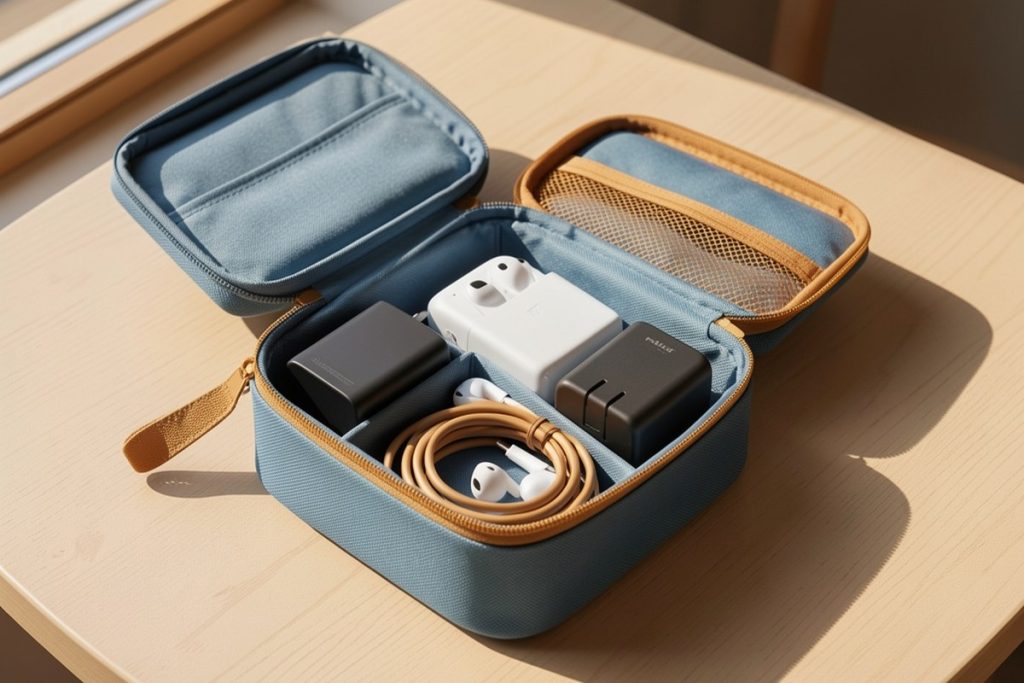
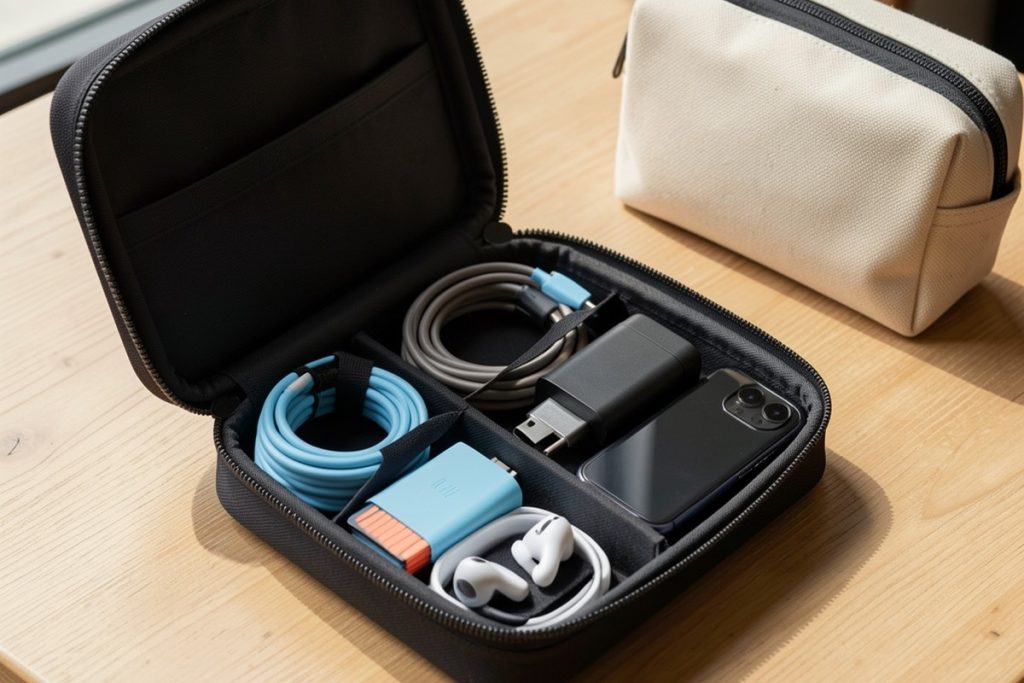
A dedicated organizer is useful when it gives small items a consistent home. The NISHEL pouch is worth considering for a traveler whose kit includes chargers, cables, a phone, USB devices, memory cards, or a small hard drive, because those are the item categories described in its product listing. It is not automatically the right choice for every setup, though. Check the listed dimensions and pocket layout against your largest adapter and the number of accessories you carry.
Overfilling any organizer defeats the purpose. A crowded pouch makes it difficult to see what is inside and can put unnecessary pressure on plugs, drive housings, or card edges. If the zipper only closes when you compress the contents, remove duplicates or move infrequently used items to a separate storage location.
Pack cables so they are easy to inspect
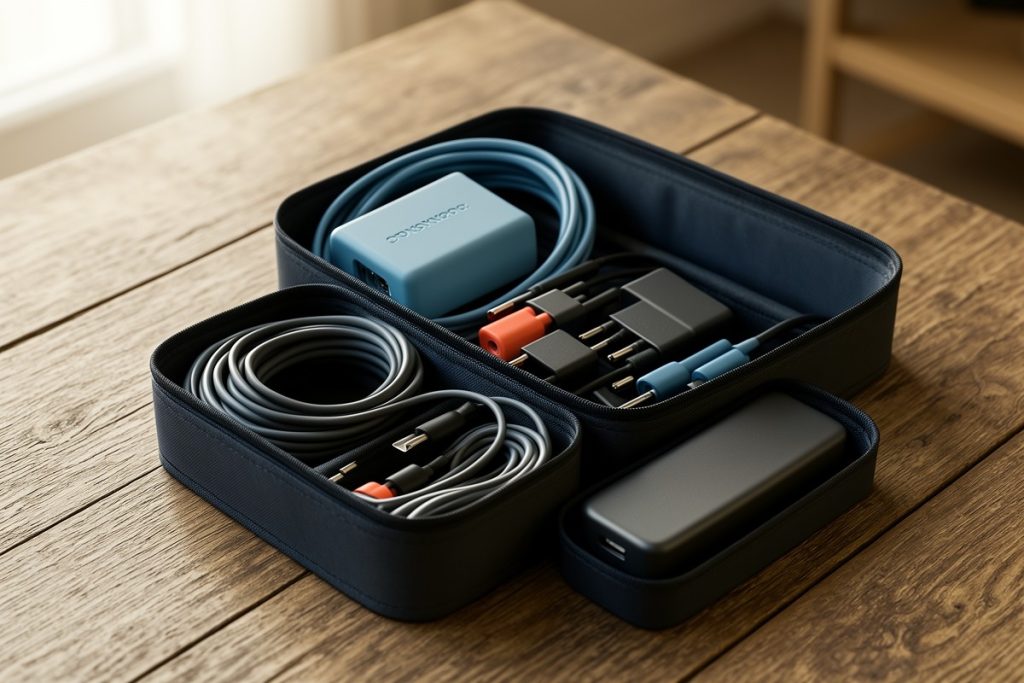
Coil each cable loosely rather than folding it sharply at the connector. Secure it with a reusable strap or place it in an individual elastic loop if the organizer provides one. Keep adapters in a larger compartment and small memory cards in a closed pocket so they are not loose at the bottom of the pouch.
Put the organizer near the top of your personal bag. You may need to remove electronics during screening, and quick access also helps when you arrive at a new workspace. Keep the pouch separate from clothing and toiletries so it can move directly from your travel bag to your desk.
Before leaving a location, use the same reverse order every time: unplug the wall adapter, check the floor and outlet area, return cables to their assigned spaces, and close the pouch before packing anything else. A consistent sequence is more dependable than trying to remember each item individually.
Handle power banks and batteries carefully
Power banks and spare lithium batteries deserve special attention. The FAA advises passengers to carry spare lithium batteries and power banks in carry-on baggage rather than checked baggage, while airlines may impose additional requirements. The relevant rules can vary by battery size, airline, and destination, so check the carrier’s current guidance before departure.
Do not bury a power bank loose in a bag where its terminals could contact keys or other metal objects. Keep it protected in a dedicated pocket or case. This is a safety step, not merely an organization preference.
A five-minute cable reset before every move
- Charge your main devices before leaving.
- Confirm the essential cable for each device is present.
- Return backup accessories to their designated compartment.
- Check the outlet, desk, and bedside area for forgotten gear.
- Make sure the pouch closes without force.
Do this before checking out, changing coworking locations, or heading to the airport. The routine is short enough to repeat and specific enough to catch the items most often left behind.
The practical standard for a portable work kit
A good digital nomad cable system should pass three tests: you can identify what you need within seconds, you can pack it without forcing the organizer closed, and you can explain why every item is there. If it fails any of those tests, reduce the kit or change how it is divided.
The best setup is rarely the one with the most accessories. It is the one that lets you start working quickly in an unfamiliar place, replace a missing cable without unpacking everything, and leave a workspace knowing your small but important equipment is accounted for.
Last reviewed: 2026-11-13