Quick answer
The best AI face-tracking tripod is not necessarily the one with the most impressive marketing. Look for reliable subject tracking, smooth rotation, simple controls, stable construction, useful battery life, and privacy-friendly operation. Before buying, confirm whether it works with your phone and camera app without extra software, and treat claims such as “AI” or “360° tracking” as features to verify rather than guarantees.
Key takeaways
- Face tracking is most useful for solo creators, teachers, presenters, and remote workers who need to move while recording.
- “AI” may describe automated tracking hardware rather than generative AI, so examine the actual behavior and controls.
- A stable base, smooth movement, compatibility, and privacy matter more than a long feature list.
- Gesture controls and a remote can reduce interruptions, but they should complement—not replace—basic camera controls.
What an AI face-tracking tripod actually does
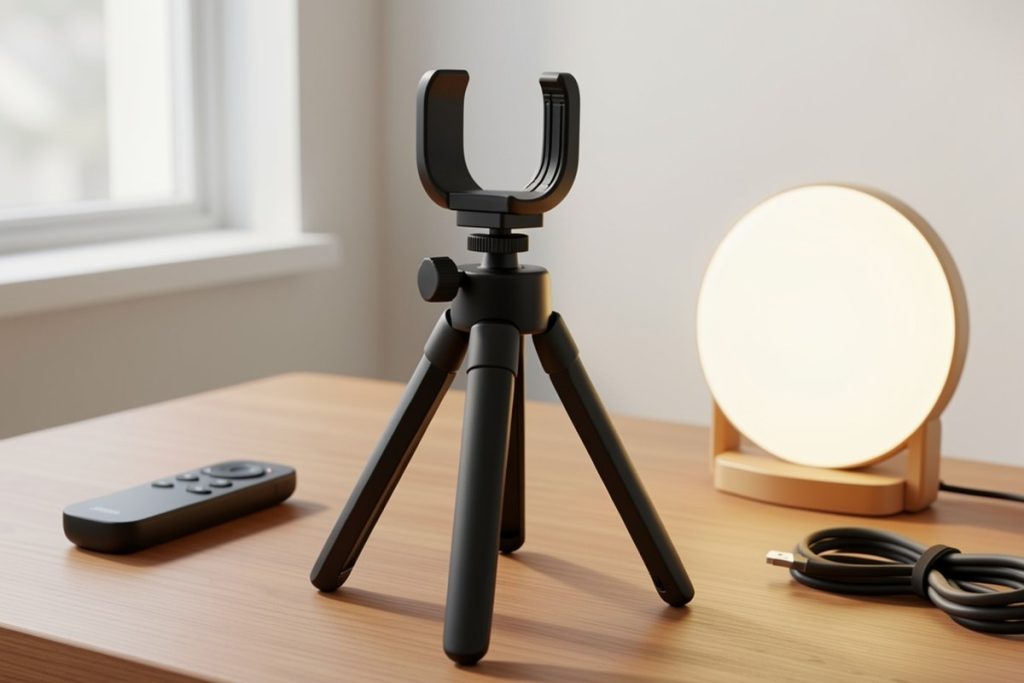
An AI face-tracking tripod combines a phone holder with a motorized rotating head. When its camera detects a face or subject, the head can turn to keep that subject within the frame. Some models use a dedicated sensor, while others rely on the phone’s camera and internal tracking software. The product category is often marketed as an AI gadget, but that does not automatically mean it uses a large language model or creates content.
That distinction matters. If your goal is hands-free video, the important question is whether the stand can follow ordinary movement smoothly and keep the camera positioned at a useful angle. You do not need generative AI for that task. You need dependable motion, sensible controls, and a setup that does not interrupt recording.
Who benefits most from face tracking?
A tracking tripod can solve a specific problem: recording yourself while moving around without asking another person to operate the camera. It may be useful for fitness instructors demonstrating low-impact exercises, tutors moving between a whiteboard and desk, presenters recording product explanations, or creators making cooking and craft videos.
It is less valuable for a fixed talking-head setup. If you sit in one chair and keep the camera in one position, a conventional tripod may be cheaper, quieter, and more predictable. Tracking also cannot fix poor lighting, distracting backgrounds, weak audio, or an awkward camera angle. It automates framing; it does not replace the rest of a good recording setup.
Features that deserve close attention
Tracking behavior
Look for a clear description of what the device tracks and how it starts tracking. Some products use facial recognition in the ordinary sense of detecting a face in the frame, while others may follow a broader visual target. Check whether the subject must face the camera, remain within a certain distance, or use a particular gesture.
Movement quality matters as much as detection. A tripod that turns abruptly, hunts for the subject, or makes audible motor noise can make footage feel distracting. If the manufacturer does not explain tracking limits, consider that a reason to lower expectations.
App requirements
“No app” can be useful because it may reduce setup steps and permissions. It can also mean fewer options for adjusting sensitivity, speed, or tracking modes. Confirm whether the stand works with the camera app you already use, whether the remote triggers recording, and whether gesture controls are optional.
Stability and movement
A rotating head is only helpful if the base stays planted. Check the holder’s fit, the weight of your phone, the width of the base, and whether the device is intended for a desk, tabletop, or floor. A lightweight stand may be convenient for travel but more vulnerable to vibration or accidental bumps.
Power and controls
Rechargeable power is convenient, especially for longer recording sessions. Still, battery capacity alone does not tell you how long the device will operate under continuous movement. A physical power button, remote, or gesture control can make recording easier, but avoid assuming that every control works with every phone or app.
Quick comparison: tracking tripod or standard tripod?
| Need | Better fit | Why |
|---|---|---|
| Fixed seated videos | Standard tripod | Fewer moving parts and simpler framing |
| Walking presentations | Face-tracking tripod | Can follow movement without a camera operator |
| Travel recording | Compact tripod | Lower weight may matter more than automation |
| Detailed camera control | App-enabled gimbal or camera system | More settings may be available |
A practical buying checklist
Before purchasing, answer these questions:
- Will the holder securely fit your phone, including its case?
- Does the tracking work with your intended camera or video app?
- Can you disable tracking and use the stand as a regular holder?
- Is the rotation quiet and smooth enough for spoken video?
- Will the base remain stable on your chosen surface?
- How will you charge it, and can you operate it without reaching behind the camera?
- Does the device require an account, Bluetooth connection, or unnecessary permissions?
This checklist keeps the decision focused on the recording problem rather than the label on the box. It also helps separate a useful automation feature from a product that simply uses AI language in its name.
One option for hands-free recording
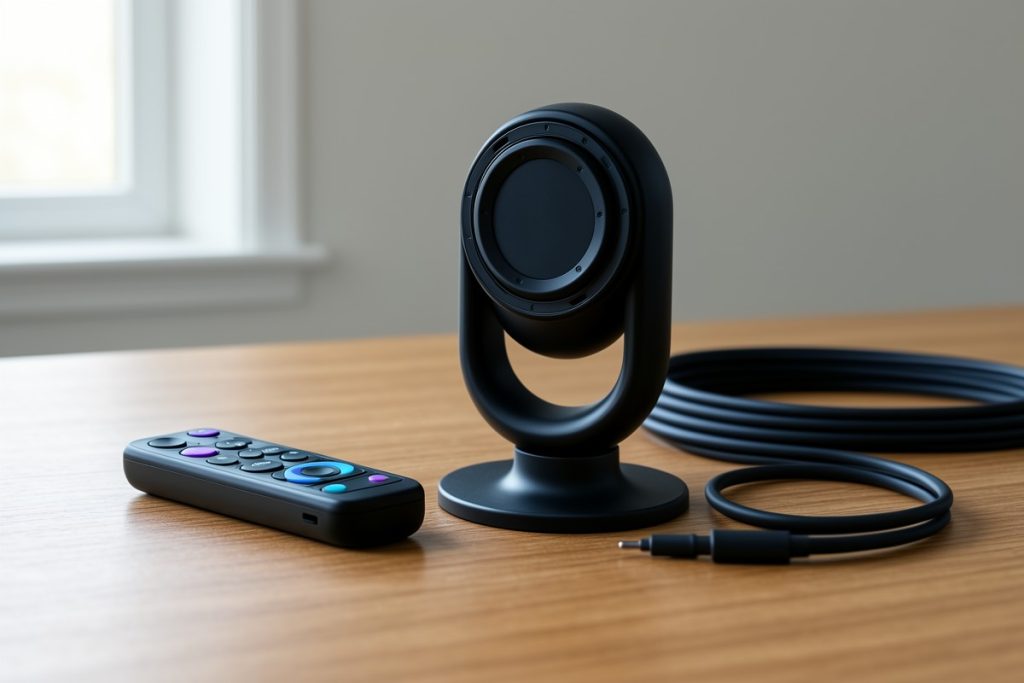
For shoppers specifically looking for an all-in-one tracking accessory, one candidate is the Auto Face Tracking Tripod 360° Rotating Cell Phone Photo and Video Kits Stand, No App, Camera Stand with Remote and Gesture Control, Rechargeable Smart Shooting Stand for Live Recording Tiktok (Black).
Its listed feature set is aimed at the solo-recording use case: automated rotation, remote and gesture controls, rechargeable operation, and no-app setup. Those features may appeal to someone who wants to record demonstrations or live-style videos without an assistant. However, the listing alone does not establish how smoothly it tracks in every environment, how long the battery lasts in continuous use, or whether every phone and camera app behaves identically. Confirm fit, controls, return terms, and compatibility before buying.
Privacy and responsible use
A face-tracking device may process visual information locally, through a connected phone, or through an accompanying service. The exact arrangement varies by product. “No app” may reduce one layer of data sharing, but it does not prove that a device has no privacy considerations. Avoid recording other people without their knowledge, especially in workplaces, classrooms, homes, or public spaces where expectations differ.
It is also wise to evaluate AI-related claims carefully. The NIST AI Risk Management Framework emphasizes managing risks and making system behavior more understandable, while the Federal Trade Commission’s guidance on AI claims warns businesses not to make unsupported claims about what AI products can do. For buyers, the practical lesson is simple: prioritize observable features, stated limitations, and clear instructions over vague promises.
If recording sensitive work, review the phone’s camera permissions and connected-device settings. The NIST Privacy Framework is a useful reference for thinking about what data is collected, who can access it, and how long it is retained—even when you are evaluating a small consumer gadget rather than an enterprise AI system.
How to get better results after buying
Place the tripod on a firm surface at roughly eye level, then test the widest movement you expect to make. Use soft, even light on your face and keep the background uncluttered. Start with a short recording to check whether the camera loses you when you turn, sit down, or move behind an object.
Keep the subject’s clothing visually distinct from the background, and leave extra space around the frame until you understand the tracking range. For spoken content, use a separate microphone when possible; automated framing cannot compensate for echo or distant audio. Finally, rehearse the start and stop controls so that gestures do not accidentally interrupt a recording.
Last reviewed: 2026-08-17