Quick answer
To work outside without laptop glare or excessive heat, choose open shade, position your back toward the brightest sky, lower screen brightness only as much as comfortable, and keep the computer off hot surfaces. Take regular indoor breaks, monitor weather and UV conditions, and use a compact shade hood only as a glare aid—not as protection from dangerous heat, rain, or strong wind.
Key takeaways
- Open shade is usually more useful than direct sunlight, even when the air temperature feels comfortable.
- Keep your laptop elevated, ventilated, and away from hot metal, sand, or sun-heated tables.
- Plan a reliable indoor fallback for charging, weather changes, and high heat.
- A portable laptop shade can reduce glare, but it cannot replace heat, UV, or storm precautions.
By Casey Blake, Realistic Remote Work Advisor
Why outdoor laptop work becomes uncomfortable so quickly
Working from a patio, campsite, balcony, or seaside café sounds simple until the screen becomes difficult to see. Outdoor brightness does not just come from direct sunlight. Pale pavement, water, sand, windows, and bright clouds can all reflect light toward the display. You may turn the brightness up to compensate, but that can make the laptop warmer and drain the battery faster.
Heat creates a separate problem. A laptop already produces heat while it is running, and direct sun can warm the lid, keyboard, and body faster than air movement can cool them. A device sitting on a dark table or inside a bag can become even warmer. The practical goal is not to create a perfect outdoor office. It is to reduce the biggest sources of glare and heat while keeping an easy way to stop.
Choose shade before you choose a seat
The best outdoor laptop setup starts with the location. Look for broad, consistent shade rather than a narrow strip that will disappear as the sun moves. A covered terrace, awning, leafy tree, or café umbrella is more useful than a beautiful sunny view if you need to read the screen for an hour.
Keep the screen facing away from the brightest part of the sky when possible. You want your body and the shade structure to block direct light from reaching the display, without putting your own face in harsh reflected light. If you are working beside water or pale sand, move farther from the reflective surface and use a matte, darker work surface.
Before settling in, check three practical details: whether your connection is stable, whether your battery will last, and whether you have an indoor fallback. A location that works for email may not work for a video call. A location with a strong signal may have nowhere safe to go when the wind rises or a storm approaches.
A practical glare-and-heat checklist
| Problem | What to do | Why it helps |
|---|---|---|
| Screen washed out | Move into open shade and turn the display away from the brightest sky. | Reduces direct and reflected light without forcing maximum brightness. |
| Laptop feels hot | Move it out of direct sun and place it on a firm, ventilated surface. | Helps avoid trapping heat around the computer. |
| Battery dropping quickly | Lower brightness to a comfortable level and close unnecessary applications. | Extends working time when outlets are limited. |
| Weather changing | Pack the computer before rain or strong wind reaches the workspace. | Protects the device and gives you time to relocate calmly. |
Use a portable shade as a glare aid, not a complete office
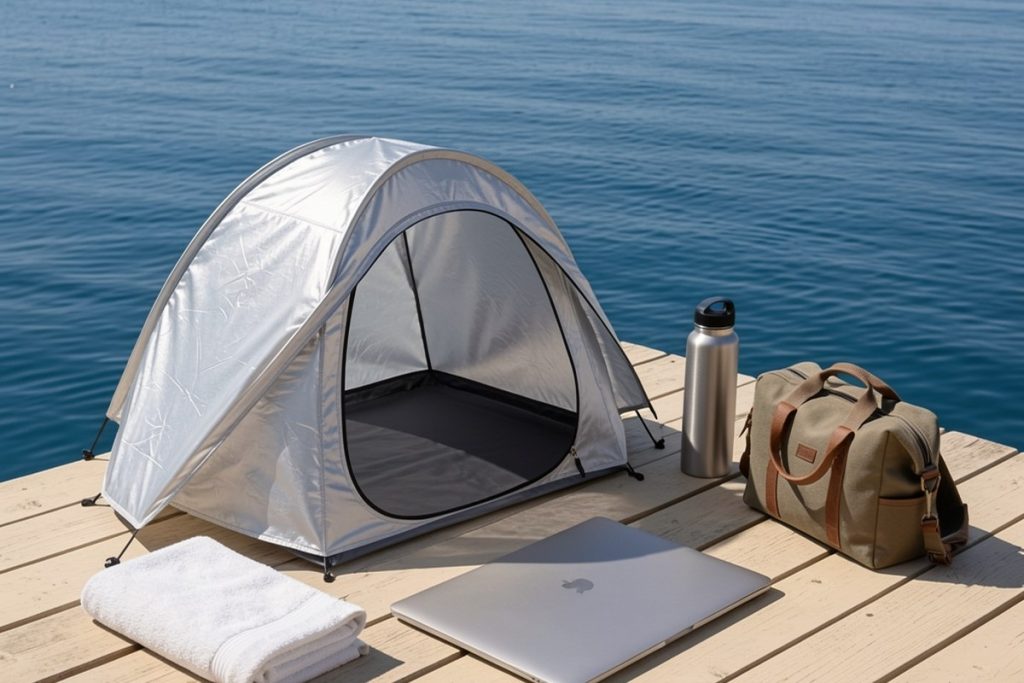
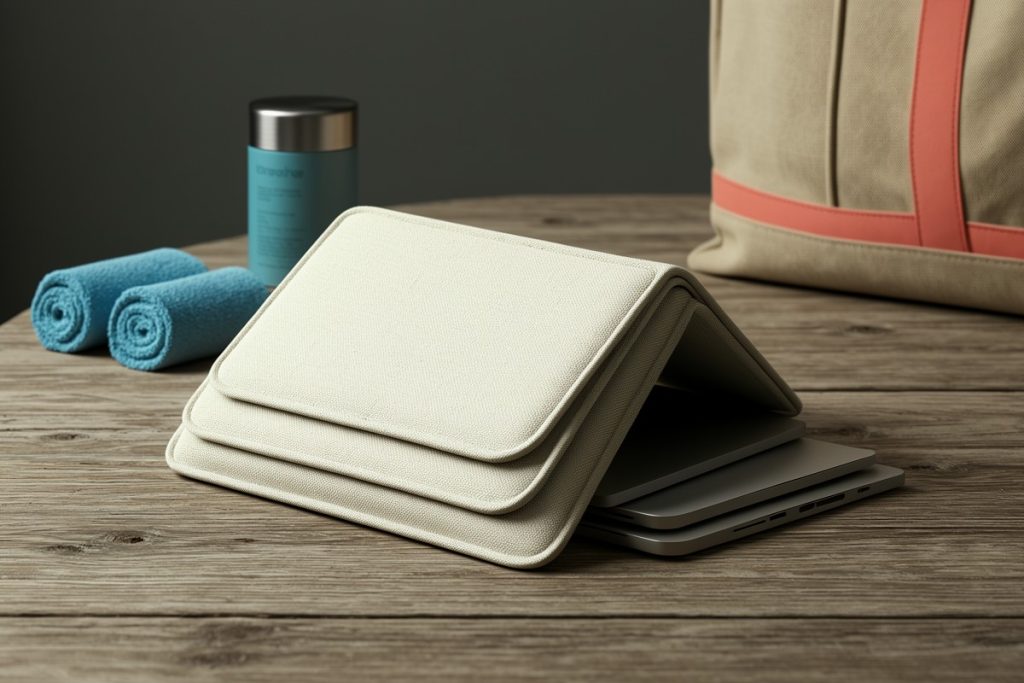
If your main problem is direct sunlight on the display, a compact hood can make short outdoor work sessions more manageable. The LAPTOP TENT – Portable Sun Shade & Water-Resistant Beach Bag for Outdoor Work is listed as a convertible tote with a laptop shade, reflective fabric, and a privacy and glare shield. That combination may appeal to digital nomads who move between patios, beach areas, and other places where carrying separate work gear is inconvenient.
The limitations matter. A hood can block some of the light arriving from the sides or above, but it does not cool the air, guarantee comfortable viewing in every direction, or protect a laptop from heavy rain. It also needs to fit your computer and leave enough space for ventilation and comfortable typing. Treat the product as one layer in an outdoor setup, not as permission to work in direct sun or extreme heat.
Before relying on any shade accessory for a trip, check its packed size, weight, closure method, and compatibility with your laptop. Consider whether you can use it on a stable table rather than your lap. If the shade makes the keyboard cramped or restricts airflow, the tradeoff may not be worthwhile for long sessions.
Plan outdoor work around heat and UV conditions
Temperature alone is not a complete safety check. Humidity, direct sunlight, physical exertion, and limited access to water can make a location feel much harsher than the forecast suggests. Check local heat advisories before scheduling a long work block, and plan your most demanding tasks for the cooler part of the day.
The UV Index is also worth checking, particularly in sunny destinations or at higher elevations. Shade can reduce direct exposure, but it does not eliminate reflected UV from surfaces such as water, sand, or concrete. Wear appropriate sun protection and take breaks somewhere genuinely sheltered rather than assuming a small hood or umbrella solves the whole problem.
Stop working if you feel unwell. Headache, dizziness, unusual weakness, nausea, confusion, or heavy sweating are reasons to leave the workspace, cool down, and get help when needed. For a remote worker, the safest setup is one where moving indoors is easy and does not require packing during a crisis.
Match the setup to the destination
- Patio or balcony: Use a stable table, position yourself in broad shade, and keep a charging option nearby. Watch how the sun moves across the space before committing to a long call.
- Beach or waterfront: Keep sand and moisture away from ports, use a firm elevated surface, and avoid working so close to the water that reflections make the screen uncomfortable.
- Campsite: Prioritize shelter, power, and weather protection over the view. Pack the laptop away before wind-driven dust or rain becomes a problem.
- Café terrace: Confirm that the workspace allows laptops, choose a seat away from reflective windows, and avoid blocking the walkway with extra gear.
The simplest reliable outdoor-work routine
For most digital nomads, a repeatable routine works better than collecting more accessories. Find shade first, place the laptop on a firm surface, adjust the angle until reflections are manageable, and work in a short block. Keep water close, monitor the temperature and UV conditions, and decide in advance where you will go if the sun shifts or the weather changes.
A portable laptop shade can be useful when glare is the main obstacle and your location is otherwise comfortable. It is less useful when the real problem is heat, unstable weather, poor connectivity, or an unsafe surface. The most productive outdoor office is not the one with the most impressive view; it is the one that lets you see clearly, protect your equipment, and leave easily.
Last reviewed: 2026-09-21