
Quick answer
To create a private beach workspace, choose a low-traffic spot with your back to a wall or dune, then layer physical shielding, device security, and a short work window. Use a hood or privacy filter for casual viewing, keep sensitive calls indoors, and treat public Wi-Fi as untrusted. Pack for wind, sand, sudden weather, and a fast exit.
Key takeaways
- Privacy starts with choosing the right position, not buying more gear.
- A hood can reduce casual side glances, but it cannot protect an account from phishing, malware, or an exposed password.
- Use your phone hotspot or a trusted network for sensitive work whenever possible.
- Plan short outdoor sessions and keep important meetings, payments, and confidential calls somewhere more controlled.
Choose privacy before the view
A beautiful beach is not automatically a good place to work. The most practical location is usually slightly away from the busiest stretch of sand, with a physical barrier behind you. A low wall, dune, hedge, cabana side, or the back corner of a quiet beach café can limit who can see your laptop and belongings.
Arrive before peak crowds if you can. Look for a stable table, shade that will last through your session, and enough room to pack quickly. Avoid setting up directly beside walkways, entrances, lifeguard stations, or rental areas. Those locations create constant foot traffic and make it harder to notice someone standing close behind you.
Your seating direction matters. Face the water or an open view while keeping your back toward the least accessible edge of the space. This does not make your work private by itself, but it reduces casual shoulder-surfing and gives you a clearer sense of who is approaching.
Build privacy in three layers
Outdoor privacy works best as a layered system. No single accessory can make a public place secure, especially when your connection, conversations, and physical belongings are also exposed.
1. Block casual viewing
Start with positioning, then add a physical shield if you need to work where people pass nearby. A laptop hood or privacy filter can make the display harder to view from an angle. This is most useful for routine tasks such as writing, planning, or checking a non-sensitive schedule.
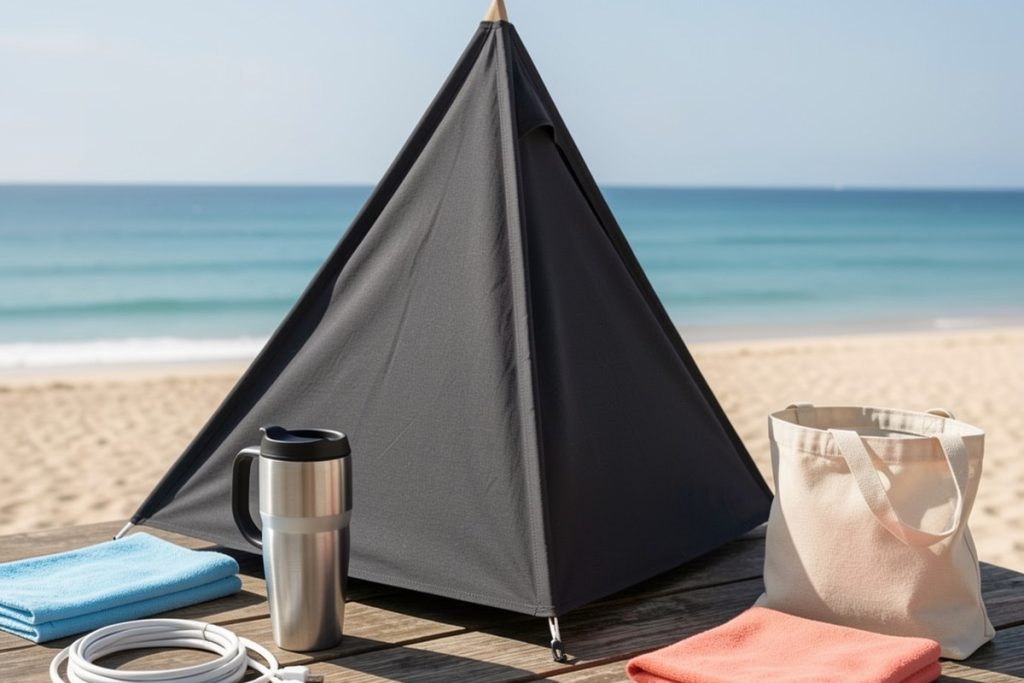
One option is the Laptop Tent, whose product listing describes a convertible tote with a computer privacy hood, reflective fabric, and water-resistant construction. It may suit a nomad who wants one piece of gear to carry both a laptop setup and beach essentials. However, the listing alone does not establish how well it performs in every wind, lighting condition, or laptop configuration. Treat it as a casual-viewing barrier and carry a separate privacy filter if your work requires stronger screen protection.
2. Protect the device
Keep your laptop zipped or covered when you step away, even briefly. Do not leave it unattended while swimming or getting coffee. Use a lock screen with a strong passcode, enable automatic locking, and turn on multi-factor authentication for important accounts.
Keep your phone and laptop within reach, but avoid placing them so close to the water that one bump could end the workday. A small dry bag or sealed pouch is useful for cables, keys, and earbuds. Sand is particularly difficult to remove from ports and hinges, so avoid working directly on a towel where grit can collect underneath the device.
3. Protect the connection
Public Wi-Fi should be treated as an untrusted network. The Federal Trade Commission recommends checking that websites use encryption and taking precautions when using public wireless connections. For sensitive work, a mobile hotspot from your phone or a trusted personal hotspot is usually the simpler choice.
A virtual private network can add protection in some situations, but it is not a substitute for secure passwords, current software, multi-factor authentication, and careful link handling. Never enter payment details or company credentials on a device that you suspect has been tampered with.
Match the beach setup to the work
The right outdoor session depends on the sensitivity and concentration your task requires. A beach workspace is best treated as a controlled break from an indoor office, not a universal replacement for one.
| Work type | Beach suitability | Safer approach |
|---|---|---|
| Writing, reading, planning | Usually suitable for a short session | Use physical shielding and save locally if the connection is unreliable |
| Video meeting | Possible, but unpredictable | Check wind and noise first; use a private indoor location for confidential calls |
| Payments or sensitive client data | Generally poor fit | Work from a trusted private network and controlled environment |
| Creative brainstorming | Often suitable | Keep notes and devices secured when taking breaks |
Think about the cost of interruption. If losing ten minutes means missing a deadline, choose reliability over scenery. If the goal is to outline an article, review a reading list, or plan a route, a short beach session can be a pleasant change without exposing your most sensitive work.
Use a short, repeatable setup routine
A simple routine prevents the beach from becoming an improvised office full of avoidable risks. Before opening your laptop, check the weather, your battery level, the strength of your connection, and the distance to a sheltered place. Put valuable items in one bag rather than spreading them around the table.
- Choose a low-traffic position with a barrier behind you.
- Check that the table is stable and away from splash zones.
- Connect to a trusted hotspot before opening sensitive accounts.
- Set automatic screen locking and close unnecessary browser tabs.
- Keep cables, keys, and phone together in a sealed pouch.
- Set an end time before fatigue, wind, or crowds make the decision for you.
When you finish, close the laptop before packing. Shake sand from the bag and towel away from the device, inspect ports without inserting anything, and store the computer in a padded compartment. If the weather changes, leave early rather than trying to protect expensive electronics at the last moment.
Know when to move indoors
Privacy is not only about people seeing your screen. Noise, glare, wind, unstable furniture, poor connectivity, and heat can all increase mistakes. Move indoors for confidential calls, financial transactions, password changes, client records, or any work that requires sustained concentration.
Also leave if you cannot keep your belongings within sight, if a storm is approaching, or if the surface becomes wet or sandy. A flexible nomad schedule gives you an advantage: you can reserve the beach for low-risk tasks and use a coworking space, library, or private room when the work demands consistency.
The best outdoor workspace is therefore temporary and deliberate. Pick a location that limits casual viewing, use a physical barrier when appropriate, secure the connection, and define exactly what you will not do there. That approach preserves the freedom of working near the water without pretending a public beach offers office-level privacy.
Last reviewed: 2026-10-23
Sources
- Guide to Enterprise Telework, Remote Access, and Bring Your Own Device Security — National Institute of Standards and Technology