
Quick answer
AI meeting notes are most useful when you treat them as a draft, not an official record. Get consent before recording, capture only what the meeting needs, use a tool whose storage and deletion settings you understand, and review every summary against the audio or your own notes. A simple workflow can save time without outsourcing judgment or confidentiality.
Key takeaways
- Ask participants for permission before recording, especially on calls involving people in different locations.
- Use AI notes to find decisions and action items faster, but verify names, dates, numbers, and commitments yourself.
- Choose tools with clear controls for access, retention, export, and deletion.
- Share the smallest useful summary rather than automatically distributing a full transcript.
Why AI meeting notes are useful—and limited
Taking notes during a meeting forces you to divide your attention between listening, interpreting, and writing. An AI note-taking tool can reduce that friction by creating a searchable record and organizing the discussion into topics, decisions, and follow-up tasks.
That does not make the output authoritative. Speech recognition can mishear names, technical terms, accents, figures, or short phrases such as “can’t” and “can.” A summary can also make a tentative idea sound like a final decision. The safest approach is to use AI for recall and organization while keeping human responsibility for meaning, accuracy, and confidentiality.
Get the meeting ready before you record
Good AI notes begin with a clear purpose. Decide what you actually need to capture: project decisions, customer requirements, interview themes, or action items. A narrower purpose makes it easier to choose what to retain and what to delete later.
Next, tell participants that recording or transcription will take place and explain why. Do not hide a recorder in a room or activate a call transcription feature without checking the expectations and rules that apply to everyone involved. Recording and personal-data requirements can vary by location, employer, contract, and meeting type. When the subject is sensitive, ask whether ordinary written notes are a better option.
For work meetings, also establish who can access the notes, where they will be stored, and how long they should remain available. These decisions are more important than whether a tool produces a particularly polished summary.
Use a simple three-stage workflow
1. Capture
Start recording only after the purpose and permission are clear. Keep the device or software close enough to hear speakers without placing it in an awkward or intrusive position. If the meeting includes confidential material that does not need to be documented, pause recording or take that portion manually.
2. Review
Read the generated notes while the conversation is still fresh. Check every decision, deadline, owner, proper name, product term, and number. Compare important points with the audio or your contemporaneous notes. If the tool separates a transcript from a summary, use the transcript to resolve uncertainty rather than guessing what the speaker meant.
3. Share and clean up
Send a concise version to the people who need it. A useful meeting recap normally includes the decision, the reason for it, each action owner, the due date, and unresolved questions. Remove irrelevant personal comments and speculation before sharing. Then apply your retention rule: archive the approved summary if it is needed, and delete recordings or raw transcripts that no longer serve a legitimate purpose.
Manual notes, AI notes, or both?
| Approach | Best for | Main trade-off |
|---|---|---|
| Manual notes | Private conversations, small meetings, and high-sensitivity topics | Requires more attention and may miss details |
| AI-assisted notes | Long discussions, recurring meetings, and detailed project reviews | Needs consent, privacy checks, and human correction |
| AI plus focused manual notes | Meetings with important decisions or complex technical terms | Takes preparation, but provides the strongest review trail |
Where a dedicated recorder can fit
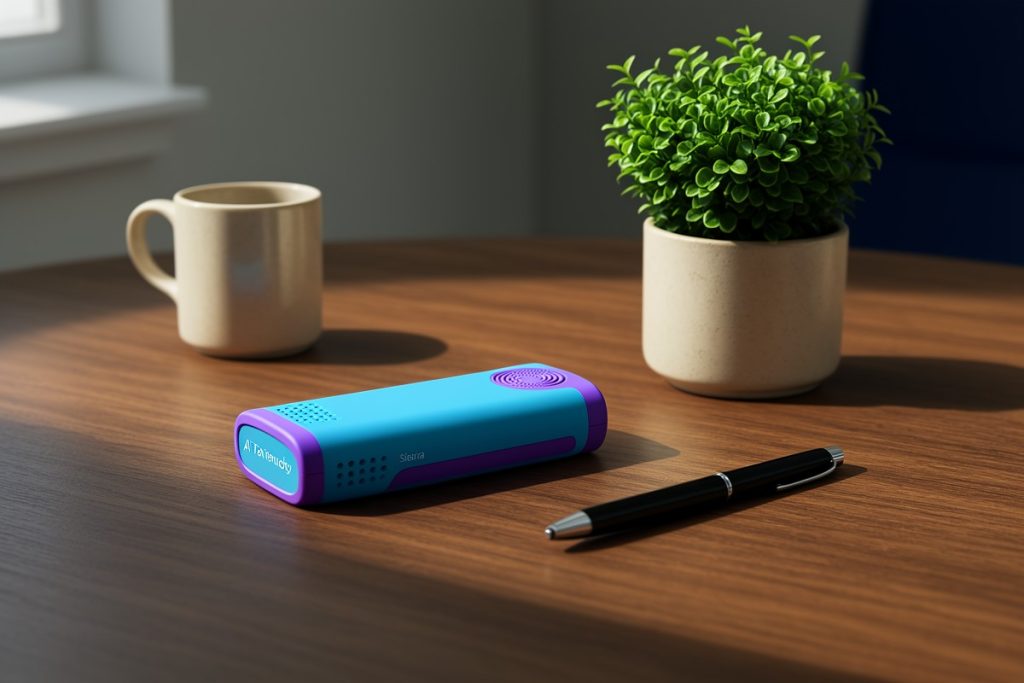
A dedicated device may be practical if you regularly move between meeting rooms, work away from a laptop, or want one consistent capture method. The Pocket AI Voice Recorder & Note Taker for Meetings & Calls, Sierra Blue is one option to evaluate for that use case.
That recommendation should be conditional, not automatic. Before buying or using any recorder, confirm how it handles audio storage, transcription, account access, exports, deletion, software updates, and compatibility with your devices. Also check whether calls require a particular connection method and whether the tool’s terms match your organization’s rules. A small device can simplify capture, but it does not remove the need for consent or review.
A practical privacy checklist
- Purpose: Can you explain why this meeting is being recorded?
- Permission: Have all relevant participants been informed and given a meaningful choice where required?
- Access: Who can hear the recording or read the transcript?
- Retention: When will the raw audio and transcript be deleted?
- Accuracy: Have you checked critical facts before treating the summary as a record?
- Sharing: Does the recap exclude unnecessary personal or confidential information?
What a useful AI meeting summary should contain
A strong summary is not a paragraph that repeats the conversation. It is a compact record of what someone needs to do next. Ask whether it clearly identifies the decision, the supporting context, the responsible person, and the timing. It should also preserve uncertainty: “team to investigate” is different from “team approved.”
For recurring meetings, use the same structure each time. Consistent headings such as Decisions, Action items, Risks, and Open questions make summaries easier to scan and compare. If your tool cannot produce that structure reliably, edit the output yourself before sending it.
The bottom line
AI meeting notes are best understood as an assistant for memory, not a substitute for judgment. The responsible formula is straightforward: define the purpose, obtain permission, capture selectively, verify the important details, share narrowly, and delete what you no longer need. When a dedicated recorder fits your workflow, evaluate its privacy and storage behavior as carefully as its convenience.
Last reviewed: 2026-11-16