

Quick answer
A reliable airport work setup starts with a small, repeatable workflow: choose one task you can finish offline, keep essential accessories together, protect your battery and privacy, and pack away before boarding begins. Treat the airport as a temporary work zone rather than a full office. That approach helps digital nomads make useful progress without carrying unnecessary gear or depending on perfect Wi-Fi.
Key takeaways
- Choose one defined task that can survive delays, noise, and unreliable internet.
- Keep your essential work accessories in one easily reachable pouch.
- Carry a charging plan, but follow airline and airport rules for batteries and electronics.
- Use headphones, privacy habits, and a clean shutdown routine to protect your focus and information.
Why airport work needs a different setup
An airport is not a coworking space with free coffee and a dependable desk. You may have twenty minutes at a gate, an hour in a lounge, or an unexpected four-hour delay. Seating can be cramped, announcements can interrupt every few minutes, and outlets may be occupied.
That makes the best airport setup deliberately limited. Instead of trying to recreate your entire remote office, design a portable system for short, interrupted sessions. Your goal might be outlining an article, answering urgent messages, sorting notes, reviewing a schedule, or watching a downloaded training lesson. These tasks are easier to complete than work that requires constant collaboration or a dozen browser tabs.
A useful rule is to separate deep work from airport work. Save tasks requiring long concentration, confidential calls, or stable video meetings for a proper workspace. Use the airport for preparation, review, and smaller decisions.
Choose work that can survive travel friction
Before leaving for the airport, select one primary task and one fallback task. The primary task is what you want to finish if the connection, seat, and battery cooperate. The fallback task works offline and can be completed in short bursts.
For example, your primary task could be revising a client proposal, while your fallback is organizing research notes. A writer might draft an outline first and edit downloaded material second. A consultant might prepare meeting questions and then review a saved presentation. The point is to remove decision-making when you are already tired or distracted.
Download what you need before departure. Save reference material locally, check that important files open without a connection, and write down any information you would otherwise need to search for. Avoid building a plan around airport Wi-Fi. It may be available, but it should be a bonus rather than the foundation of your work session.
Build a compact, gate-ready work system
Your airport kit should be small enough to reach without unpacking your entire carry-on. Keep the items that support the chosen task together: your computer or tablet, charging cable, compact power adapter, headphones, and any necessary connector. Add a small notebook only if you genuinely use it; extra supplies quickly become clutter.
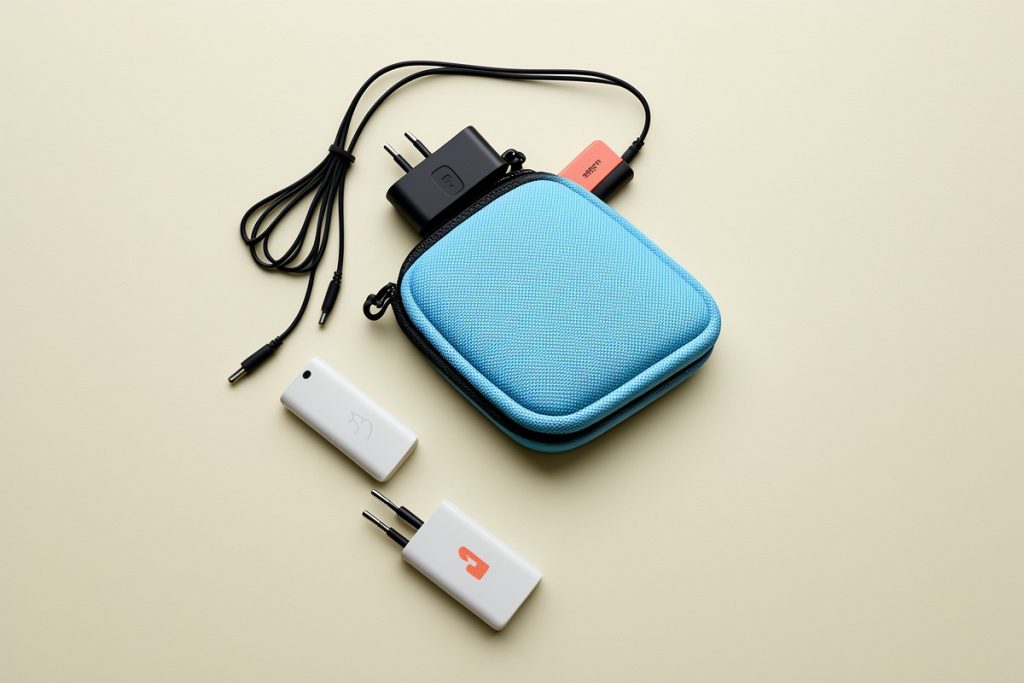
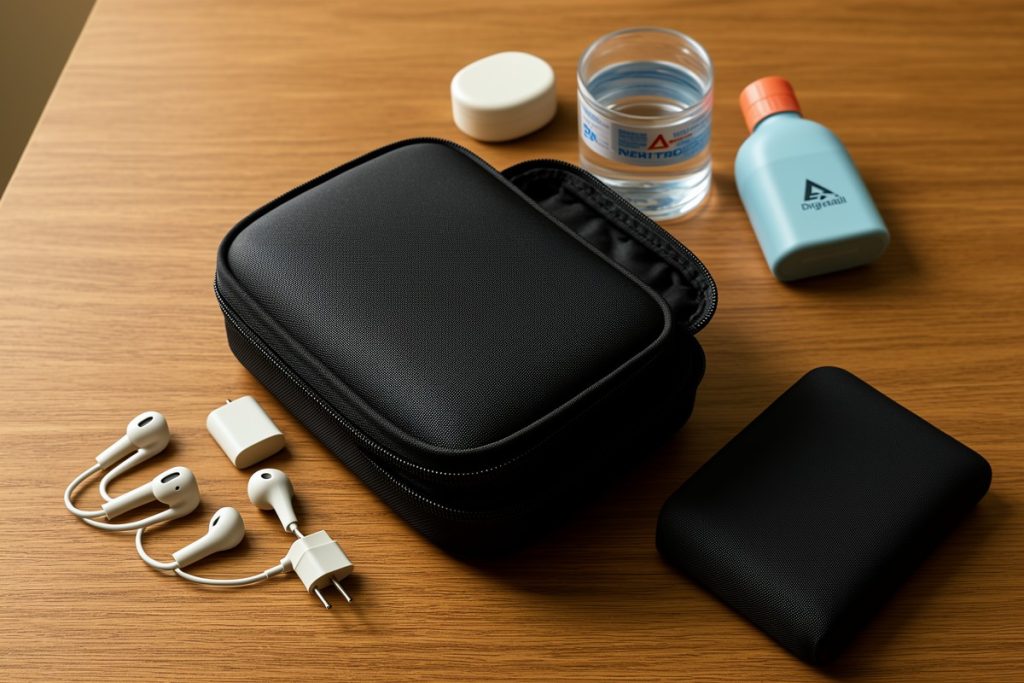
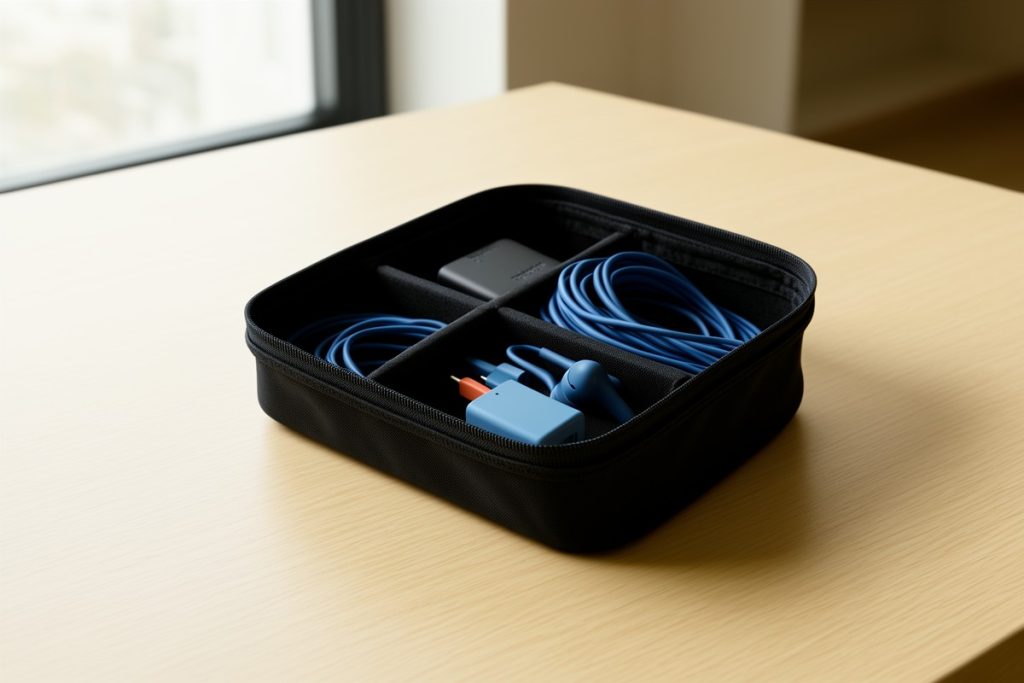
A dedicated organizer can make this easier. The tomtoc Electronics Organizer Travel Case is one option to consider because its listing describes a soft, water-resistant accessory pouch with storage for items such as chargers, cables, and a phone. It may suit travelers who prefer a separate place for small electronics, but it will not make airport security faster, improve weak Wi-Fi, or replace a backup plan. Consider its size, compartment layout, and whether it fits your existing bag before buying; this recommendation is based on the listed features, not hands-on testing.
Place the pouch near the top of your personal item. At the gate, you should be able to retrieve one cable or your headphones without moving clothing, toiletries, or work materials. In a crowded terminal, that small bit of organization prevents the familiar cycle of opening every pocket to find one adapter.
Use this 10-minute airport work checklist
- Pick one finish line: Define what “done” means before you sit down.
- Confirm offline access: Open saved files and download any needed reference material.
- Charge strategically: Start with the device you will use first, then top up your backup power source if permitted.
- Keep essentials visible: Put your organizer, headphones, and charger where they are easy to reach.
- Set a shutdown time: Stop work early enough to repack calmly and reach the gate.
Plan around battery and security rules
Battery planning is more than bringing a power bank. Spare lithium batteries and power banks generally belong in carry-on baggage, not checked luggage, and their terminals should be protected from short circuits. The U.S. Federal Aviation Administration advises passengers to keep spare batteries and power banks accessible and protected. Always check the current guidance for your airline and route before flying.
Airport screening procedures can also vary. The Transportation Security Administration advises travelers to check its current electronics guidance and follow instructions from screening officers. Do not assume that a device can remain in your bag simply because it stayed there on a previous trip. Keeping small electronics organized makes it easier to respond when an officer asks you to remove something.
Cabin baggage allowances are not universal either. Airlines set their own size and weight limits, so confirm those rules instead of relying on a generic “personal item” assumption. A compact setup is useful because it gives you more flexibility when overhead space disappears or your bag must fit under the seat.
Protect privacy in a public terminal
Airports create privacy risks that are easy to overlook. Avoid working on sensitive material when someone can clearly read over your shoulder. Angle your device away from foot traffic, use a privacy filter when appropriate, and lock the device whenever you step away—even for a short coffee refill.
Public networks deserve caution. If you must connect, verify the network name with airport or lounge staff rather than choosing the strongest signal at random. Keep software and security tools updated, use multifactor authentication, and avoid entering highly sensitive information on a shared or questionable connection. A delayed task is usually cheaper than a compromised account.
Noise management matters too. Headphones can help, but do not make yourself unaware of boarding announcements. Keep the airport display or gate announcements within your awareness, and set a personal alarm for boarding if you become deeply focused.
Follow a simple airport workflow
Once you find a seat, spend the first minute checking your remaining time, battery level, and gate location. Then start the task with the clearest finish line. Work in a short block rather than expecting a full afternoon of concentration.
When boarding approaches, save your work, close sensitive files, disconnect accessories, and return every item to its place. Do not wait for the final boarding call to pack. A calm shutdown protects your files and reduces the chance of leaving behind a cable, adapter, or notebook.
The most effective digital nomad airport setup is not the one with the most equipment. It is the one that lets you begin quickly, work safely, and stop without chaos. A defined task, accessible accessories, realistic battery planning, and a repeatable exit routine are enough to turn spare travel time into dependable progress.
Last reviewed: 2026-10-09