
By Derek Holt, Data-Driven Analyst
Quick answer
Choose an AI security camera by matching detection features, storage, power, coverage, and privacy controls to the areas you need to monitor. Local storage can reduce recurring fees, while solar power may simplify installation, but neither removes the need for strong account security, reliable Wi-Fi, and sensible camera placement. Treat AI alerts as useful assistance—not perfect identification.
Key takeaways
- Prioritize human, vehicle, and pet detection over vague “smart camera” marketing.
- Local storage avoids cloud dependence, but it does not eliminate security and backup responsibilities.
- Solar power works best where the panel receives consistent, unobstructed daylight.
- Pan-and-tilt coverage is helpful, but several fixed viewpoints may still be more dependable.
- Face detection requires a clear privacy policy before you enable it.
Start with the problem, not the feature list
The best AI security camera is not necessarily the one with the longest specification sheet. First decide what you are trying to notice: someone approaching a front door, a vehicle entering a driveway, a pet leaving a yard, or activity around several sides of a property.
This matters because each use case creates different requirements. A doorway camera needs a clear, close view and dependable notifications. A driveway camera needs enough detail to distinguish people from passing vehicles. A large yard may benefit from pan-and-tilt movement, but moving parts can introduce blind spots when the camera is pointed elsewhere.
Write down the locations you want covered and the events that should trigger an alert. If you cannot describe the decision the camera must help you make, you may be shopping by novelty rather than need.
Understand what AI detection can and cannot do
Security-camera AI generally classifies activity into categories such as human, vehicle, pet, or face. That can make alerts more useful than motion detection alone. A tree branch moving in the wind may trigger motion, but a person-detection filter may help reduce unnecessary notifications.
However, these systems are not infallible identity or intent detectors. Lighting, distance, weather, camera angle, clothing, obstructions, and unusual movement can affect classification. A “person detected” alert should mean “review this event,” not “the system has proved who was there.”
Face detection deserves extra caution. Before enabling it, check who can access the footage, how long recordings remain stored, whether alerts can be customized, and whether the feature can be disabled. Avoid pointing cameras into neighboring homes or private areas. Good configuration is part of responsible AI use—not an optional finishing touch.
Compare local storage with cloud recording
Local storage is appealing because it can reduce recurring subscription costs and keep recordings closer to home. It may also let a camera continue recording when a cloud service changes its pricing or features. The trade-off is that you become responsible for the storage device, account credentials, firmware updates, and recovery plan.
| Storage approach | Best fit | Main trade-off |
|---|---|---|
| Local storage | Owners who want fewer recurring fees and direct control | Footage can be lost if the device is damaged, stolen, or not backed up |
| Cloud storage | People who want off-site access and simpler recovery | May involve subscriptions, account dependence, and ongoing privacy considerations |
| Hybrid approach | Homes needing convenience plus a local copy | Higher complexity and potentially higher total cost |
Whichever model you choose, use a unique password and multifactor authentication where available. Keep the camera and its mobile app updated. A camera that records locally is still an internet-connected device if you use remote viewing or notifications.
Assess solar power realistically
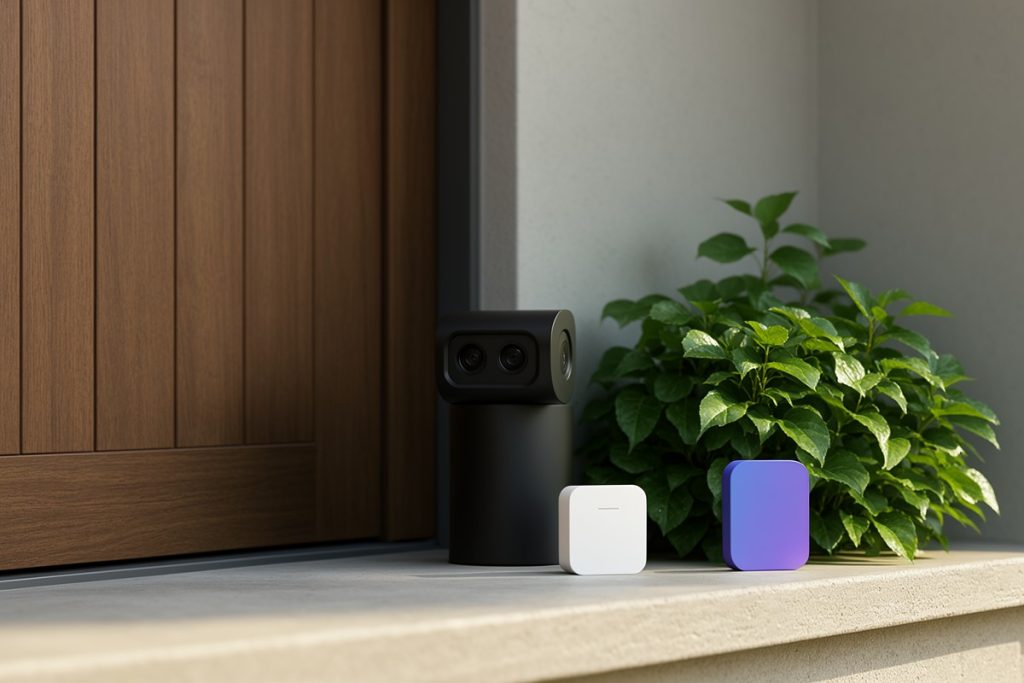
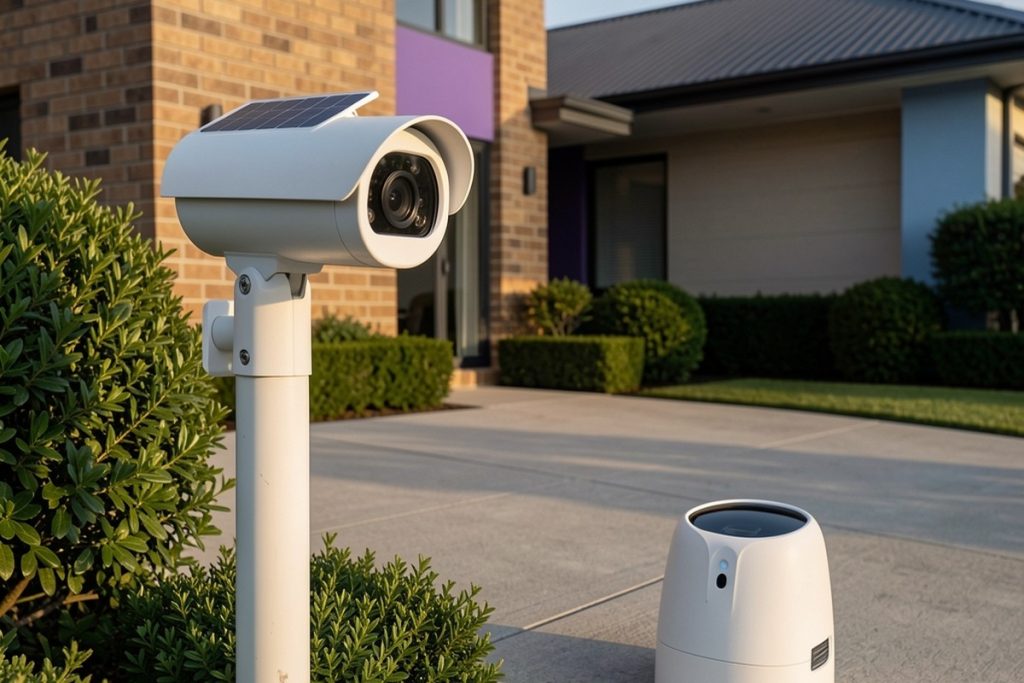
A solar-powered outdoor camera can simplify installation by reducing the need to run a cable to an outlet. That is especially useful for detached garages, gates, side paths, and other locations where wiring is awkward.
Solar is not the same as unlimited power, though. The panel needs a suitable angle and regular exposure to daylight. Shade from a roofline, trees, or seasonal changes can reduce charging. Frequent recording, live viewing, cold weather, and repeated night activity can also affect energy use.
Before buying, observe the proposed mounting position at different times of day. Consider whether the panel will face a useful direction, whether dirt or leaves will cover it, and how you will reach it for cleaning or maintenance. If the location is shaded most of the day, a wired camera or a larger external power solution may be more dependable.
Evaluate coverage instead of counting cameras
A four-camera kit sounds comprehensive, but coverage depends on placement and field of view. Sketch your property from above and mark entrances, gates, parking areas, and paths. Then note what each camera can see without aiming through glass, dense foliage, glare, or bright background light.
Pan-and-tilt movement can help one camera inspect a wider area. Auto-tracking may keep a moving subject in view for longer, but a camera cannot watch every direction simultaneously. If an important entrance must be monitored continuously, a fixed camera aimed at that entrance may be more reliable than relying on movement.
Resolution is only one part of usable detail. Mounting height, night lighting, distance, lens angle, and the size of the subject in the frame often matter just as much. Avoid placing a camera so high that it sees the tops of heads, or so low that it is easy to tamper with.
One product worth considering for a specific use case
For someone covering several outdoor zones and looking for a solar-powered system with local storage, the eufy Security eufyCam C37 4-Cam Kit, 360° Pan&Tilt Auto Tracking is a reasonable candidate to investigate. Its listed feature set includes 2K video, solar power, human, vehicle, pet, and face AI detection, plus built-in 64GB local storage and no subscription requirement.
That does not make it the right choice for every home. A smaller property may not need four cameras, and local storage may be less attractive if you want automatic off-site backup. You should also verify current compatibility, network requirements, mounting conditions, privacy settings, and warranty terms before purchasing. The product is best viewed as a fit for multi-zone outdoor monitoring—not as a guarantee of complete security.
Use this pre-purchase checklist
- List the exact areas and events you want to monitor.
- Confirm that your Wi-Fi reaches every proposed camera position.
- Check sunlight, shade, mounting height, and maintenance access.
- Decide whether local, cloud, or hybrid storage matches your risk tolerance.
- Review how face detection works and whether it can be disabled.
- Plan unique account credentials, multifactor authentication, and firmware updates.
- Test alert rules after installation and reduce notifications that do not help you act.
Make AI alerts part of a larger security plan
An AI camera can improve awareness, but it should not be your only protection. Strong door and window hardware, exterior lighting, visible house numbers, and a clear plan for responding to alerts can matter more than an extra detection mode.
Think of the camera as a decision-support tool. It can help you notice an event, review a recording, and decide what to do next. It cannot guarantee prevention, identify every person correctly, or replace good judgment. Choosing based on coverage, storage, power, privacy, and maintenance will produce a more useful system than choosing based on AI branding alone.
Last reviewed: 2026-11-09