Quick answer
Pack your digital nomad cable kit around the devices you actually use, then separate charging cables, power adapters, and small accessories so each item has a predictable place. Keep power banks in your carry-on, protect loose battery terminals, and leave room for one destination-specific adapter. A compact organizer can reduce desk clutter, speed up airport security, and make moving between workspaces less frustrating.
Key takeaways
- Build your kit from a device inventory, not from every cable you own.
- Carry one dependable cable per device type, plus a short backup for your primary work device.
- Keep power banks and spare lithium batteries in your carry-on and protect exposed terminals.
- Use separate compartments for cables, chargers, adapters, and small peripherals.
- Review the kit before every trip so unnecessary weight does not become permanent luggage.
Why cable organization matters when you work on the move
Digital nomad packing usually focuses on the large decisions: laptop, clothing, passport, headphones, and where you will sleep. The small cable kit gets assembled at the last minute, often from a drawer full of tangled wires. That approach works until you arrive late, find one incompatible cable, or discover that your charger is buried beneath everything else in your bag.
A reliable cable kit is less about owning more accessories and more about reducing decisions. You should be able to open your bag and answer three questions immediately: what charges my essential devices, what connects me to the local power supply, and what small items do I need at my desk?
This matters even more when you move frequently. A nomad who changes apartments every few days has more opportunities to leave a cable behind. A predictable layout creates a simple packing ritual: remove the kit, use it, return everything to its assigned place.
Start with a device-and-destination inventory
Before buying another accessory, list the devices you will carry for this trip. Separate them into essential, useful, and optional categories. Your essential group might include a laptop and phone. Useful items could be earbuds, a camera, an e-reader, or a compact keyboard. Optional items should earn their space by solving a specific problem.
Next, check the destination. A cable kit cannot compensate for the wrong wall-plug adapter, and an adapter does not change the voltage supplied by a socket. For unfamiliar destinations, verify the plug type and power requirements of your equipment before leaving. If a device requires a voltage converter rather than a simple plug adapter, treat that as a separate planning decision.
Make a small compatibility map:
- Device: laptop, phone, watch, camera, or other essential equipment.
- Connector: the connector required at the device end.
- Power source: wall charger, laptop port, vehicle outlet, or power bank.
- Destination need: plug adapter, converter, or nothing extra.
This prevents the common mistake of packing three cables that connect to your devices but no suitable charging brick, or carrying several bricks that cannot serve your main device.
Build a compact kit around your primary work device
Your laptop should determine the backbone of the kit. Start with its normal charger and one cable that can handle your everyday charging setup. If the charger has multiple ports, check whether it can also charge your phone and smaller devices. Consolidating charging reduces both bulk and the number of items that can disappear in a café.
For the phone, pack one main cable and consider a short backup only if your phone is essential for navigation, authentication, or work access. Short cables are easier to manage in a crowded workspace, while longer cables are useful when sockets are awkwardly positioned. Choose based on where you actually work rather than carrying every length.
Add only the accessories that support your routine. Earbuds may deserve a compartment because they are easy to misplace. A camera cable may be worthwhile for a creator, but not for someone who never transfers photos while traveling. A small USB hub can be useful for a laptop with limited ports, but it should solve a known connection problem rather than represent a vague “just in case” possibility.
Do not assume that cables with similar connectors perform identically. Charging speed, data transfer, and compatibility can differ. Keep the cable that came with an important device when it is the most dependable option, and test your main combination before departure.
Use a simple layout for faster packing
The best organizer layout is the one you can remember without thinking. Put high-use items where they are easiest to reach and reserve less accessible spaces for backups. A practical arrangement looks like this:
| Area | What belongs there | Why it helps |
|---|---|---|
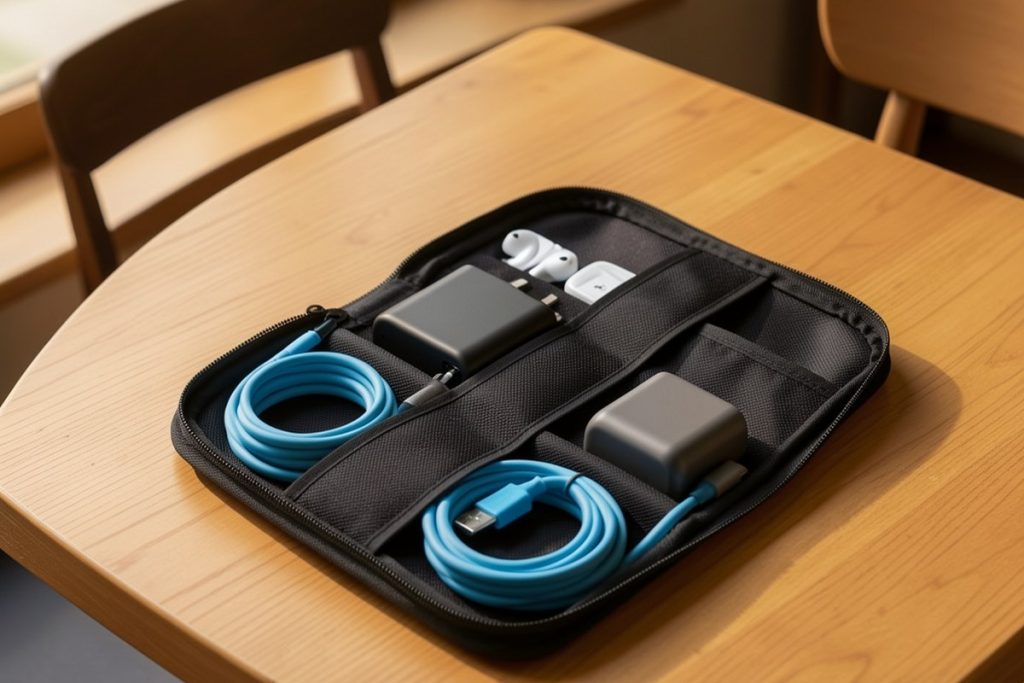
| Primary compartment | Laptop charger or main multi-port charger | Keeps the heaviest item stable and easy to locate |
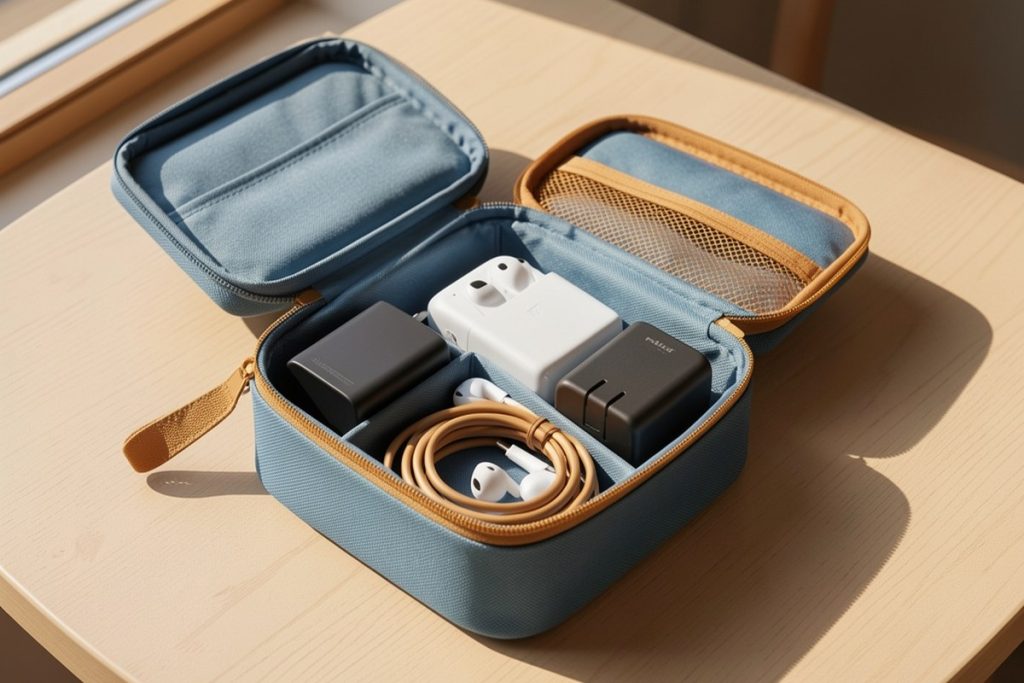
| Long compartments | Coiled laptop and phone cables | Stops cables from tangling with small accessories |
| Small pockets | Earbuds, charging tips, memory cards, or spare cable | Prevents tiny items from disappearing in the bag |
| Separate sleeve | Destination plug adapter | Makes arrival-day setup faster |
Coil cables loosely rather than folding them sharply at the connector. Use the cable’s natural curve and secure it with its built-in tie or a reusable hook-and-loop strap. Avoid stuffing a full organizer until the zipper is strained; pressure can make retrieval harder and may bend accessories inside.
A travel pouch can solve the “loose cable drawer” problem
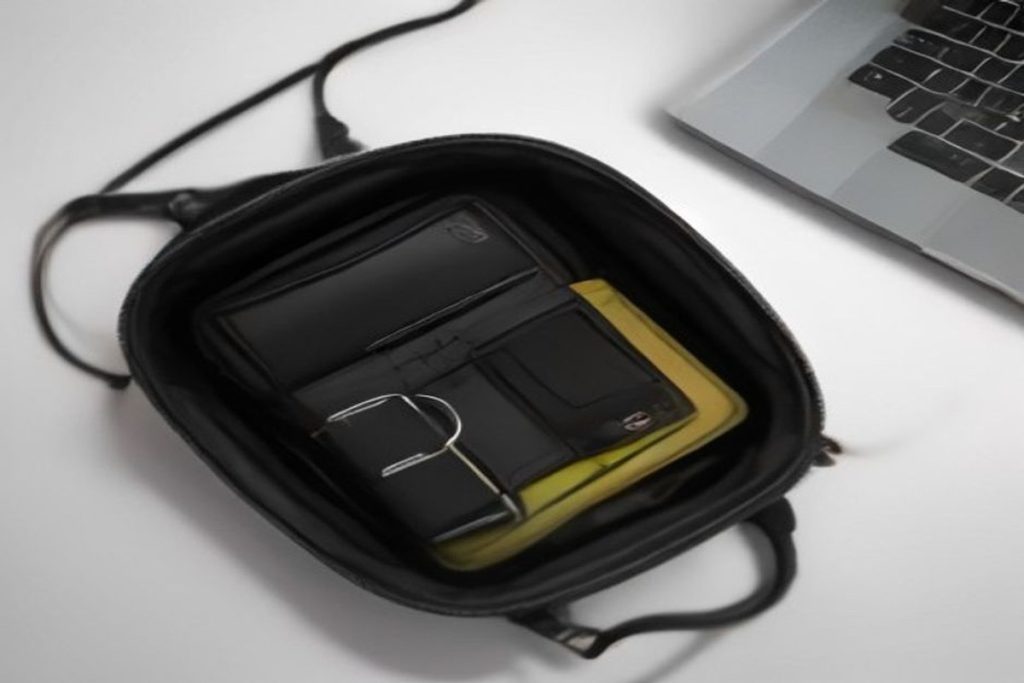
If your current system is a handful of cables loose in a backpack, a dedicated pouch is a reasonable upgrade. The FYY Travel Cable Organizer is listed with eight compartments, a lightweight water-repellent soft-shell nylon construction, and a wrist strap. Those features make it relevant for a nomad who wants one removable cable kit rather than several loose accessories spread across a bag.
As an Amazon Associate, GetWitty may earn from qualifying purchases.
Keep the recommendation in proportion: an organizer does not reduce the number of chargers you need, improve charging speed, or replace a destination-specific adapter. Its value is organizational. Before choosing it, compare the pouch’s dimensions with your own charger and adapter, especially if your laptop power brick is large. The product is described as a large version, but your complete kit still needs to fit without forcing the closure.
Because the listed material is water repellent rather than waterproof, treat the pouch as protection from minor splashes, not as a dry bag. Keep it inside your main luggage and away from situations where it could be submerged.
Pack batteries with airport rules in mind
Power banks and spare lithium batteries deserve more attention than ordinary cables. The FAA advises passengers to keep spare lithium batteries and power banks in carry-on baggage, where they can be addressed if they overheat. The agency also recommends protecting batteries from damage and short circuits. Check the current guidance for your battery type and airline before traveling, particularly if you carry larger-capacity equipment.
Do not hide a power bank in checked luggage simply because it fits neatly in the pouch. Put it where you can access it during travel, and use a separate pocket so its ports do not press against loose metal objects. If a battery is damaged, swollen, or unusually hot, do not pack it.
Airport screening procedures can vary by location and may change. The Transportation Security Administration’s item guidance is a useful reference for travelers departing from the United States, but it is not a substitute for checking the airport and airline rules that apply to your itinerary.
Five-minute cable-kit checklist before departure
Run through this checklist the night before you leave:
- Charge the laptop, phone, and any battery-powered essentials.
- Confirm that the main charger works with your primary device.
- Match every cable to a device you are actually carrying.
- Pack the correct plug adapter for the destination.
- Place power banks and spare batteries in your carry-on.
- Inspect cables for fraying, bent connectors, or loose housings.
- Photograph the open kit if you often forget how you arranged it.
- Remove duplicates that do not have a clear backup purpose.
That last step is easy to skip. A cable kit becomes less useful when it turns into a miniature electronics drawer. If you have not used an item on several trips and cannot name the problem it solves, leave it at home.
Make the kit part of your daily reset
Organization only works if it survives real travel. When you finish working, return each item to the same compartment before you pack your laptop. Do the same after charging at an airport gate, hotel bedside table, or café. A thirty-second reset is far easier than searching under furniture for a missing cable during checkout.
At the end of each trip, review what you used. Remove the adapter that was unnecessary, replace anything showing wear, and update the kit for your next destination. Your ideal setup may change as your work changes: a photographer may need storage accessories, while a consultant may prioritize a second display connector. Build for your actual workday, not an imaginary emergency.
The goal is a cable kit that disappears into your routine. When every essential item has a place, moving between countries and workspaces feels less like unpacking a technical puzzle and more like setting up a familiar desk.
Last reviewed: 2026-08-14