Quick answer
An AI mouse can be useful for desk-based workers who want recording, transcription, and voice tools in one peripheral, but convenience should not replace privacy checks or human review. Before buying, confirm how audio is processed, whether recordings can be exported and deleted, which devices are supported, and whether the software fits your meeting workflow. Treat every AI-generated transcript or summary as a draft.
Key takeaways
- Define whether you need recording, transcription, summaries, or simply faster voice input before choosing hardware.
- Capture quality and transcription accuracy are separate issues; poor audio can undermine even capable software.
- Check consent requirements, storage practices, deletion controls, account security, and export options.
- Use AI summaries to save time, but verify names, dates, decisions, numbers, and action owners.
Start with the meeting problem, not the “AI” label
The right tool depends on what keeps going wrong in your current note-taking process. You may miss action items while leading a call, struggle to keep up with a fast lecture, need searchable transcripts for accessibility, or want to turn spoken ideas into an outline without constantly switching between applications.
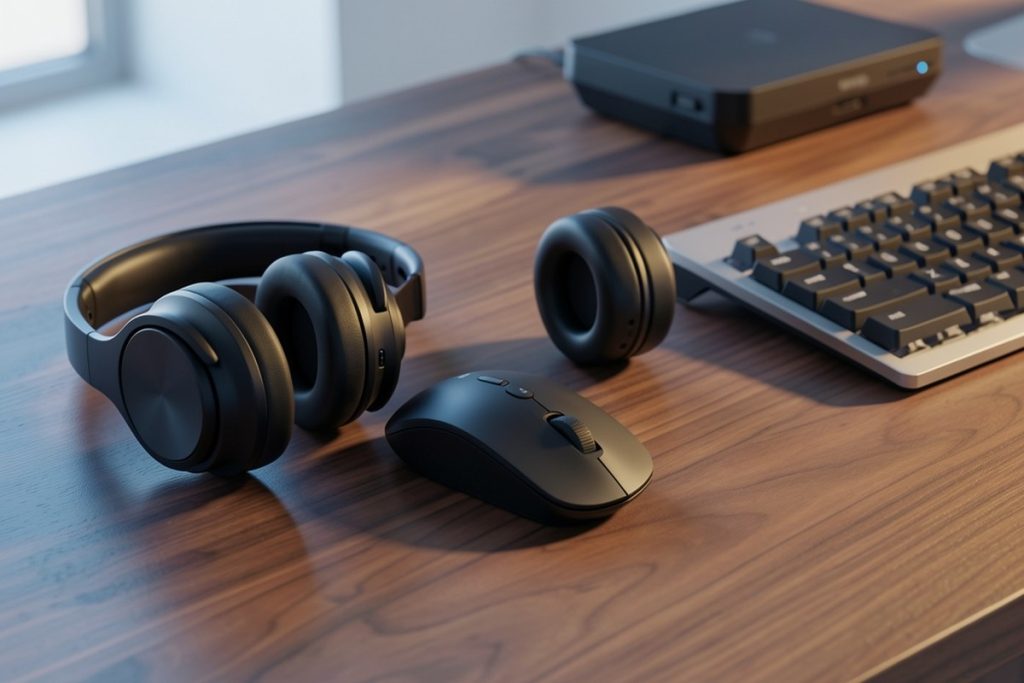
Those problems sound similar, but they point to different solutions. A physical AI mouse may be convenient when you spend most of your day at a computer and want recording or voice features close to your keyboard. It is less useful if you work mainly from a phone, move between meeting rooms, or need to capture several speakers from a distance.
Write down three requirements before comparing products: where you will record, what output you need, and how quickly you need it. “I need an editable transcript after a video meeting” is specific. “I want the best AI mouse” is too vague to guide a good purchase.
Understand the full AI note-taking workflow
An AI-enabled peripheral is only one part of a larger process. Most note-taking systems involve four stages:
- Capture: A device or application records speech. Distance, background noise, room acoustics, and overlapping voices all affect the source audio.
- Transcribe: Software converts speech into text. Accents, specialist vocabulary, interruptions, and unclear speakers can produce errors.
- Transform: A tool may create a summary, translation, outline, or action list. Each transformation can remove context or misinterpret intent.
- Review and store: You check important details, share the appropriate amount of information, and delete material according to your policy.
This distinction is important because a polished summary can conceal a weak transcript. A device may make it easier to start recording while still requiring careful editing afterward. When researching a product, find out which stages happen locally and which depend on an online service. Do not assume that a hardware feature means all processing occurs on the device.
Compare an AI mouse with other note-taking options
A simple comparison can help you match the tool to your actual working environment:
| Option | Best fit | Main trade-off |
|---|---|---|
| AI mouse with recording and writing tools | Desk-based workers who want one peripheral for capture and voice-driven tasks | Its value depends on software compatibility, privacy controls, and ongoing support |
| Meeting assistant | Frequent video meetings where automatic summaries save substantial time | It may require account, calendar, or meeting permissions |
| Standalone recorder and transcription app | People who need flexible placement or independent recording | There are more devices and transfer steps to manage |
| Manual notes with optional AI cleanup | Sensitive conversations or situations where recording is not appropriate | It takes more effort but limits the information collected |
This is not a performance ranking. It is a workflow comparison. A mouse can reduce friction for someone who already works at a desk. A meeting assistant may be more convenient for remote calls. Manual notes may be the responsible choice for confidential discussions, regardless of how attractive an automated tool appears.
Check privacy and security before recording
Audio recordings can contain personal information, confidential business details, private opinions, and sensitive plans. Before recording, identify whose voices will be captured and explain what is being recorded, why it is needed, where it will be stored, and how long it will be retained. Recording requirements vary by location and organization, so follow your employer’s policy and applicable law.
Use this short buying checklist:
- Does audio leave the device, and which service processes it?
- Is an account required for recording, transcription, translation, or summaries?
- Can you export the original audio and transcript in usable formats?
- Can you delete recordings, transcripts, and account data yourself?
- Who can access stored content, and does the account support strong authentication?
- What happens to your files if a subscription ends or the software is discontinued?
The NIST AI Risk Management Framework treats privacy, security, reliability, and accountability as important parts of trustworthy AI. Its guidance is aimed at organizations, but the principle is practical for individual buyers too: a device that saves a few minutes is not automatically a low-risk device.
Where the Virtusx Jethro AI Mouse may fit
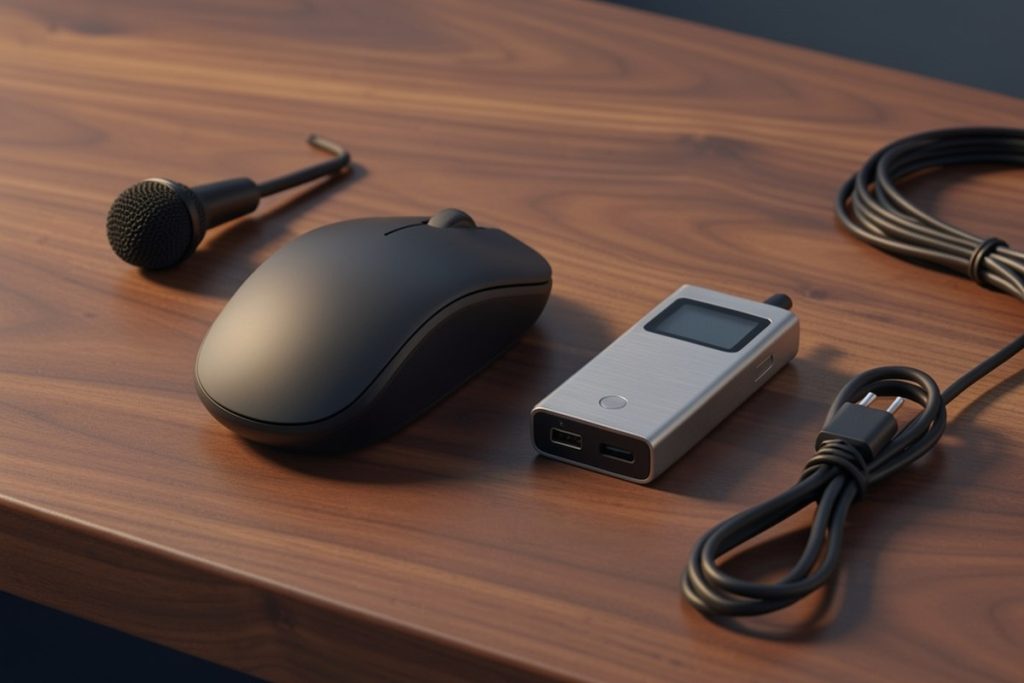
The Virtusx Jethro AI Mouse is presented as a wireless computer mouse with voice and audio recording, voice typing, writing tools, transcription, translation, and summarization features. That combination gives it a natural use case for someone who works at a computer and wants capture and writing functions in one desk accessory.
However, the product description alone does not establish transcription accuracy, battery life, microphone range, supported operating systems, privacy practices, or long-term software support. Confirm those details on the current product and companion-software pages before purchasing. Also check whether particular features require an account, an internet connection, a paid plan, or transfer of audio to a third-party service.
The fairest way to evaluate it is as a convenience tool, not as a guarantee of perfect notes. If your work involves confidential client conversations, regulated information, or strict company controls, obtain approval before connecting it to your workflow. A separate organization-approved service may be a better fit even if it involves more steps.
Use AI summaries without outsourcing judgment
AI-generated notes become useful when you build a quick review habit. Start by checking any detail that could cause a practical mistake: names, dates, deadlines, prices, technical terms, decisions, and assigned owners. If the matter is important, compare the summary with the transcript or original audio rather than trusting fluent wording.
Separate the result into confirmed decisions, proposed ideas, and unresolved questions. Automated summaries often make all three categories sound equally certain. Likewise, do not turn “send it next week” into a specific date unless somebody confirmed that date.
For lectures, use a transcript as a study aid rather than a replacement for course materials or your own understanding. For workplace meetings, remove irrelevant personal details before sharing a recap. Keep only what your retention policy requires. A short, accurate summary is usually more useful than a complete transcript that nobody can safely search or manage.
A practical decision rule
Choose an AI mouse when four conditions are true: you primarily work at a computer, a physical control would simplify your routine, the software supports your operating system and required exports, and its privacy terms fit the conversations you handle. If any answer is no, compare an approved meeting assistant, a standalone recorder, or manual notes first.
The strongest reason to consider this product category is reduced friction, not magical accuracy. Use recording only when permitted, explain the process to participants, verify important outputs, and retain control of the resulting data. That approach lets AI assist with note-taking without allowing an opaque summary to make decisions for you.
Last reviewed: 2026-08-24
Sources
- Artificial Intelligence Risk Management Framework — National Institute of Standards and Technology
- NIST Privacy Framework — National Institute of Standards and Technology