Quick answer
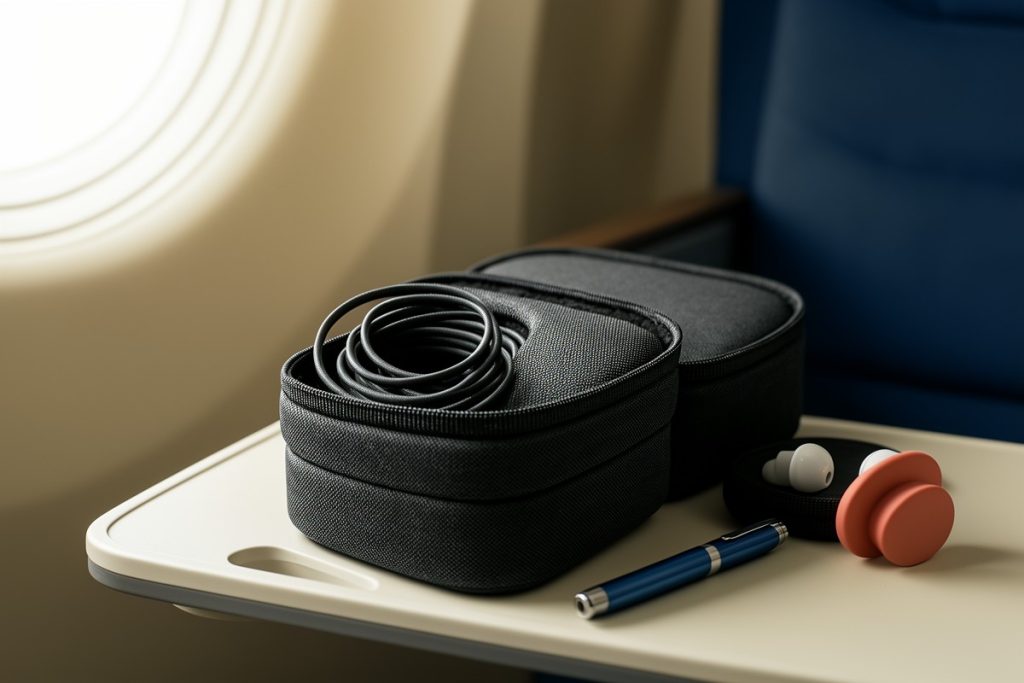
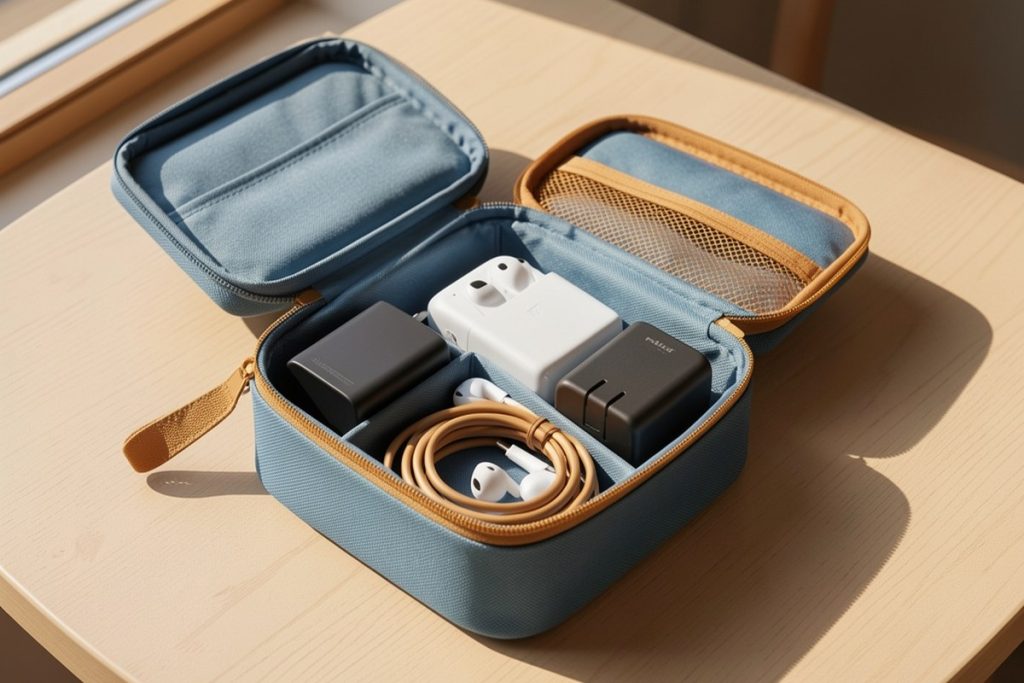
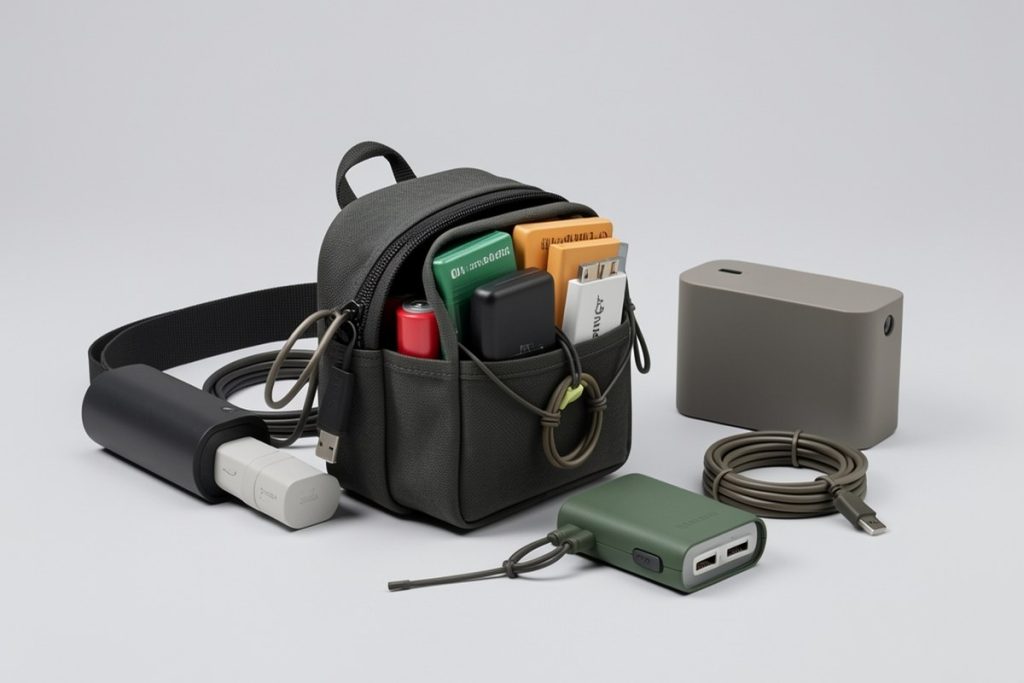
Digital nomads traveling carry-on-only should limit tech accessories to a single organized pouch or case. Group items by function—charging, connectivity, and backup—using cable ties or loops to prevent tangles. Keep lithium batteries and large electronics in your personal item for easy TSA access. A structured organizer prevents damage, saves space, and eliminates the daily frustration of digging through loose cords in your bag.
Key takeaways
- Limit your tech kit to 8-10 essential items to avoid dead weight in your carry-on.
- Use a structured organizer with dedicated loops or compartments to prevent cable damage and tangles.
- Pack lithium batteries and power banks in your personal item, never in checked luggage.
- Group accessories by function (power, data, audio) so you can grab what you need without unpacking everything.
- Choose durable materials like full-grain leather or ballistic nylon that withstand constant travel wear.
Why Carry-On-Only Demands a Tech Strategy
When every item must fit under an airline seat or in an overhead bin, space becomes currency. Digital nomads already juggle laptops, noise-canceling headphones, and universal adapters. Adding a mess of loose cables, dongles, and backup drives turns a streamlined backpack into a black hole of tangled frustration. The constraint forces intentionality. You stop packing “just in case” and start packing “every single day.” That mindset shift is what separates a mobile office from a junk drawer on wheels.
The real problem is not volume—it is access. In a checked bag, you can throw everything into a corner and forget it. In a carry-on, you live out of that bag in airport lounges, cramped café tables, and co-working spaces with limited outlets. Your tech accessories need to be reachable within seconds, protected from crushing, and organized enough that you never have to empty your entire bag onto a foreign floor to find one USB-C cable.
The Hidden Cost of Cable Chaos
Most travelers organize clothing with packing cubes and toiletries with clear bags, but tech accessories remain an afterthought. Among remote workers, cable management is one of the most common daily frustrations, right behind unreliable Wi-Fi. Yet the solution is rarely a better workflow; it is usually a better container.
Loose cables develop memory bends, fray at stress points, and pick up lint from bag bottoms. Small adapters disappear into seams. SD cards slide into unreachable corners. Without structure, you replace gear not because it fails, but because you cannot find it. Over a year of travel, that replacement tax adds up to hundreds of dollars and hours of unnecessary stress.
The 10-Item Tech Capsule Rule
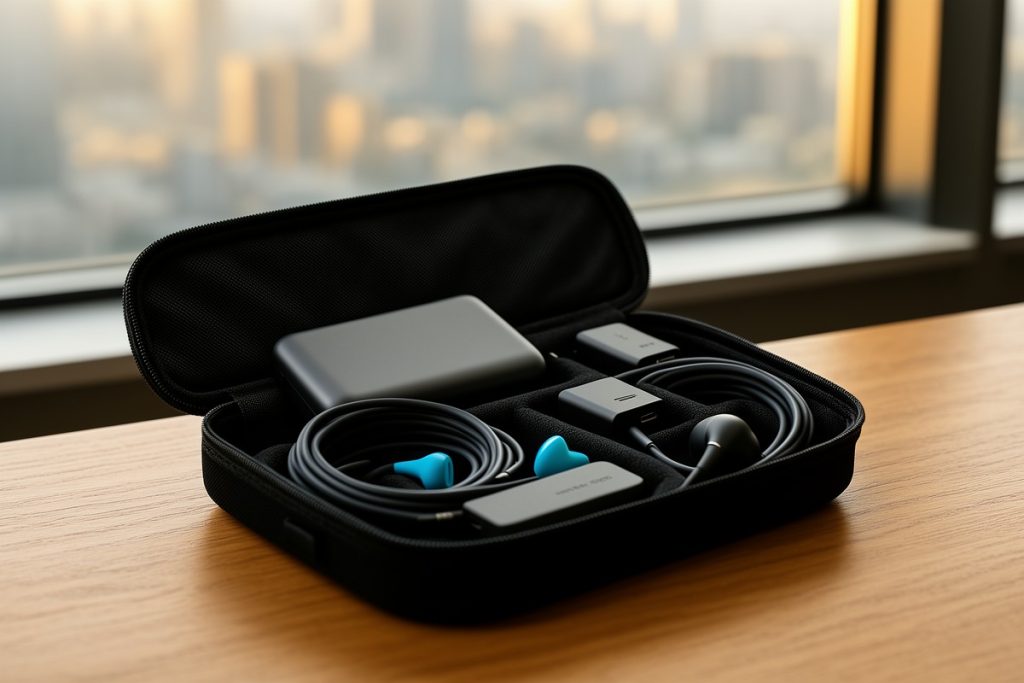
Think of your accessories like a capsule wardrobe. Every item must earn its place by serving a daily or critical backup function. For most nomads, the core kit includes: one laptop charger, one phone cable, one multi-port USB hub, one universal travel adapter, one power bank, one pair of wired earbuds as backup, one HDMI or presentation adapter if you client-pitch, and one small hard drive or high-capacity USB for offline backups.
That is eight items. Nine if you carry a camera. Anything beyond that is likely redundant. The goal is a single, grab-and-go pouch that contains your entire digital survival kit. When you switch locations, you should be able to lift one organizer out of your bag, set it on a desk, and have everything you need within arm’s reach.
Choosing an Organizer That Survives Constant Travel
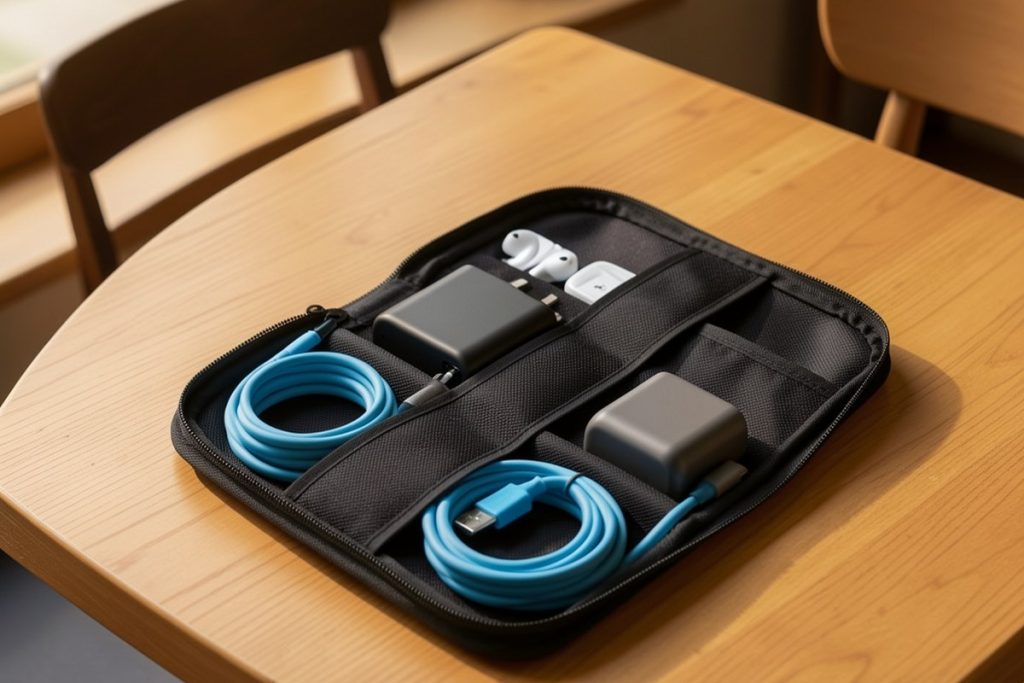
Not all tech pouches are built for nomadic life. Soft cotton bags let items shift and tangle. Rigid hard-shell cases add unnecessary weight and waste space when partially empty. The best travel organizers balance structure with flexibility: dedicated elastic loops for cables, secure pockets for adapters, and a slim profile that slides into a backpack’s internal sleeve.
As an Amazon Associate, GetWitty may earn from qualifying purchases. One option that fits this brief is the Polare Full Grain Leather Travel Cable Organizer Case. It uses YKK zippers and individual compartments designed for cables, power banks, and SD cards. Full-grain leather withstands the abrasion of daily packing better than synthetic fabrics, and the structured interior keeps items from shifting during transit. It is not the lightest option on the market, but for nomads prioritizing durability and a professional appearance in client-facing settings, it solves the organizational problem without looking like a disposable gadget pouch.
Whichever style you choose, prioritize these features: YKK or metal zippers that survive thousands of pulls, elastic loops with varied widths for different cable gauges, and a clamshell or book-opening design that lets you see everything at once rather than digging through stacked layers.
Organizer Styles Compared
| Style | Best For | Drawback |
|---|---|---|
| Leather folio | Durability, professional settings | Slightly heavier, premium price |
| Ballistic nylon pouch | Lightweight, water resistance | Less structure, items can shift |
| Hard-shell case | Fragile gear, maximum protection | Bulky, wasted space when empty |
| Roll-up organizer | Minimalist kits, ultra-light travel | Limited padding, loose pockets |
TSA Rules and Smart Bag Layout
Regulations are straightforward but unforgiving. The FAA requires all spare lithium batteries and power banks to remain in carry-on baggage, never checked. TSA typically requests that large electronics be removed from bags for screening, but small accessories and cables can remain organized inside your pouch. Keep your power bank in an outer pocket or the top of your personal item for quick removal if an agent asks.
When packing, place your heaviest adapter or power bank at the bottom of the organizer so weight sits low in your bag. Route cables through elastic loops rather than coiling them loosely; tight coils create kinks, but loose coils tangle. Leave one external pocket of your backpack empty for the items you need in flight: noise-canceling headphones, a phone cable, and your power bank.
Packing Mistakes That Ruin Gear
First, wrapping cables tightly around adapters. The strain at the connector end destroys the internal wiring over time. Use the over-under coiling method or secure them with Velcro ties, then store them flat. Second, packing dirty cables. Sand and grit from café tables works into connector ports and scratches laptop finishes. Wipe down cables before packing them away. Third, carrying duplicate adapters “just in case.” That spare Ethernet dongle you used once in Berlin is not worth the daily weight tax. Fourth, ignoring heat. Never pack a power bank or laptop immediately after use while the battery is still warm. Trapped heat accelerates battery degradation.
The Two-Week Road Maintenance Ritual
Every two weeks, empty your organizer completely. Untangle anything that shifted. Inspect cable sheaths for fraying and clean connector ports with a dry toothbrush or compressed air. This five-minute ritual prevents the slow creep of chaos that turns an organized kit into a junk pile. It also forces you to confront which items you actually used. If you have not touched an adapter in a month, leave it behind at your next destination.
Last reviewed: 2026-08-10