Quick answer
For hands-free everyday tasks, choose AI glasses by starting with one repeatable job—capturing short video, listening to audio, or getting voice-based assistance—then verify the camera, microphone, speakers, battery, privacy controls, and fit. They are most useful when convenience matters more than a large display. Treat AI availability and cloud processing as software-dependent, not guaranteed by the frame alone.
Key takeaways
- Define the task before comparing specifications.
- Camera, audio, connectivity, comfort, and privacy matter more than the “AI” label.
- Smart glasses are usually companions to a phone and software service, not standalone computers.
- Check regional availability, account requirements, data controls, and return policies before buying.
By Mia Chen, Warm Tech Translator
Start with the problem, not the gadget
AI glasses can sound futuristic, but their practical value is usually simple: they put a camera, microphone, speakers, and voice controls closer to your eyes and ears. That can reduce the friction of reaching for a phone when you want to capture a moment, listen to something, or ask for assistance.
The right question is not “Which AI glasses have the most features?” It is “What do I want to do without holding my phone?” A traveler may care about quick video and audio navigation. A parent may value hands-free capture during an outing. Someone who listens to podcasts may prefer open-ear audio over constantly wearing earbuds.
Write down one primary use and one secondary use. If you cannot name a realistic weekly habit, the glasses may become an expensive novelty rather than a useful tool.
Match the hardware to everyday tasks
| Task | Features to prioritize | What to verify |
|---|---|---|
| Capture short videos or photos | Camera quality, controls, storage workflow | How quickly recording starts, where files go, and how easily they can be reviewed |
| Listen while staying aware | Open-ear speakers, microphone quality, volume control | Whether audio remains clear in your usual environment |
| Use voice-based AI assistance | Assistant compatibility, phone connection, software support | Account, app, language, region, and internet requirements |
| Wear them regularly | Fit, weight, lens options, charging routine | Prescription compatibility, comfort, battery habits, and return terms |
| Protect privacy | Recording controls, indicators, permissions | How recording is signaled and how data can be reviewed or deleted |
Specifications help only when they connect to a behavior. A higher-resolution camera may be useful for detail, but it does not automatically make every clip better. Open-ear audio can be convenient, yet it may be less effective in loud environments. Bluetooth can simplify the connection to a phone, but it does not mean every feature works independently.
Where this Ray-Ban model fits
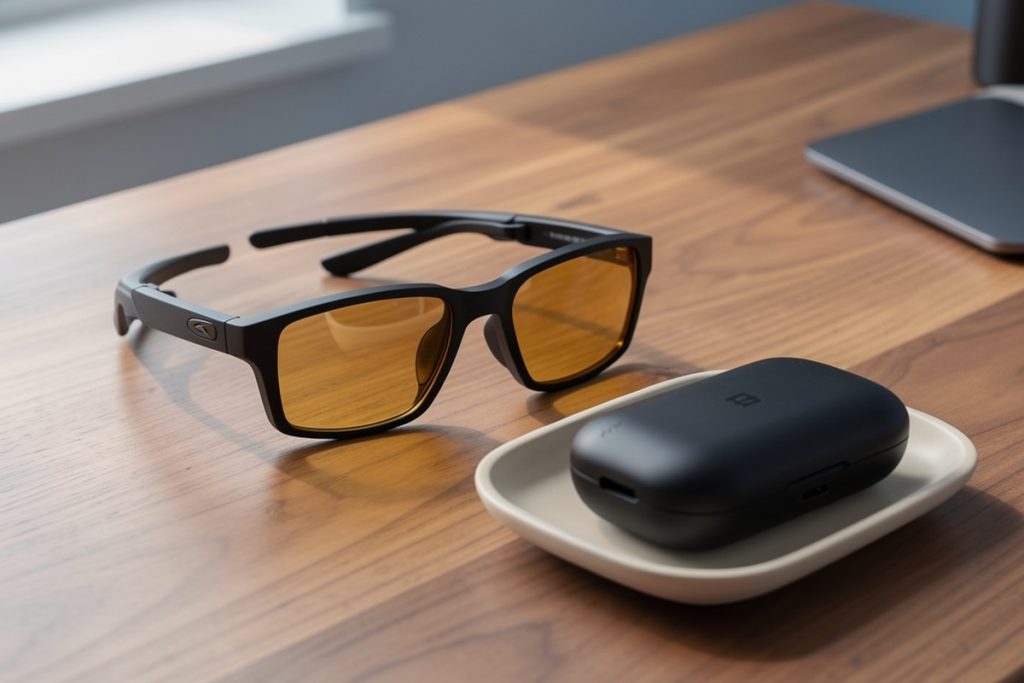
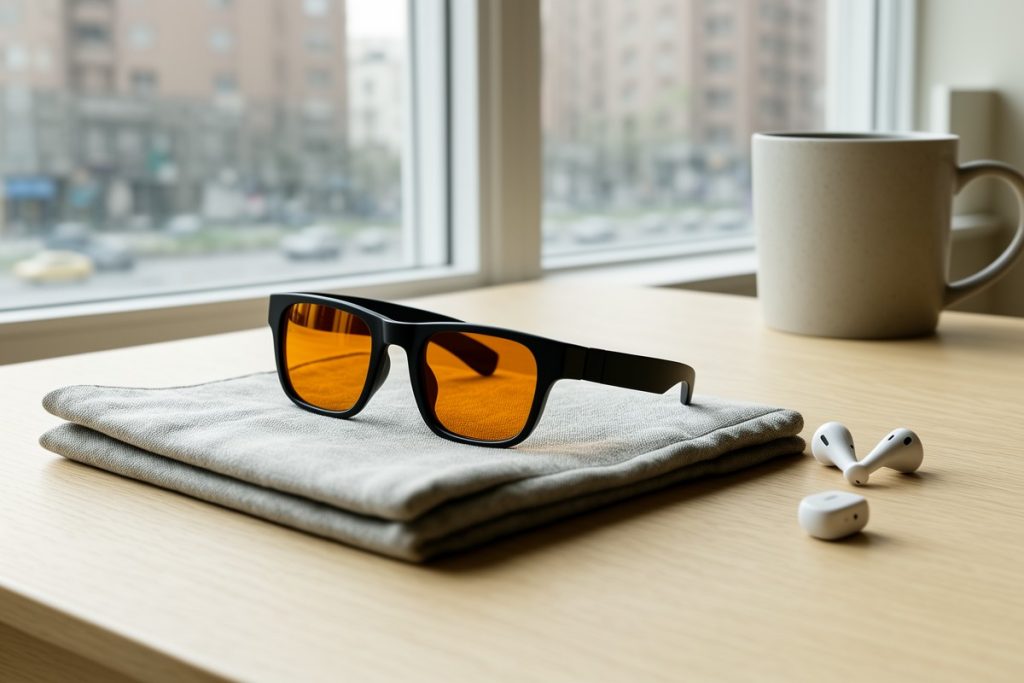
The Ray-Ban Meta (Gen 1), Wayfarer, Matte Black is a reasonable example of a camera-and-audio-focused smart-glasses design. Its listed feature set includes a 12 MP ultra-wide camera, open-ear audio, video recording, Bluetooth connectivity, and polarized gradient graphite lenses.
That combination naturally suits people who want to capture short clips or listen to audio without holding a phone. The familiar sunglasses format may also make the product easier to imagine as part of a normal routine rather than as a separate piece of computer equipment.
However, the feature list should set expectations. This type of product is better understood as a connected phone companion than as a replacement for a laptop or a full augmented-reality headset. The useful experience depends on the companion app, phone connection, account setup, software support, and any AI services available in your location.
Do not buy it solely because the word “AI” appears in the product description. Confirm which assistant features are supported for the specific generation, operating system, language, and region you plan to use. Software capabilities can change after purchase, and a hardware model does not guarantee access to every future feature.
Understand the privacy trade-offs
Glasses with cameras and microphones change the social context of recording. A phone is usually visible when someone points it at a scene. Glasses are less obvious, so responsible use requires more attention from the wearer.
- Ask permission before recording people in situations where they reasonably expect privacy.
- Follow workplace, school, venue, and local recording rules.
- Learn how the device signals recording and make sure those indicators are not obstructed.
- Review app permissions and connected accounts during setup.
- Delete unwanted clips and avoid uploading sensitive conversations, documents, or personal information to an AI service.
- Tell people when an AI feature is active if it could affect how their words or images are processed.
Privacy is not just a settings issue. It is also a habit issue. Before recording, ask whether you would be comfortable explaining the action to everyone in view. That quick test prevents many avoidable problems.
Ask these questions before buying
Use this short checklist on the manufacturer’s product page and support documentation:
- What works without a phone? Separate camera capture, audio playback, voice commands, and AI assistance rather than treating them as one feature.
- Where does processing happen? Check whether a task runs on the glasses, phone, or a cloud service.
- What data is retained? Look for controls covering voice history, images, recordings, contacts, and account activity.
- Will the fit work for me? Verify lens options, prescription support, bridge fit, temple comfort, and return conditions.
- How will I charge it? A device that is inconvenient to recharge may not become part of your routine.
- What happens if the software changes? Review the current support policy instead of assuming every advertised capability will remain identical.
These questions are more useful than comparing a long list of numbers. They connect the product to your environment, habits, and tolerance for maintenance.
Who should skip AI glasses?
AI glasses may not be a good fit if you need a large screen for reading, precise visual work, or extended writing. They are also a poor choice for settings where cameras are prohibited or where recording could create confusion. If your main goal is private listening, conventional earbuds may be simpler. If your main goal is detailed photography, a dedicated camera may offer better control.
They make the most sense for people who value quick access over maximum capability: capturing a brief point-of-view clip, listening to audio while keeping their ears open, or using supported voice features during ordinary activities.
Bottom line
Choosing AI glasses is less about buying the most advanced-sounding device and more about removing one small source of friction from your day. Define the task, verify the hardware and software requirements, inspect the privacy controls, and consider whether you will actually wear the glasses often.
A camera-and-audio model can be useful for hands-free capture and listening, but it should not be treated as a universal computer. Set realistic expectations, confirm the features available to you, and make privacy part of the buying decision rather than an afterthought.
Last reviewed: 2026-09-25