Quick answer
Create a fall family command center where everyone naturally passes, then use it for only the information and items that affect the next few days. Combine a weekly schedule, departure essentials, simple meal planning, and weather-related reminders. Add a digital hub only if your household will check it consistently; otherwise, a paper calendar, hooks, and baskets can work just as well.
Key takeaways
- Place the command center between the kitchen, entryway, and main living area.
- Show current decisions and reminders, not every piece of household information.
- Use a 15-minute weekly reset to remove expired events and prepare for the week ahead.
- Keep private information off an open wall and maintain a paper emergency backup.
- Choose a smart display only when shared visibility solves a recurring organization problem.
By Autumn Cole, Seasonal Lifestyle Curator
Why fall is the right time to build a command center
Fall changes the rhythm of a household. Flexible summer mornings give way to school drop-offs, commutes, practices, appointments, earlier sunsets, and weather that can change outdoor plans at short notice. The result is often a familiar kind of friction: someone cannot find the umbrella, nobody knows what is for dinner, or an important event is buried in a group chat.
A family command center is not supposed to be a decorative wall covered with information. It is a shared decision point that answers practical questions quickly. What needs to leave the house tomorrow? Who needs the car? Is dinner planned? Has the weather changed the afternoon schedule?
Start with those questions rather than buying organizers first. If an item does not help someone make a decision, remember an obligation, or find something they need, it probably does not belong in the main display.
Choose a location people already use
The most attractive location is not always the most useful one. A command center works best on the natural route between the kitchen, entryway, and main living space. Place it where people pause before breakfast, collect bags, or return home—not in a quiet hallway that everyone walks past without looking at.
Test the proposed location for several days before installing anything. Tape up a blank sheet or temporarily place a basket there. Notice whether family members can see it without stopping, whether backpacks or coats block it, and whether the nearest outlet is practical if you later add a powered device.
Keep the area away from cooking steam, sink splashes, direct glare, and doors that swing into it. If children will use the system, include a lower hook or basket they can reach. If the area is visible to visitors, avoid displaying private medical information, travel details, access codes, or anything else that should not be public.
Organize the hub around five useful zones
You do not need five separate boards. These zones describe the jobs your command center should perform. Combine them according to your space and household habits.
- This week: Show appointments, school events, work travel, practices, and other fixed commitments. Use one consistent color per person only if it makes the schedule faster to scan.
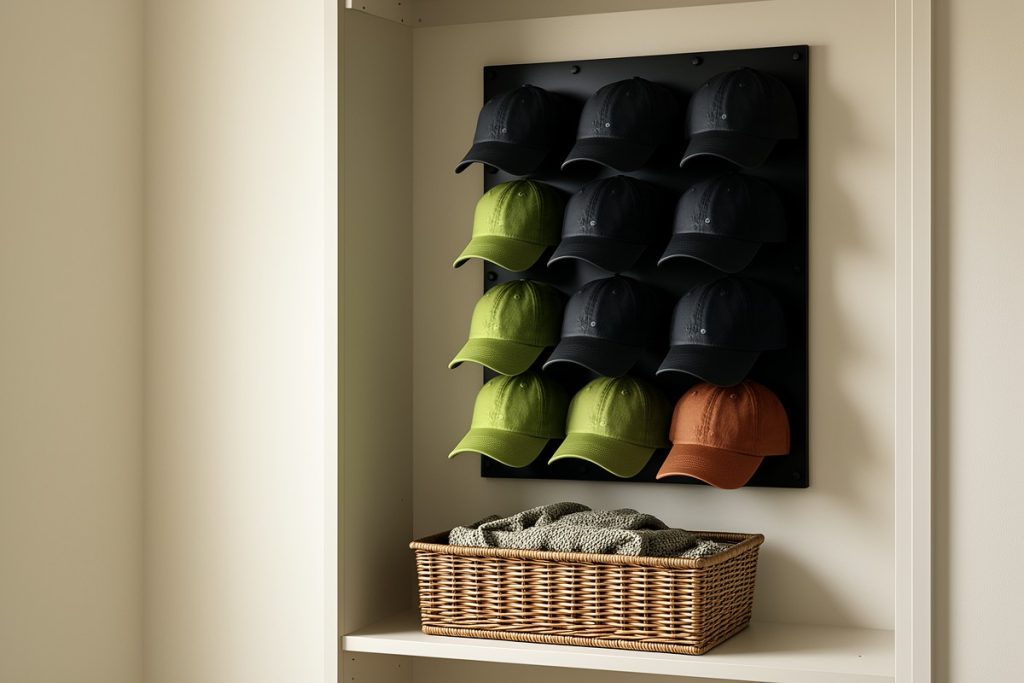
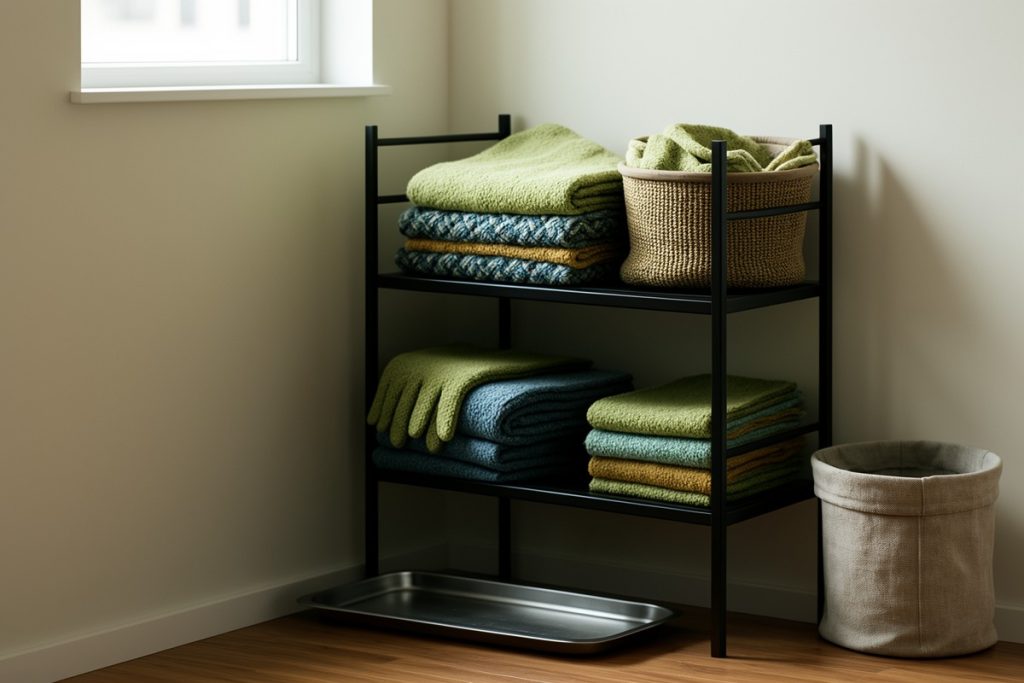
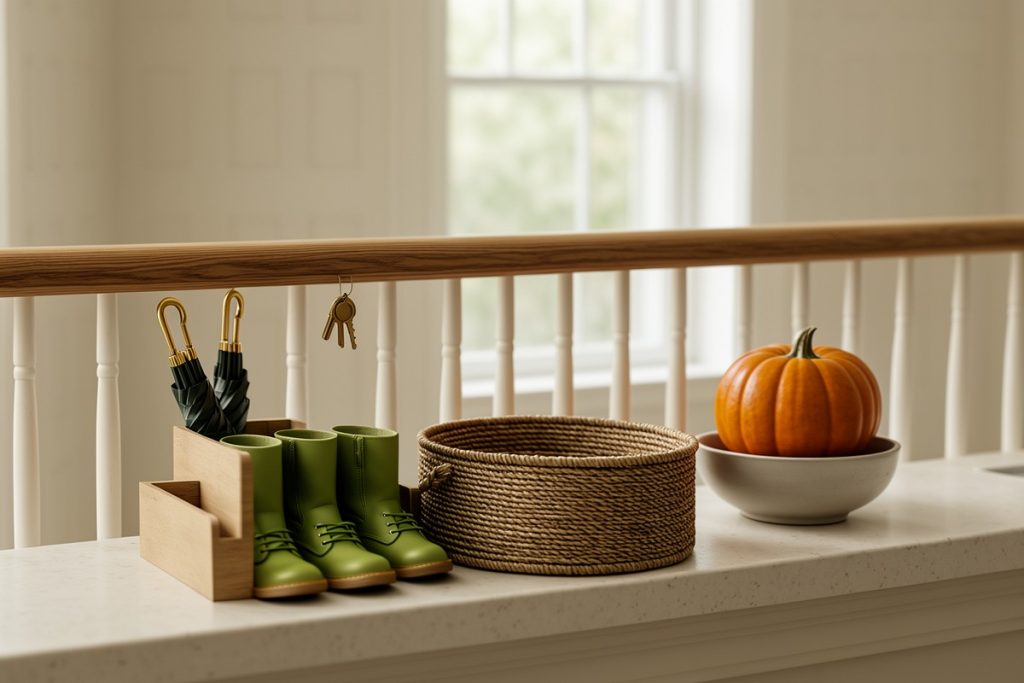
- Leaving-home essentials: Give keys, bags, library books, umbrellas, reusable containers, and cold-weather gear a designated home. Hooks and a basket often solve more morning stress than another app.
- Meals and groceries: Plan the next three or four dinners instead of attempting a perfect month-long menu. Add a short “use first” reminder for food that may spoil soon.
- Weather and home tasks: Include forecasts only when they change a decision, such as rain gear, frost protection, or a canceled outdoor activity. Keep longer maintenance lists separate.
- Capture and review: Provide one place for new requests, permission slips, errands, or household reminders. Process that area during the weekly reset so it does not become a permanent pile.
Apply one test to every item: will somebody do something differently because this is visible? If the answer is no, move it to storage or remove it.
Use a 15-minute weekly reset
Organization systems fail when they require too much maintenance. Choose a repeatable reset time, such as Sunday afternoon or the evening before the busiest weekday. Set a timer and follow the same sequence each week.
| Time | Action | Purpose |
|---|---|---|
| 0–3 minutes | Remove expired events and clear the capture area | Leaves only current information |
| 3–7 minutes | Add the coming week’s fixed commitments | Reveals conflicts early |
| 7–10 minutes | Choose several meals and check weather-sensitive plans | Reduces last-minute decisions |
| 10–13 minutes | Restock bags, containers, pet supplies, or seasonal gear | Makes departures easier |
| 13–15 minutes | Ask each household member what is missing | Keeps the system realistic |
Do not let the reset expand into a full-house cleaning session. If a task takes longer than a minute, assign it to someone with a due date and move on. The command center should reduce cognitive load, not become another obligation.
Decide whether a smart display is worthwhile
A digital hub can make sense when a household already gathers in the kitchen and needs a shared view of schedules, reminders, routines, and entertainment. The Amazon Echo Show 15 is a Full HD 15.6-inch kitchen hub with built-in Fire TV and features designed for Alexa+. Its larger format may be useful for households that want organization tools visible in a central room.
It is not automatically the right solution. A wall-mounted device needs a sensible location, nearby power, and agreement about notifications and privacy. Some families will find a paper calendar easier to annotate, more accessible during an outage, or less distracting in a busy kitchen. Others may not want entertainment features near their planning area.
Choose the digital option only when it solves a problem you already have. Do not buy a screen simply because it looks more sophisticated than a notebook. Before committing, identify the two or three daily actions it must support and decide who will keep the information current.
Build in a backup for emergencies
A command center can support household preparedness, but it should not be the only place where essential information exists. Keep a paper copy of important contacts, the household meeting place, basic outage instructions, and any information caregivers genuinely need. Store it somewhere adults can find it quickly.
The Ready.gov household planning guidance recommends creating and discussing an emergency plan. Use the command center to remind people where that plan is stored and what to do next, while keeping the full plan in a durable, accessible location.
Do not display sensitive information in an open entryway. A visible system should support ordinary logistics; confidential details belong in a private, secure place.
Adapt the system as autumn progresses
Seasonal organization should change with the season instead of becoming crowded with every possible reminder. Early in fall, add prompts for umbrellas, school transitions, outdoor activities, and changing transportation plans. As temperatures drop, rotate in reminders about winter clothing, entryway mats, smoke-alarm checks, or protecting outdoor equipment.
For meals and leftovers, use dates rather than memory. The U.S. Department of Agriculture’s food-safety guidance explains safe handling and storage practices. A visible note can prompt you to check food, but it should never replace inspecting it or following current safety guidance.
Weather reminders also need local context. The National Weather Service’s fall safety guidance is a useful reference for seasonal hazards, but local alerts should guide decisions when conditions are changing.
Make the command center pleasant to use
Function comes first, but the area should still feel welcoming. Add one seasonal detail—a rust-colored tray, a small branch of dried leaves, a warm lamp, or a textured basket—rather than covering every surface with themed décor. Too many visual elements compete with the information people actually need.
The best fall command center feels less like a display and more like a reliable landing place. It gives every recurring task a home, makes the next decision easier, and changes when household life changes. Start with one wall, one weekly reset, and only the information people will act on.
Last reviewed: 2026-09-07