Quick answer
The right smart STEM robot toy should turn curiosity into small, repeatable projects rather than simply perform tricks. Look for age-appropriate controls, a clear path from voice commands to app programming, durable construction, transparent privacy practices, and activities an adult can discuss with a child. A robot dog can be a useful starting point, but the learning comes from experimenting, predicting, testing, and improving.
Key takeaways
- “AI” on a toy label does not automatically mean machine learning or generative AI.
- For children around age six, simple feedback and visible cause-and-effect matter more than technical complexity.
- App programming should support short projects that a child can change and test independently.
- Voice control makes privacy questions especially important, including microphone behavior and account requirements.
By Derek Holt, Data-Driven Analyst
What makes a robot toy genuinely educational?
A robot toy is educational when it gives a child something to figure out. Pressing a button to trigger a dance may be entertaining, but it teaches little unless the child can change the sequence, predict the result, or connect the behavior to a simple rule.
That distinction matters because “AI toy” is a broad marketing phrase. A product may use sensors, programmed responses, voice recognition, app controls, or some combination of those features. None of those labels alone tells you how much meaningful learning is available.
The strongest STEM toys create a loop: give an instruction, observe what happens, identify what changed, and try again. That loop introduces the foundations of computational thinking without requiring a child to understand advanced mathematics or write long blocks of code.
The Computer Science Teachers Association’s PK–12 standards describe computer science as more than coding. They include algorithms, programming, data, systems, security, and computing’s impact on society. A good home robot can support a small part of that broader picture, especially algorithms, programming, troubleshooting, and responsible technology use.
How to evaluate a smart STEM robot for a six-year-old
Start with the child’s likely behavior, not the longest feature list. A six-year-old may enjoy voice commands immediately but need adult help to connect an app or understand a programming interface. That is not a flaw; it simply means the toy should offer an easy entry point and a clear next step.
| Feature to check | Why it matters | Question to ask before buying |
|---|---|---|
| Voice control | Creates an accessible first interaction and teaches command precision. | Does it respond locally, or does it require an online account or service? |
| App programming | Lets children move from using the robot to changing its behavior. | Can a child make a short sequence without constant adult intervention? |
| Multiple actions | Provides enough variety for repeat play and experimentation. | Can actions be combined, reordered, or triggered in different ways? |
| Durable design | Reduces frustration during ordinary play and testing. | Are the moving parts, charging method, and floor requirements clear? |
| Device compatibility | Determines whether the household can actually use the programming features. | Does the current iOS or Android device meet the app requirements? |
Look for a progression from immediate feedback to open-ended creation. For example, a child might first ask the robot to move, then combine several actions, and eventually design a short routine for it to follow. That progression is more valuable than a toy that offers dozens of disconnected demonstrations.
Where the Smart Robot Dog fits
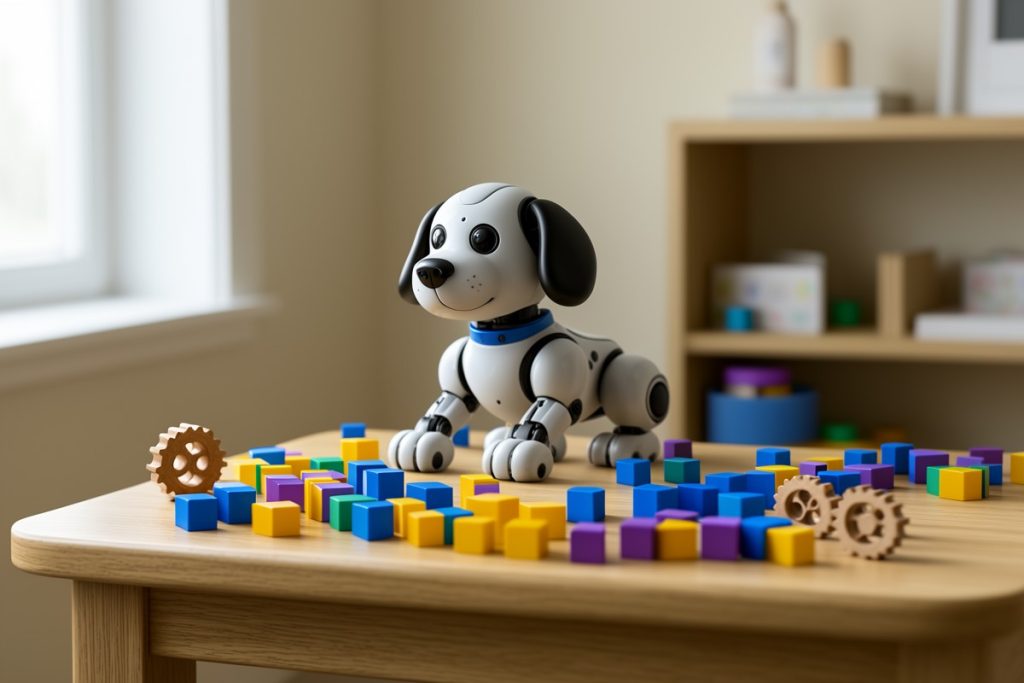
The Smart Robot Dog – Interactive STEM Pet with Voice Control, 30+ Actions & APP Programming, Durable Design for Kids Age 6+ (Compatible with iOS/Android) is a reasonable example of this category. Its listed feature set combines voice control, more than 30 actions, app programming, durable design, and compatibility with iOS and Android devices.
Those features create a potentially useful learning path. Voice control can make the first interaction feel approachable. A broad action set can give children material to explore. App programming may offer a route toward sequencing and changing behavior instead of only repeating built-in tricks. The advertised age guidance also makes it relevant to families looking for an introductory technology activity rather than an advanced robotics kit.
There are important limits to keep in mind. The feature description does not, by itself, establish that the robot uses machine learning, adapts to a child, or teaches formal programming concepts. It also does not tell you how difficult the app is, what permissions it requests, how long the battery lasts, or how well the robot performs on different surfaces. Treat those as questions to verify in the current product documentation, not as guaranteed benefits.
Privacy and safety questions parents should ask
Voice-enabled toys deserve a closer privacy review. Before setup, check whether the robot needs an account, whether audio is sent to a remote service, what data the app collects, and whether a parent can delete account information. Also review Bluetooth, location, microphone, and notification permissions rather than approving every request automatically.
The Federal Trade Commission’s Children’s Online Privacy Protection Rule addresses online services directed to children under 13 or that knowingly collect personal information from them. The rule is not a substitute for reading a toy’s privacy policy, but it is a useful reminder that connected children’s products require more scrutiny than offline toys.
Physical safety matters too. Establish a charging location, keep small accessories away from younger children, and give the robot enough open floor space to move without hitting stairs, pets, or fragile objects. If the app requires an adult device, make that boundary part of the routine from the beginning.
Turn robot play into a simple STEM activity
You do not need a formal lesson plan. Try a 20-minute challenge:
- Predict: Ask the child what the robot will do after two commands are combined.
- Build: Create a short action sequence in the app, if supported.
- Test: Run it on the same surface and observe what happens.
- Change one thing: Reorder an action, alter a command, or move an obstacle.
- Explain: Ask what changed and why the result was different.
This approach keeps the focus on reasoning rather than screen time. It also reveals whether the toy is genuinely engaging: if the child can invent challenges after the novelty wears off, the product has more lasting potential.
Bottom line
A smart robot dog can be a useful introduction to commands, sequences, debugging, and responsible technology habits. Choose one based on the quality of its learning progression, app accessibility, privacy controls, and physical practicality—not merely the presence of “AI” in its name. The best result is not a robot that performs the most tricks; it is a child who starts asking, “What happens if I change this?”
Last reviewed: 2026-09-25