

Quick answer
To turn a lecture recording into useful AI study notes, capture clear audio, create a transcript, verify names and technical terms, then ask an AI tool for a structured outline and quiz questions. Treat the output as a draft, not a record of truth. Finish by converting the key ideas into review prompts you can revisit later.
Key takeaways
- Clear audio and a short recording test usually matter more than an elaborate AI prompt.
- Transcribe first, check the transcript, and summarize second to reduce lost context.
- Ask for definitions, examples, open questions, and quiz prompts—not just a shorter paragraph.
- Remove sensitive information and confirm that recording is allowed before capturing a lecture.
- Use the AI output as a study aid, never as a replacement for the original lecture or course materials.
Why lecture recordings need more than an AI summary
A one-click summary can make a long lecture look manageable, but it may hide the details you actually need for an exam. AI systems can miss a speaker’s emphasis, confuse similar technical terms, or turn a cautious statement into a definite one. A useful workflow keeps the original audio and transcript available while using AI for organization, explanation, and practice.
The goal is not to create the shortest possible notes. It is to create notes that answer three questions: What was taught? What do I still misunderstand? What should I be able to recall without looking?
Step 1: Capture audio that can be understood
Before the lecture begins, make a short test recording from your seat. Listen for the lecturer’s voice, background noise, and whether the device is actually recording. Place the recorder where it has a clear line to the speaker, but do not obstruct other students or create a distraction.
Also check the rules first. Some instructors, schools, workplaces, or jurisdictions require permission before recording. Ask directly when uncertain. Avoid capturing private conversations before or after class, and do not upload a recording containing personal information unless you understand how the service handles it.
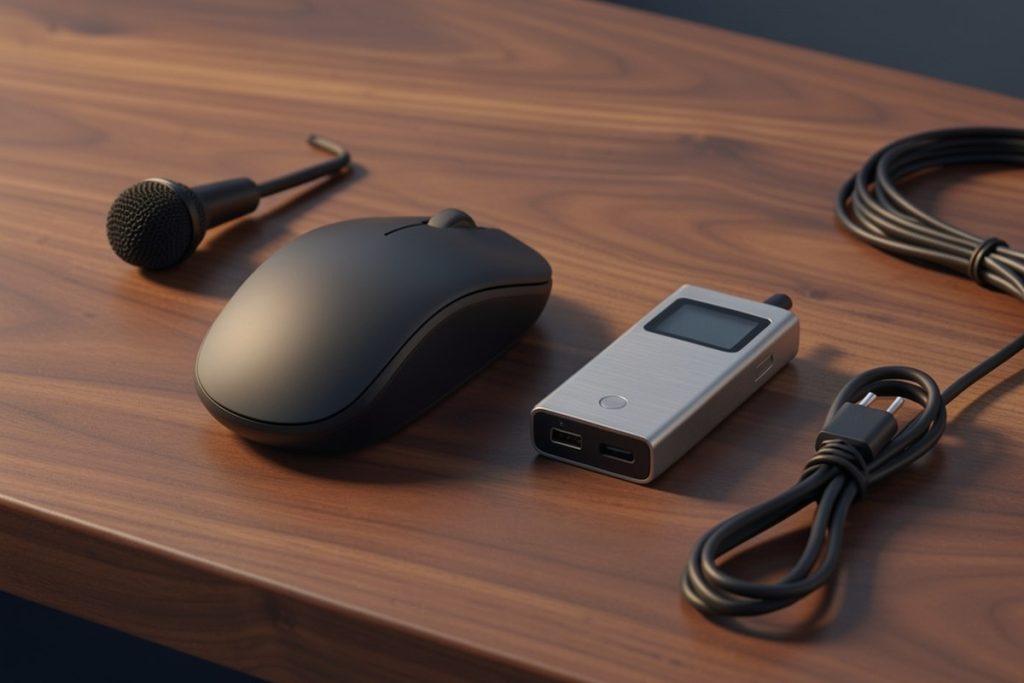
A purpose-built option such as the Virtusx Jethro AI Mouse may suit someone who wants recording, transcription, translation, summarization, and voice-typing tools in one computer accessory. Its usefulness depends on software compatibility, data practices, and your institution’s recording policy. It is best viewed as a convenient capture option, not proof that every transcript or summary will be accurate.
Step 2: Create and inspect the transcript
Generate a transcript before requesting a summary. This gives you a searchable working record and makes it easier to find the source of an important claim. Speech recognition is probabilistic: accents, room echo, overlapping voices, specialist vocabulary, and poor microphone placement can all affect the result. Research on large-scale speech recognition shows strong general capability, but real-world accuracy still varies by recording conditions and speaker.
Do a quick inspection rather than reading every line immediately. Search for obvious errors in:
- Names of people, places, books, medications, formulas, or historical events.
- Numbers, dates, units, percentages, and words such as “not,” “unless,” or “only.”
- Technical terms that sound alike but have different meanings.
- Sentences where the transcript suddenly changes topic or becomes incoherent.
If a key passage is wrong, replay that section and correct it manually. Mark uncertain words instead of silently guessing. A transcript with a few visible uncertainties is safer than a polished-looking transcript that contains hidden errors.
Step 3: Ask AI for study-ready structure
Once the transcript is reasonably clean, use a prompt that gives the AI a job and clear limits. For example:
Using only the transcript below, create: 1) a five-point outline, 2) definitions of important terms in plain language, 3) examples used by the lecturer, 4) claims that need verification, and 5) eight quiz questions. If the transcript is unclear, say so rather than guessing.
This request produces more useful material than “summarize this lecture.” It separates the lecture’s central ideas from supporting examples and forces uncertainty into the open. If your course has learning objectives, paste those separately and ask the AI to map each objective to the relevant part of the transcript. That can reveal topics the lecture mentioned but did not explain fully.
Step 4: Convert notes into active recall
Reading a tidy summary can feel productive without showing whether you remember anything. Turn the AI output into questions that require retrieval. Good questions ask you to explain a process, compare two concepts, predict an outcome, or apply an idea to a new example.
For each major topic, create three levels of prompts:
- Recall: What is the definition of this term?
- Connection: How does this idea relate to the previous concept?
- Application: What would happen if one important condition changed?
Answer from memory before checking the notes. When your answer is incomplete, add a short correction in your own words. Your personal correction is often more valuable than another longer AI-generated explanation because it records the exact point that caused difficulty.
A practical lecture-to-notes checklist
- Confirm that recording is permitted.
- Test the audio from your actual seat.
- Keep the original recording safely stored.
- Generate a transcript before summarizing.
- Check names, numbers, technical vocabulary, and negations.
- Request an outline, definitions, uncertainties, and quiz questions.
- Verify important claims against slides, assigned readings, or the instructor.
- Delete or secure files you no longer need.
How to handle privacy and accuracy
Lecture recordings can contain student questions, personal examples, unpublished research, or identifying information. Before uploading one to an AI service, consider whether you can remove unrelated sections or use a setting that limits retention. Do not assume that a tool’s ability to summarize means the content is private by default. The NIST AI Risk Management Framework is a useful reference for thinking about AI risks, accountability, and trustworthy use.
For important subjects, compare the generated notes with the lecturer’s slides, reading list, and your own recording. If the AI gives a confident answer that does not appear in those materials, label it as unverified. A good note-taking system preserves the difference between what the lecturer said, what the AI inferred, and what you still need to investigate.
What a finished set of AI study notes should contain
A strong final document is usually compact but not vague. Include the lecture date and topic, a five-to-ten-point outline, key terms with plain-language explanations, examples, unresolved questions, and a small set of practice prompts. Keep a link or timestamp to the original recording for claims that matter. This structure lets you review quickly while still returning to the source when something seems wrong.
AI is most helpful here as a sorting and questioning partner. It can reduce the time spent cleaning up raw speech, but learning still happens when you check meaning, make connections, and retrieve ideas yourself. The recording starts the process; your verification and practice make the notes useful.
Last reviewed: 2026-10-09
Sources
- Robust Speech Recognition via Large-Scale Weak Supervision — research paper on speech recognition performance across varied audio conditions.
- AI Risk Management Framework — National Institute of Standards and Technology guidance for managing AI risks.
- Captions/Subtitles — W3C accessibility guidance for making audiovisual content more usable.